
To access Saved Views, go to Admin > Under System Setup, select Saved Views.
Once opened, Saved Views will show a list of all the Dashboard View Templates that have been created by the user. The dashboard view templates are the different filters that have been selected to automatically be configured, when a ‘Saved View’ is selected within the dashboard.
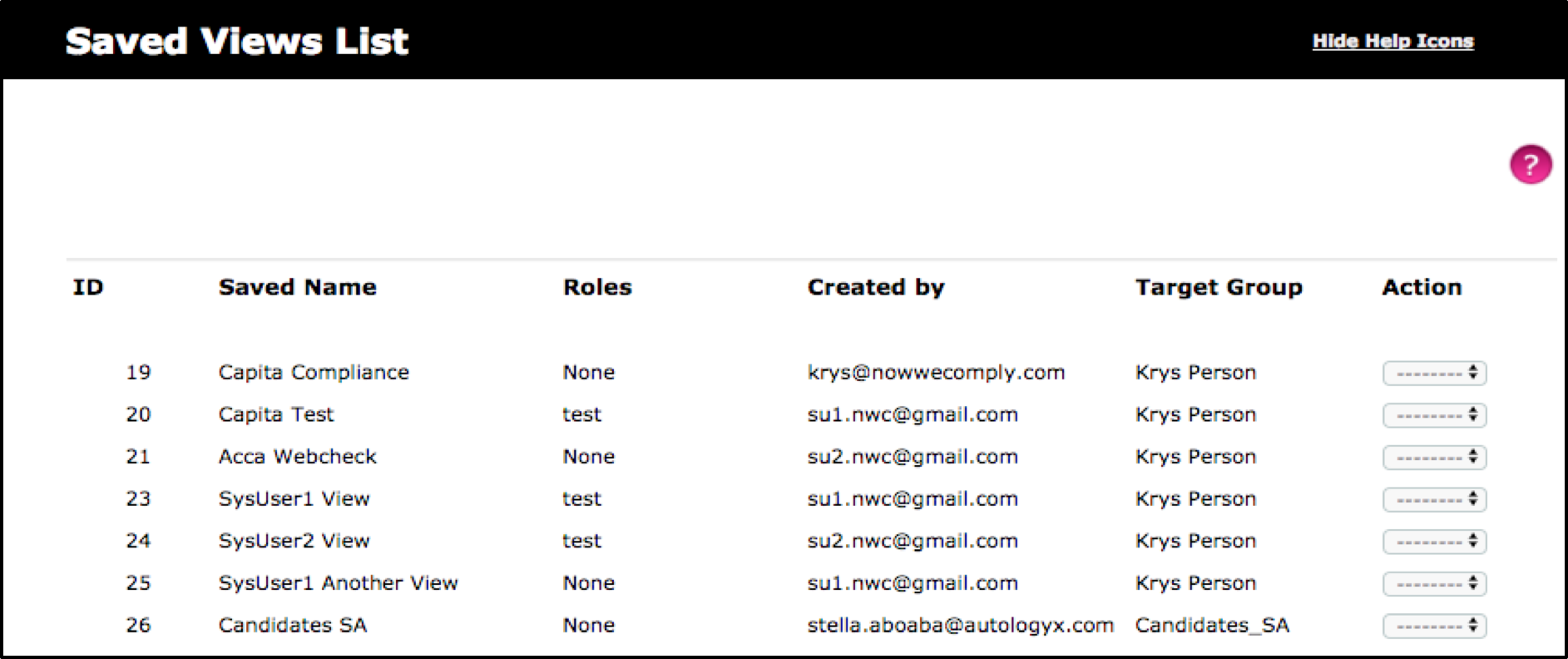
The user can select the drop-down menu for ‘Action’, where they will have the choice to either edit or delete.
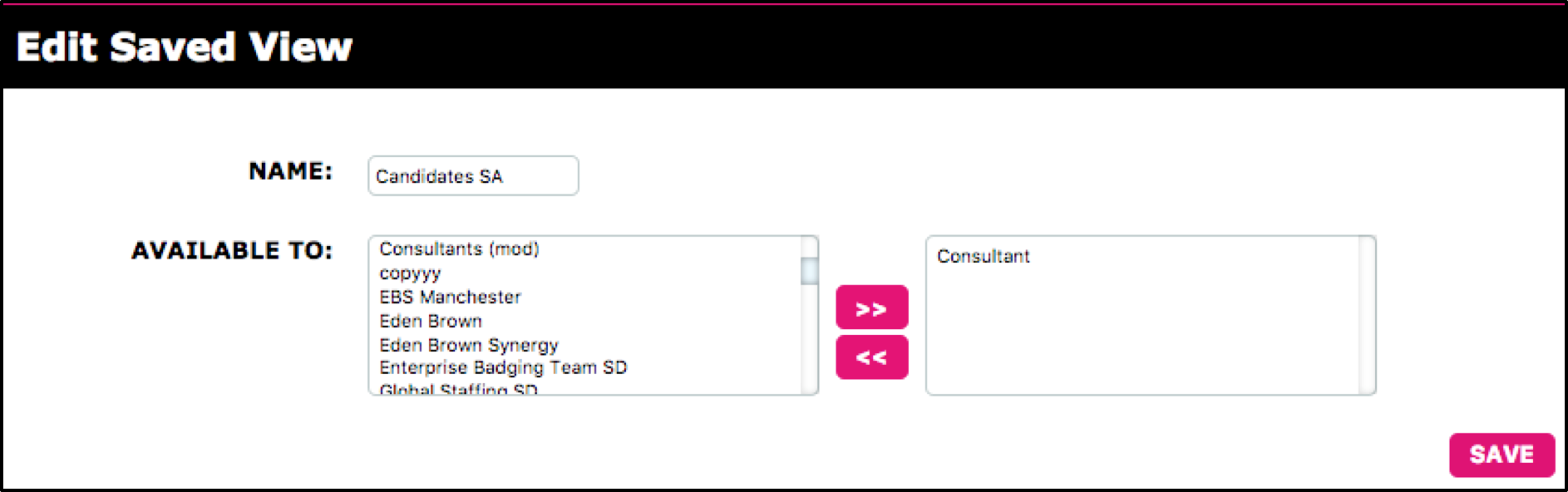
When edited, a user can either re-name the Saved View or they can assign the specific Saved View to roles within the system. The roles that are then selected, will result in this Saved View to be automatically displayed in the dashboard for the user(s) in the role chosen.
When a role from the Available To: box is selected and now moved to the right-hand box, select Save to implement the changes made.
Once saved, the user will be directed back to the list of Saved Views created.
Comments
0 comments
Please sign in to leave a comment.