
The Document Store is used to keep documents in their original format. These documents are sent to targets via criteria, but unlike document templates they cannot be personalised and include merge fields.
When creating a new document for the Document Store list, a set of fields are displayed as shown below.
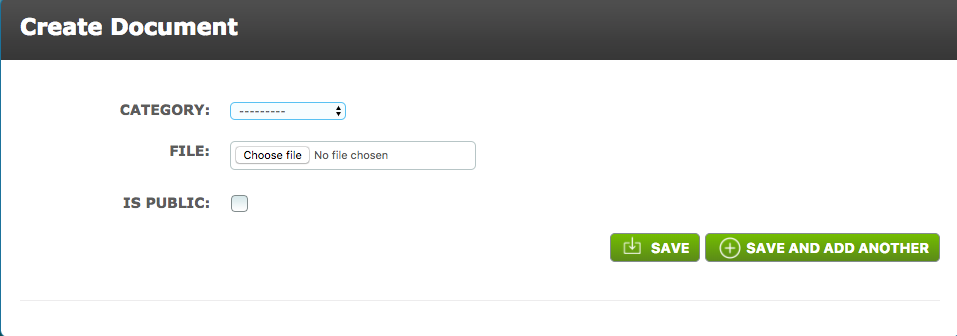
Category - Select the Criteria Category to assign this document to. A User is then able to filter with this Category within the Document Store list.
File - Select the file of the Document that the User wishes to use. This file uploaded will be the Document in the Document Store.
Is Public - When ticked it allows the document to be accessed via a URL
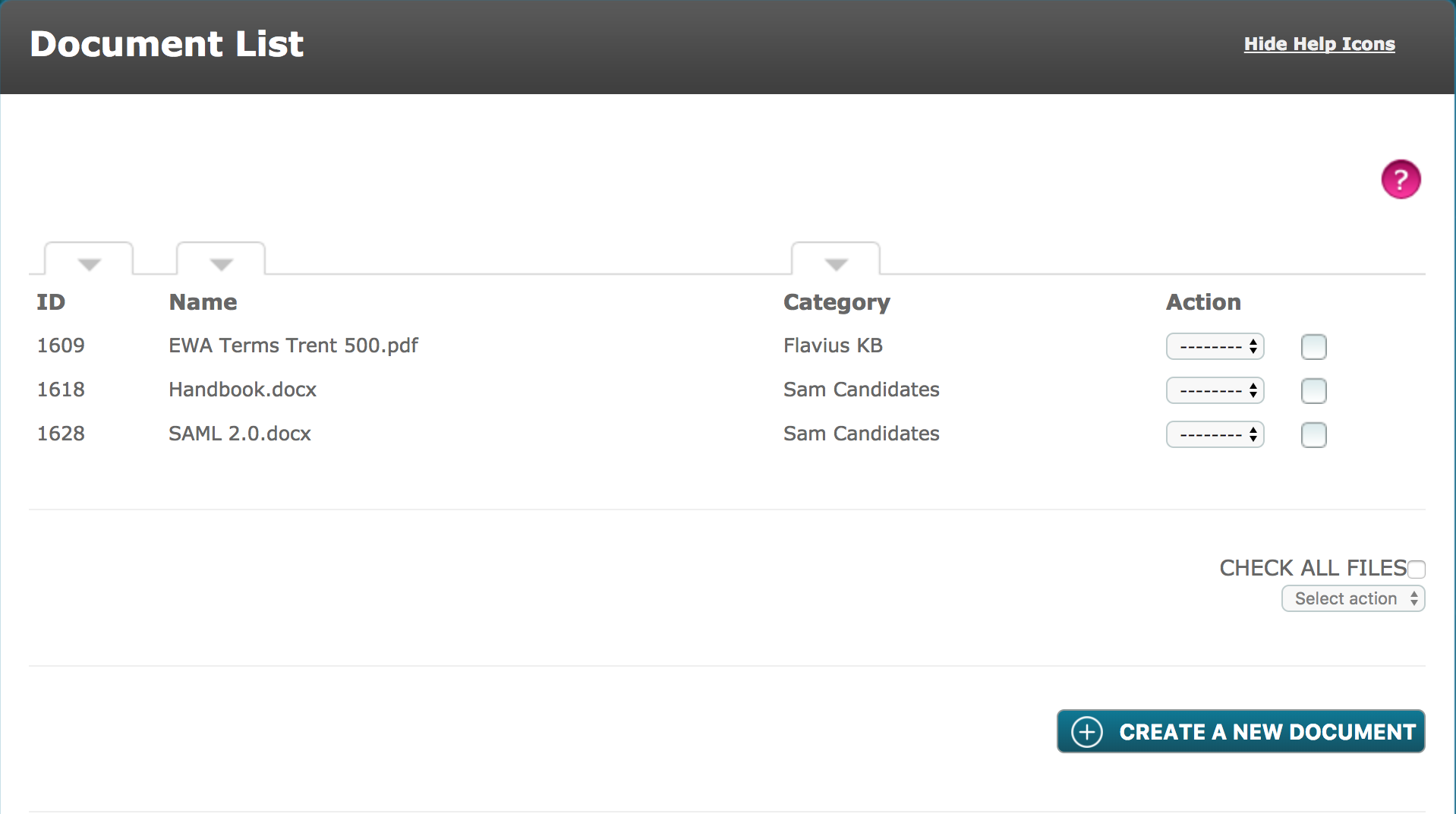
In the Document Store List, the documents can be filtered by ID, Name or Category. An Action drop-down menu is available to either edit or delete an existing document.
A drop-down menu towards the bottom right hand corner, enables the user to create a zip file for multiple documents in the list.
Comments
0 comments
Please sign in to leave a comment.