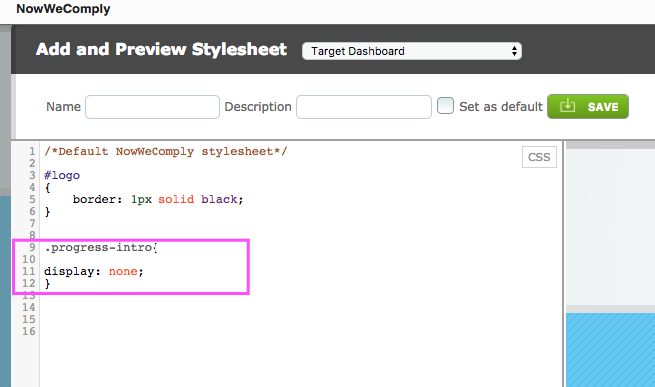
To remove the Welcome text on the Homepage go to Admin > Global Settings > Skins > Target Pages Content then copy the following CSS into your Stylesheet:
progress-intro{
display: none;
}
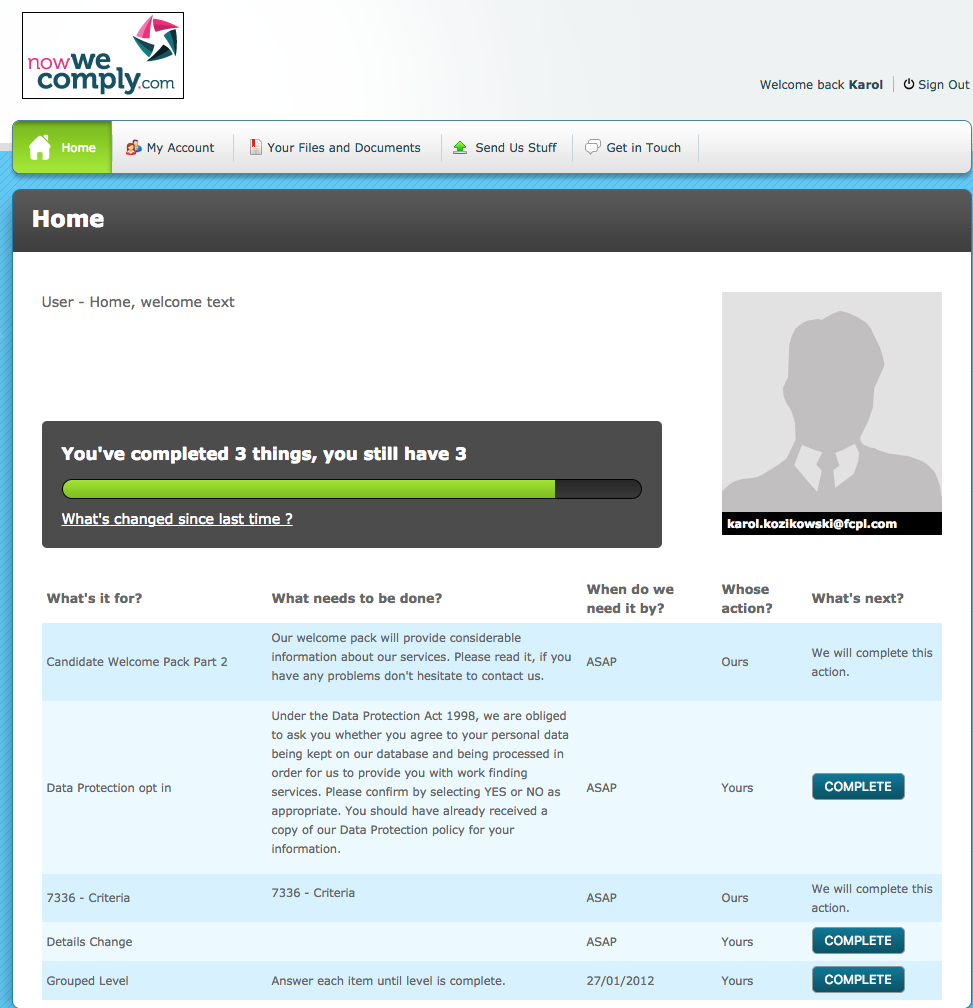
Without the CSS applied:
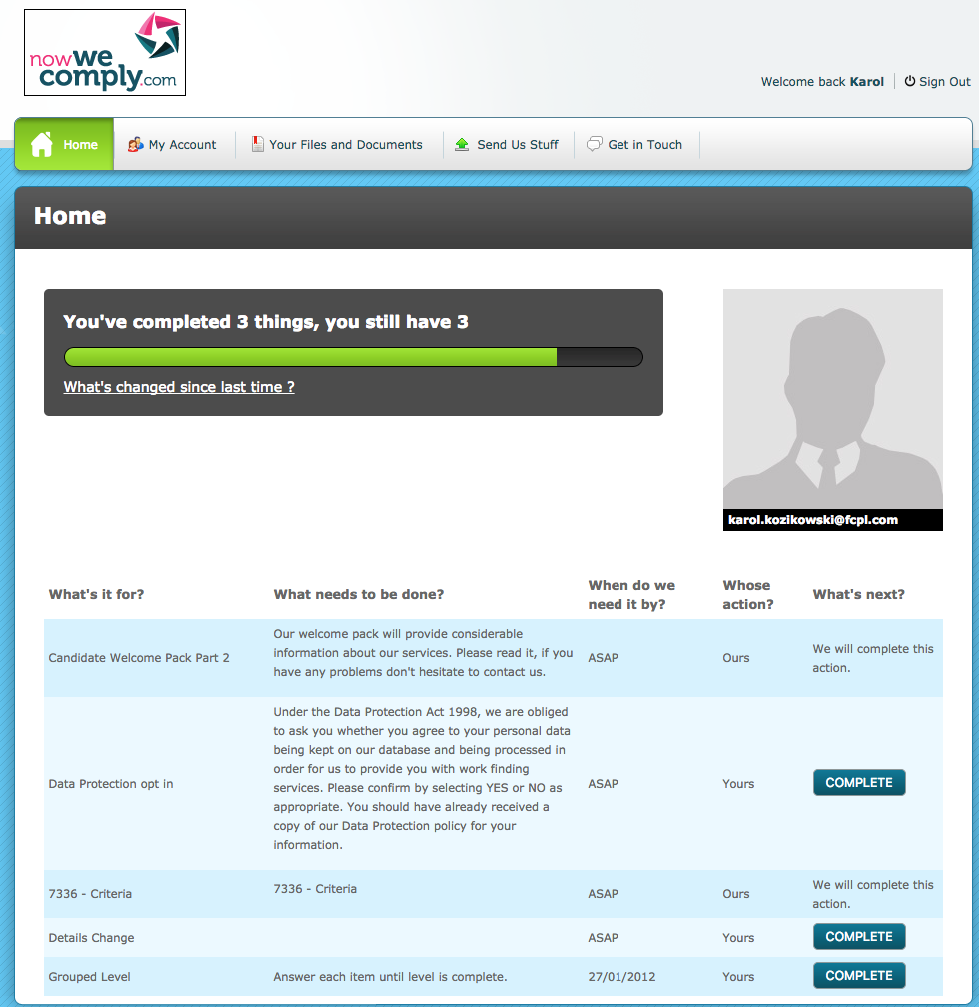
With the CSS applied:

To remove the Welcome text on the Homepage go to Admin > Global Settings > Skins > Target Pages Content then copy the following CSS into your Stylesheet:
progress-intro{
display: none;
}
Without the CSS applied:
With the CSS applied:
Comments
0 comments
Please sign in to leave a comment.