
Firstly, create a criteria to contain the target field completion that was mapped to the service fields previously.
Next, to implement the address check, create a criteria with the appropriate details. Make the response type a ‘ID3 Global - Address Check’
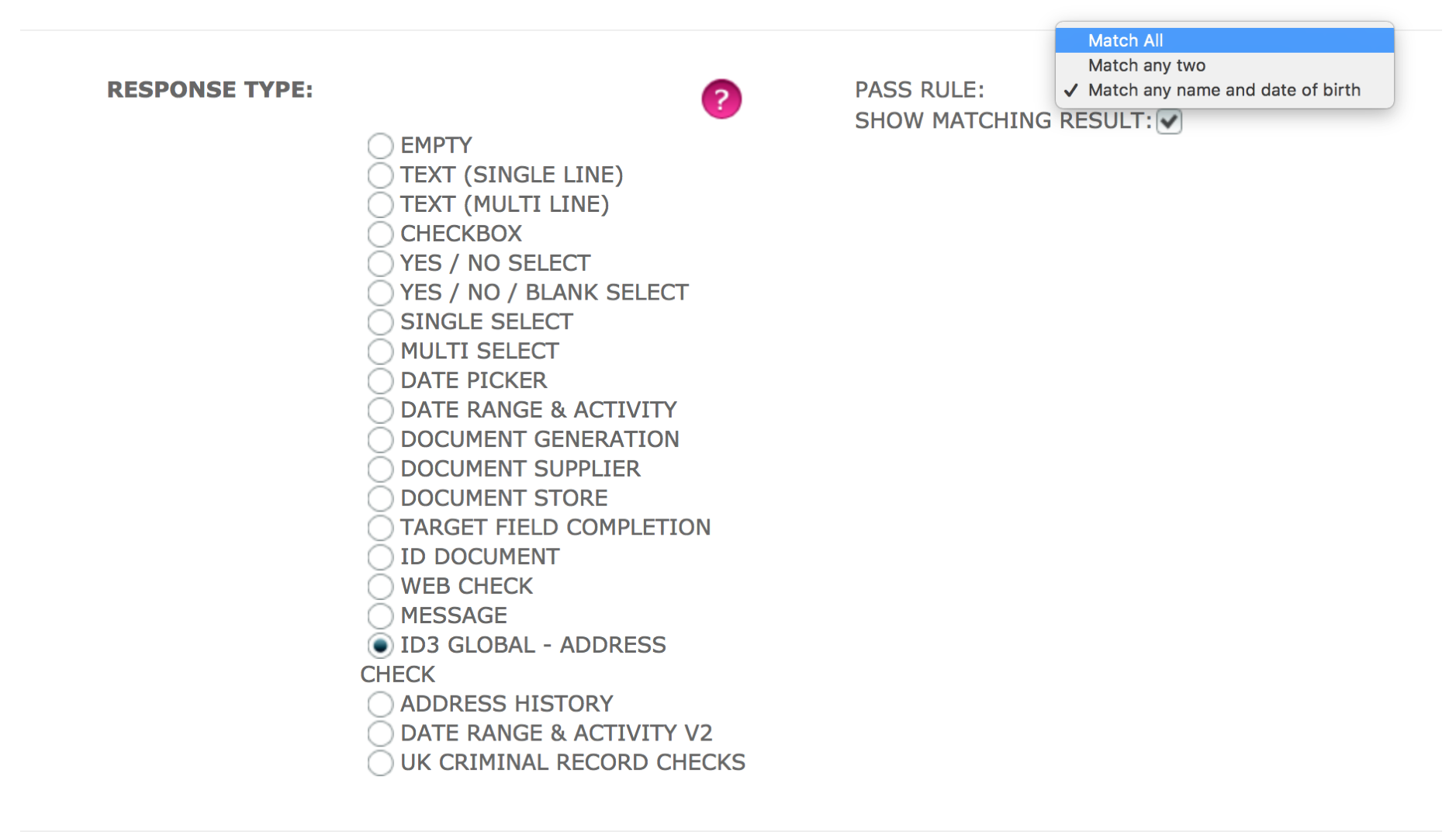 Pass Rule
Match All – This matches all the components that has been set to match in the store
Match Any two – This matches any two of the components that has been set to match in the store
Match any name and date of birth – This matches only one of the name components (forename or surname) with the date of birth
Show matching result - When checked, this shows which component the address check matched with
Make sure that the criteria is an US action, then save.
Comments
0 comments
Please sign in to leave a comment.