
Once the 2 Factor Authentication has been installed from the store, on top of applying this to system users, it can additionally be used for targets too.
Within a target group, a new checkbox will be available.
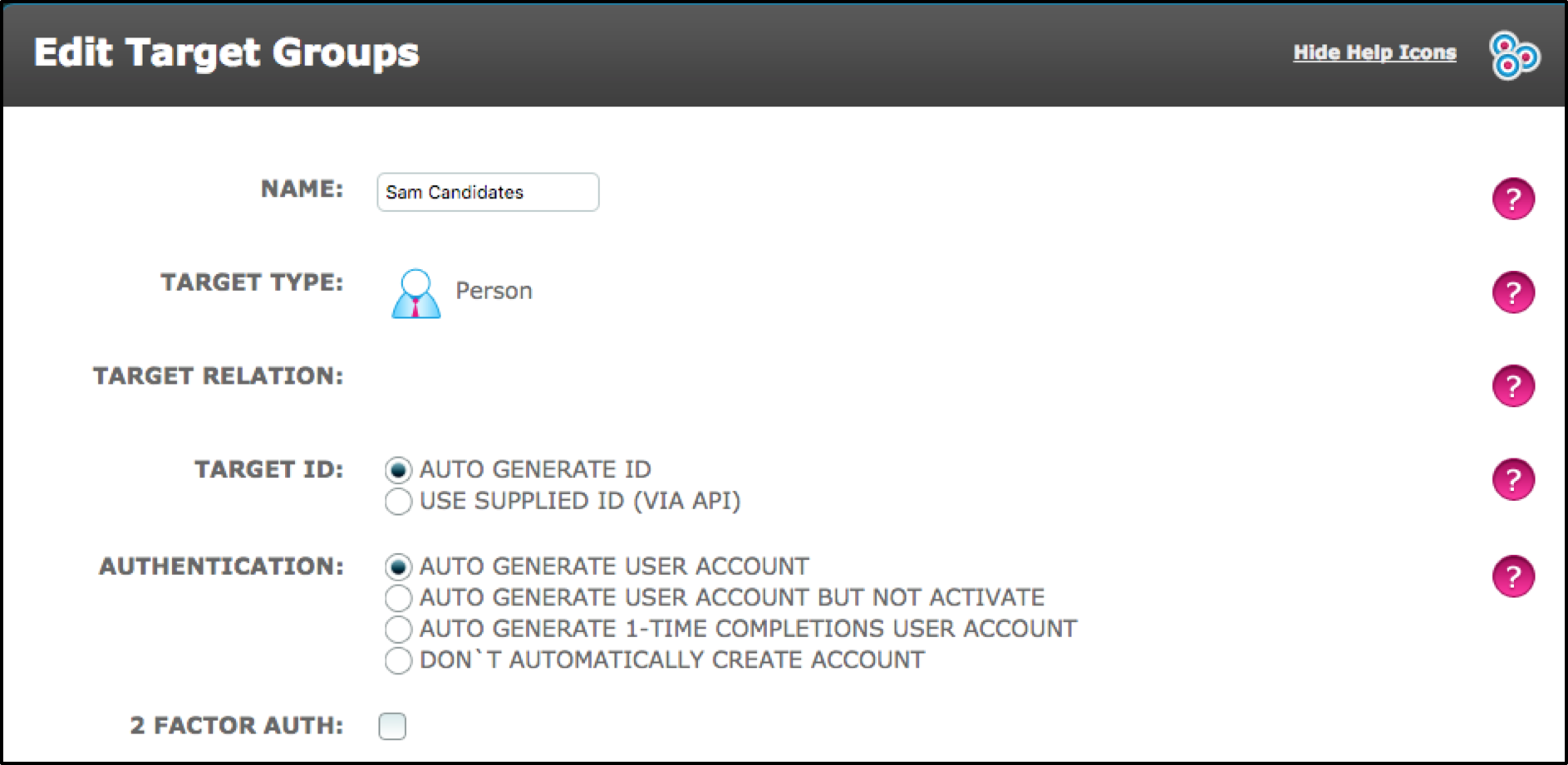
Once this checkbox is ticked/enabled, it will mean that when a target logs in to their account, they will have to log in using the 2 Factor Authentication with the setting selected in the store drop-down menu.
Comments
0 comments
Please sign in to leave a comment.