
When you have configured an Authentication Object with your IMAP mailbox details it will look like this:
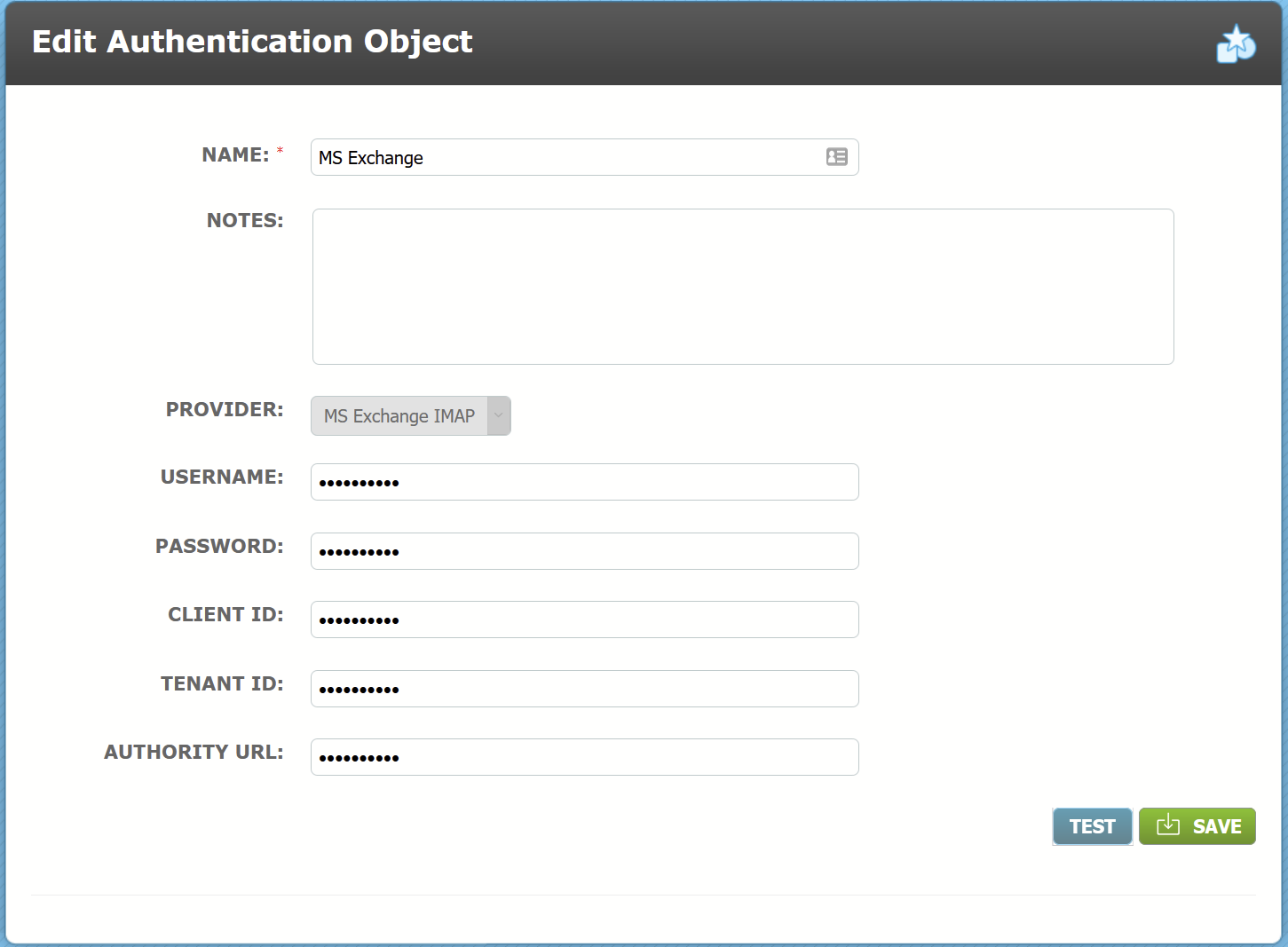
You will be able to use the Test button to ensure that the details have been entered correctly and that a connection can be established.
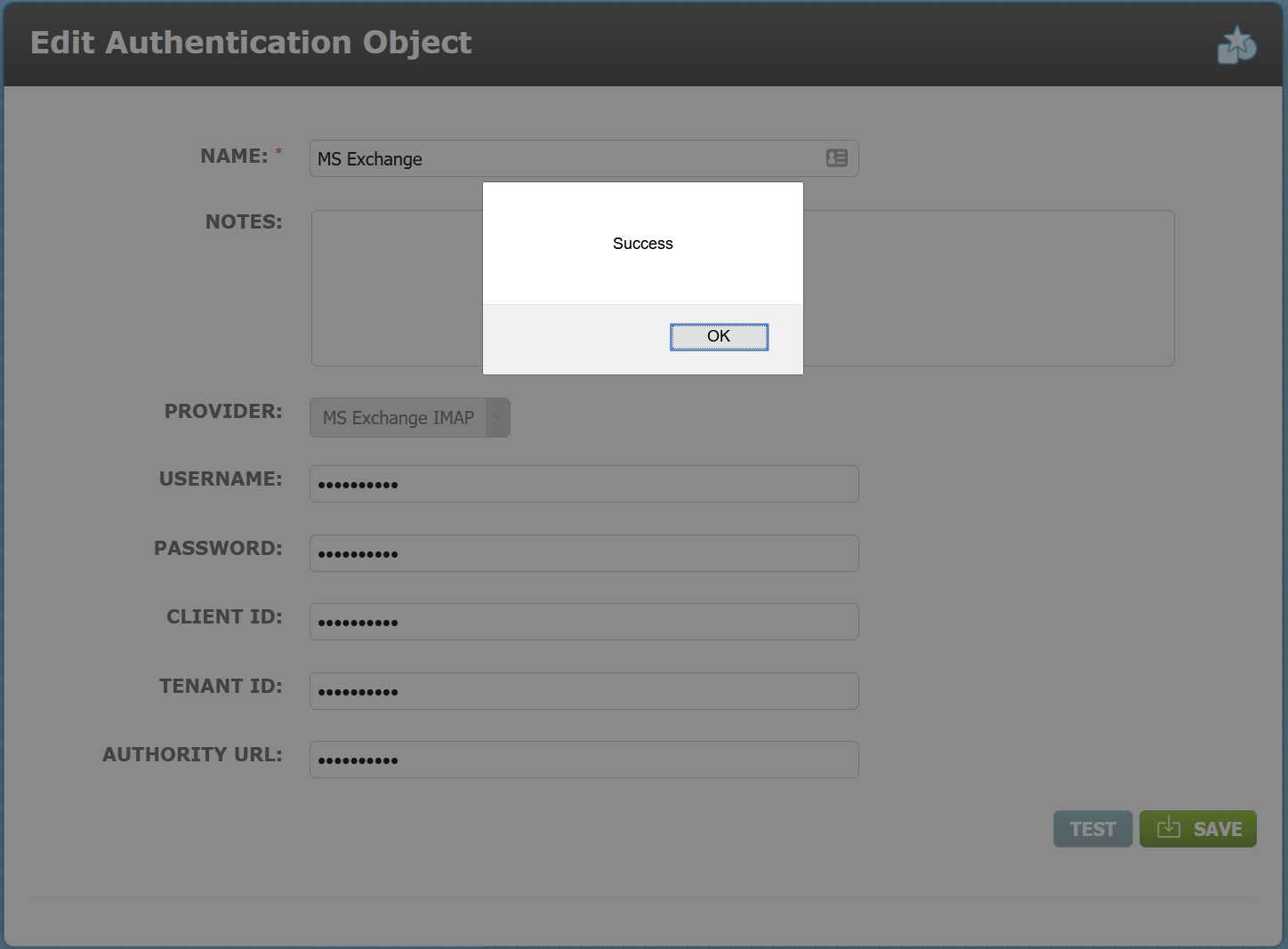
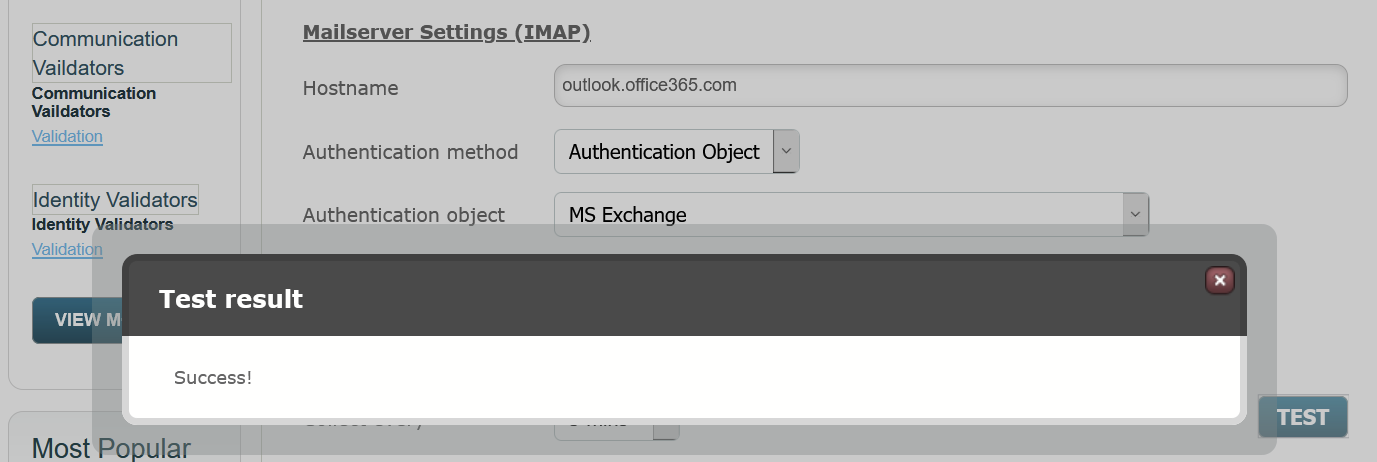
A successful test will result in the following modal being displayed:
You will now be able to reference this authentication object in the following areas of the system where previously the same credentials had to be repeated:
1. Admin/ Global Settings/ Global Settings - IMAP Backend Settings
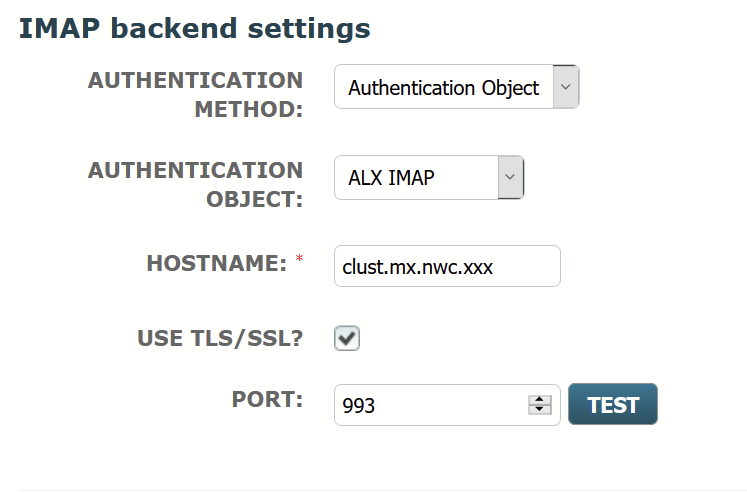
Select Authentication Object in field Authentication Method.
Select the required Authentication Object by its Name in field Authentication Object.
You are still required to enter the Hostname and can tick the box to Use TLS/SSL and provide a preferred port number, if known.
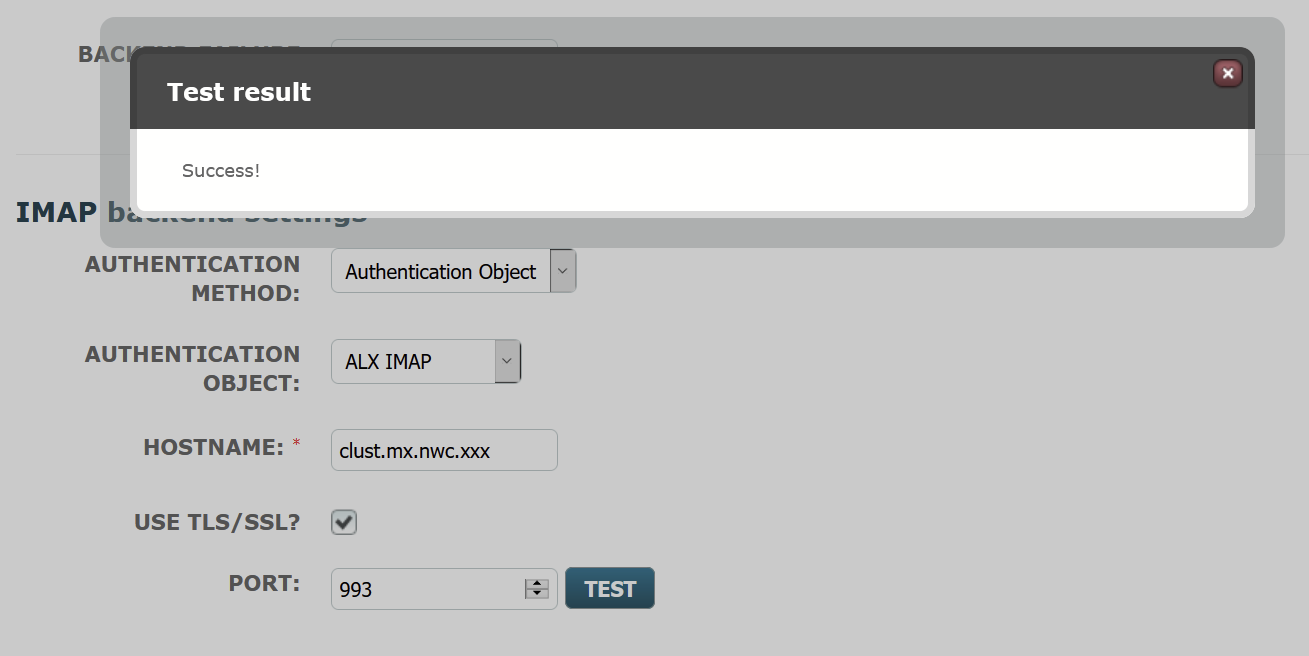
Use the Test button to check that a connection can be established; you should get a successful test result confirmation modal as shown below.
2. Store/ Email Collection
Go to the Setup tab and select Edit from the Action Menu for the Email Collector you wish to reconfigure.
In the Authentication method field, select Authentication Object.
In the Authentication Object field, select the required Authentication Object by Name.
A successful test will result in the following confirmation modal being displayed.
3. Admin/ Targets/ Target Import
When using the Import From Mailbox option which is defined in Step 2 of the setup you will have the option to use either Credentials or Authentication Object in the Mail Configuration.
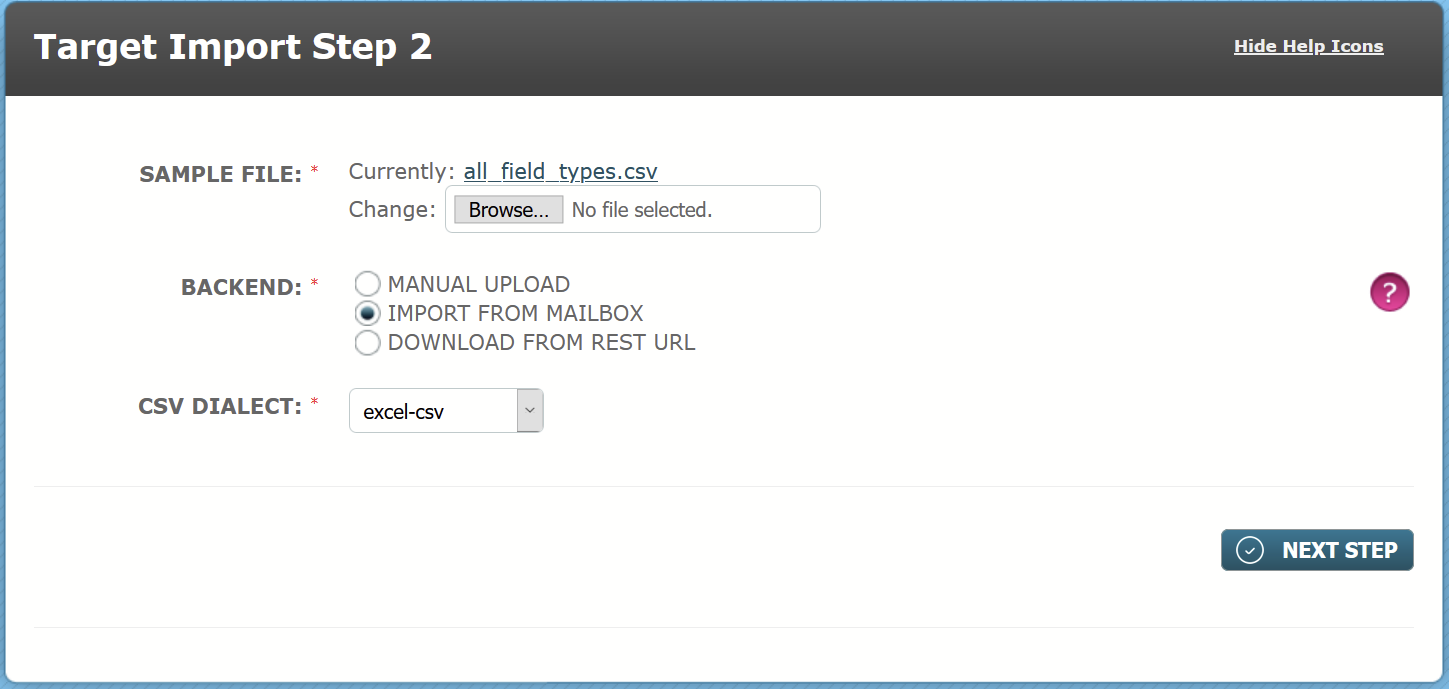
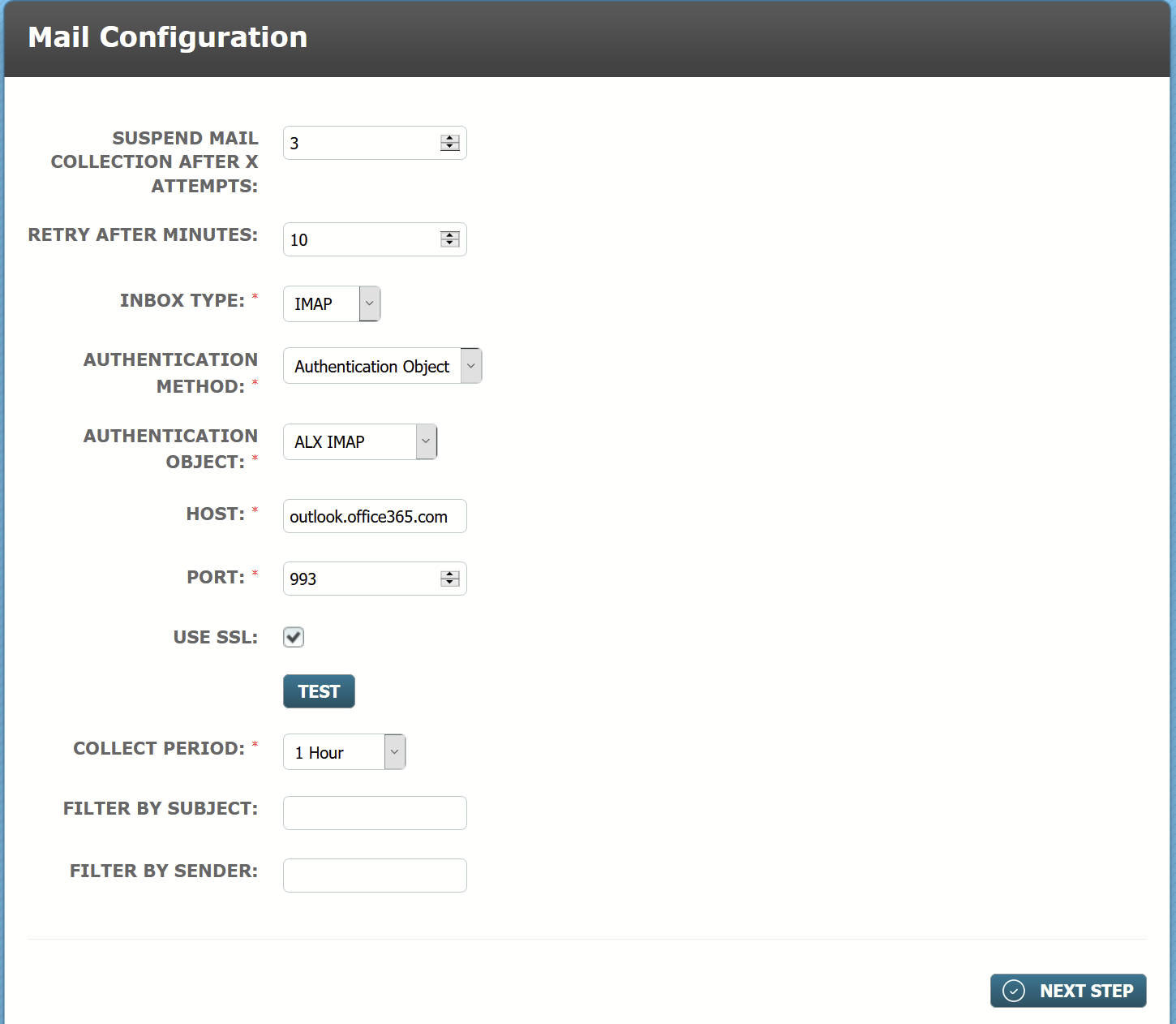
Select Authentication Object in the field Authentication Method and select the correct Authentication Object by name in the next field.
You will need to enter the Host and Port number and tick the box for SSL if required. SSL is adviseable for greater encryption security when transmitting data.
Once you have entered the details use the Test button to check that a connection can be established. Again, you should see the test result modal confirming "Success!"
Comments
0 comments
Please sign in to leave a comment.