
The Sequence Scheduler allows you to run sequences on a timed basis by setting one of the following options:
- Daily at a certain time
- Selected days of the week at set times
- Run Every - specified number of minutes, hours, days, weeks or months
- Run Once on a selected date at a set time
Before you can schedule a Sequence you must install the Scheduler which you will find in the Store.
Click the Store link next to the Sign Out in the top horizontal system menu.
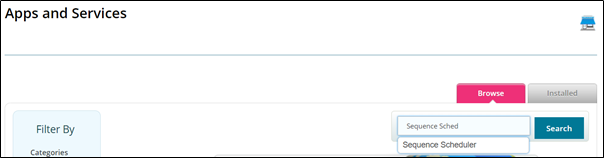
Start typing Sequence Scheduler in the search field then select it and click Search.
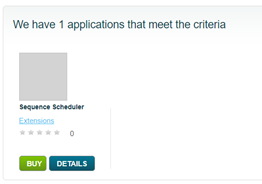
On the next screen click on the icon to be taken to the Install screen.
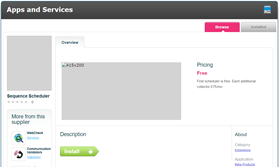
Click install.
There is no further setup required; once you have the Scheduler installed you can opt to use this feature with the Sequence Run method of activation.
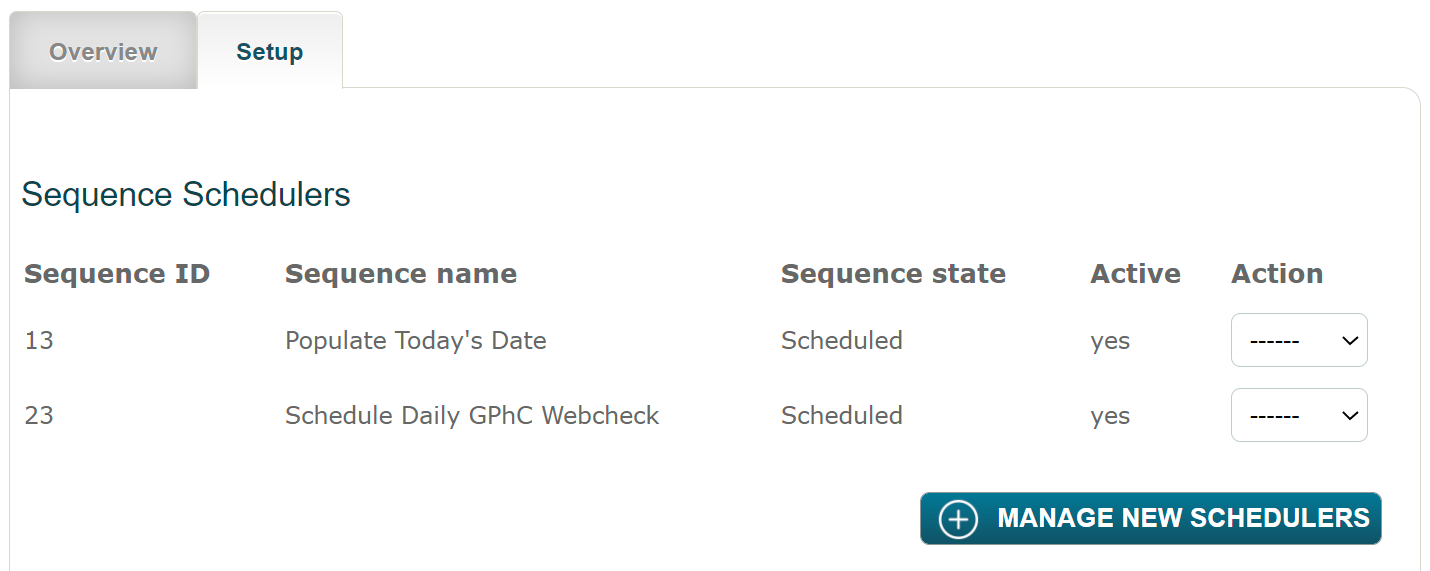
Scheduled Sequences will appear in a list on the Setup tab.
Comments
0 comments
Please sign in to leave a comment.