
Admin > Categories
Notes Categories are used to create Notes Types. Notes are added to a target's Dashboard record and can be given a Note Type so that these can be reported on.
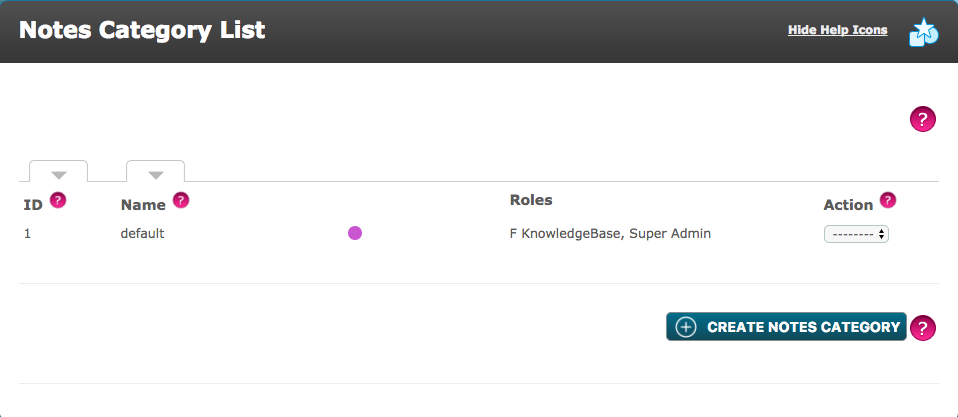
The Notes Category List (shown above) can be sorted by ID or name, with the colour selected and roles assigned to the Notes Category displayed.
Notes Categories can be edited or deleted from the Action drop-down menu when a new Notes Category is created. However, when notes have been left within the dashboard, the Notes Category can no longer be deleted. The Notes Category can now be Archived, which would now be available in the Action drop-down menu. A Notes Category with notes assigned to it, can not be deleted in the event a note has not been seen by a User. Notes added against the category will still be visible to the roles that have access, but no further notes can be added when archived.
As shown below, when a Notes Category is archived, it becomes greyed out as shown with ID 1. This archived Notes Category can be un-archived where it will be visible again.
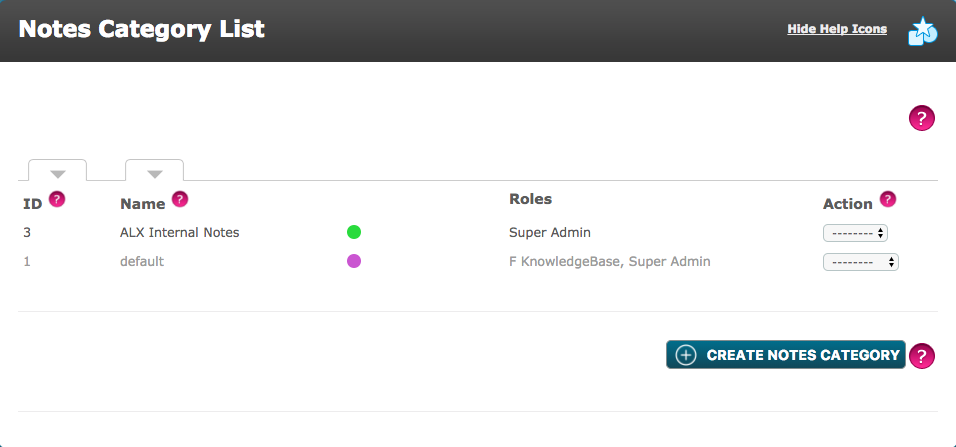 New Notes Categories can be created at the bottom of the page.
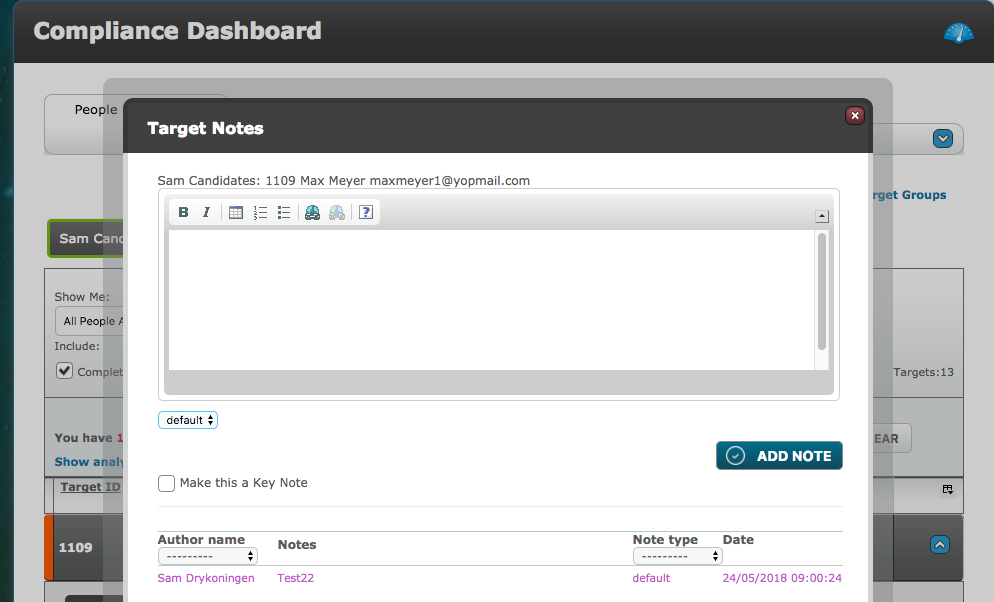
On the Dashboard, these Notes Categories or Types can be selected from a drop down list. The Note Type drop-down menu(s), provides all the different Notes Categories. When selected, only Users assigned to this Notes Category will see the note(s).
Comments
0 comments
Please sign in to leave a comment.