
Admin > Categories > Add a New Criteria Category
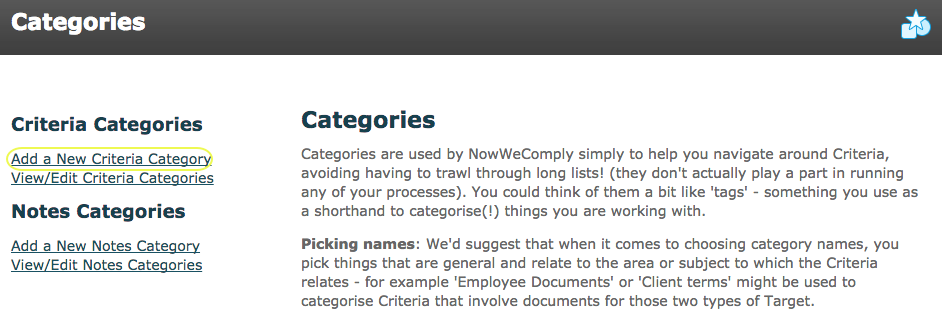
From the category menu click the "Add a New Criteria Category" link (shown below) or click the "Create Criteria Category" button on the criteria category list.
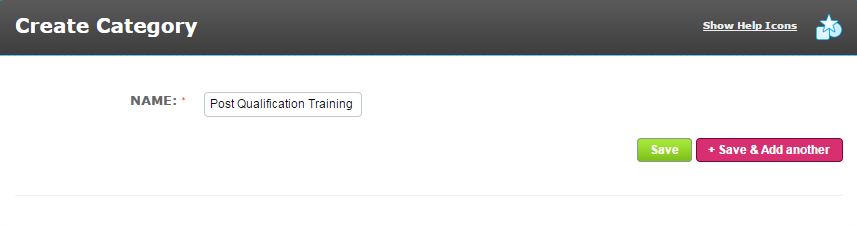
In the "Name" field enter a name which describes the subject of the criteria you wish to categorise, then simply click "Save".
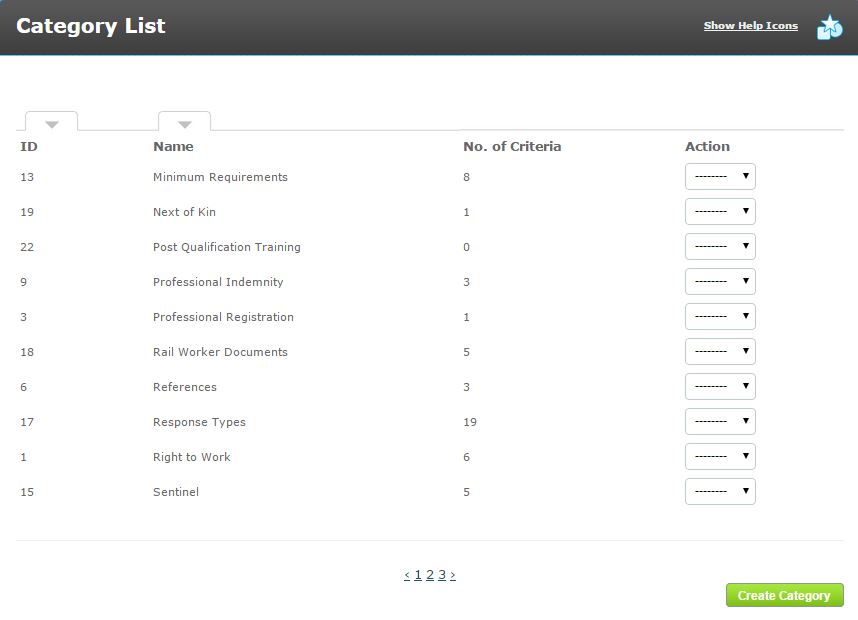
The new criteria category is shown in the Criteria Category List with no criteria assigned to it. The Category List (shown below) can be sorted by the category ID number or name.
- Admin > Categories > View/Edit Criteria Categories
To edit a criteria category: from the category menu click the "View/Edit Criteria Categories" link which will take you to the category list.
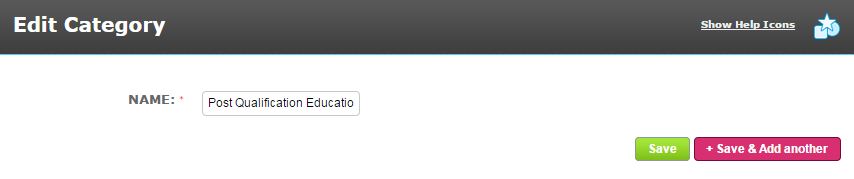
In the action menu of the criteria category you wish to amend select "Edit".
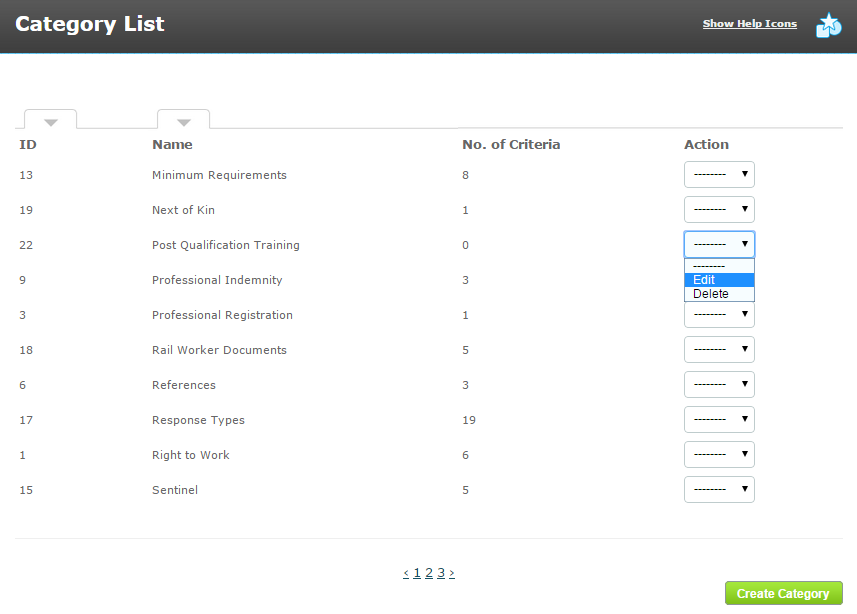
You can then rename and save the criteria category.
If you have the appropriate permissions you can also delete unwanted criteria categories from the action menu.
Comments
0 comments
Please sign in to leave a comment.