
Admin > Categories
Criteria Categories are used to navigate around criteria allowing you to find them easily. As you build more and more processes in Autologyx your Criteria List has the potential to become huge - hence the need for categories. They don't actually play any part in the running of your processes. You could think of them as a bit like 'tags' - something you use as a shorthand to categorise(!) things you are working with.
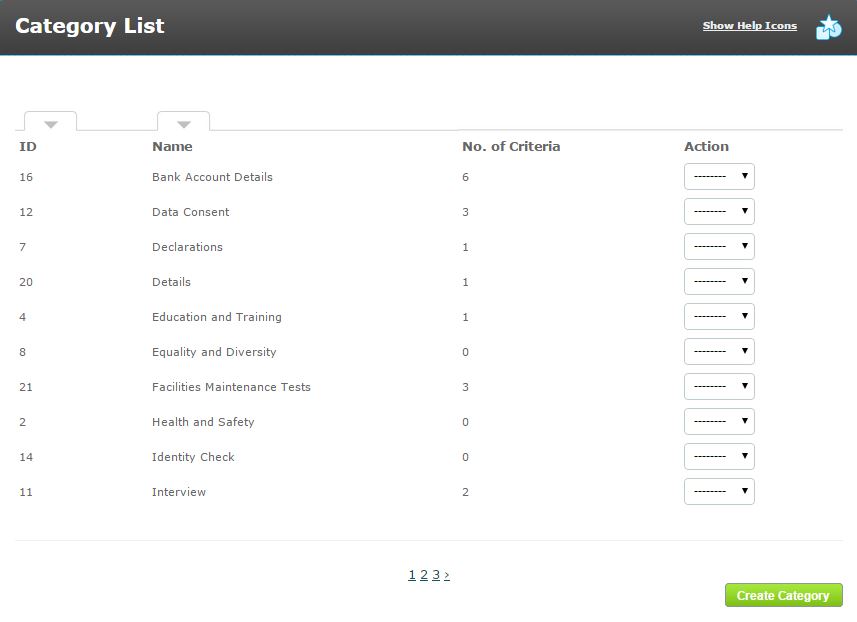
The Criteria Category List (shown above) can be sorted by the category ID number or name. It also shows you how many criteria belong each category. Categories can be created, edited and deleted from the list on this page.
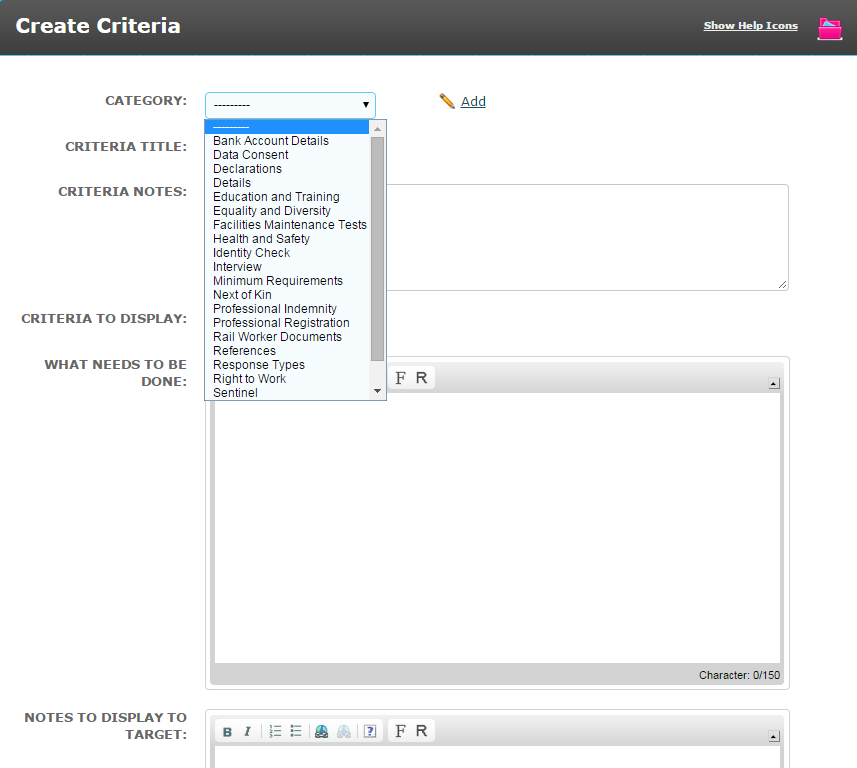
When creating criteria the very first thing you do is select from your category menu the category you want the criteria to be held in.
The Criteria List can be sorted by ID Number, Criteria Title and Category.
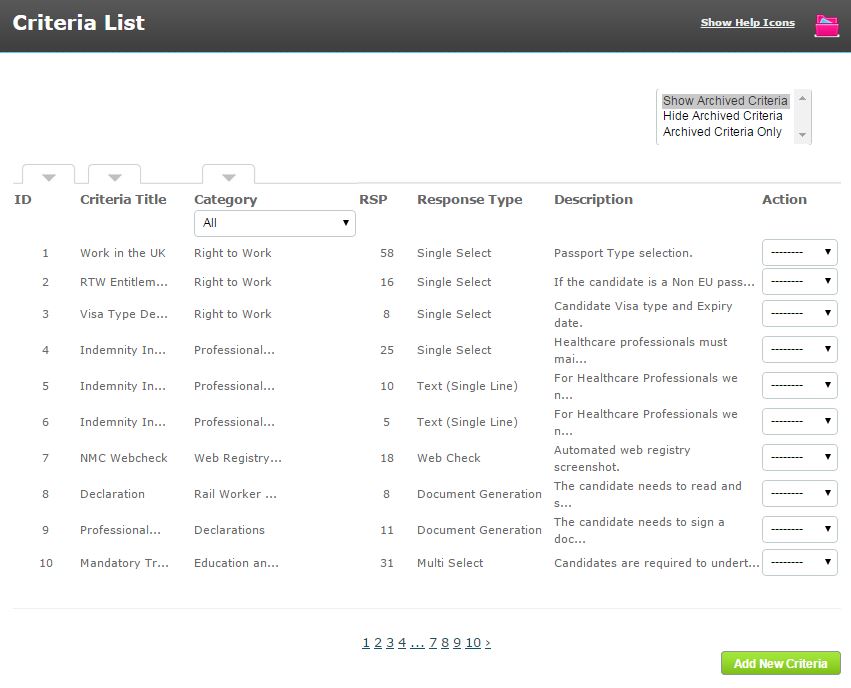
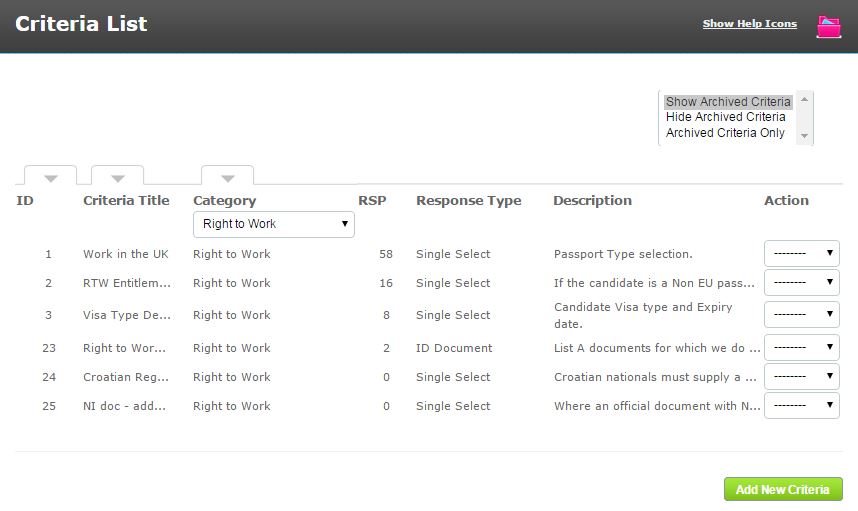
However, the easiest way to find criteria is to filter the list using the drop down category menu. Click into the menu, select the appropriate category and the page will then display only criteria in this category.
In this example, the criteria list is filtered to those criteria in the Right to Work category.
Comments
0 comments
Please sign in to leave a comment.