
Admin > Categories > Add a New Notes Category
From the category menu click the 'Add a New Notes Category' link ( or click the 'Create Notes Category' button on the Notes Category list.
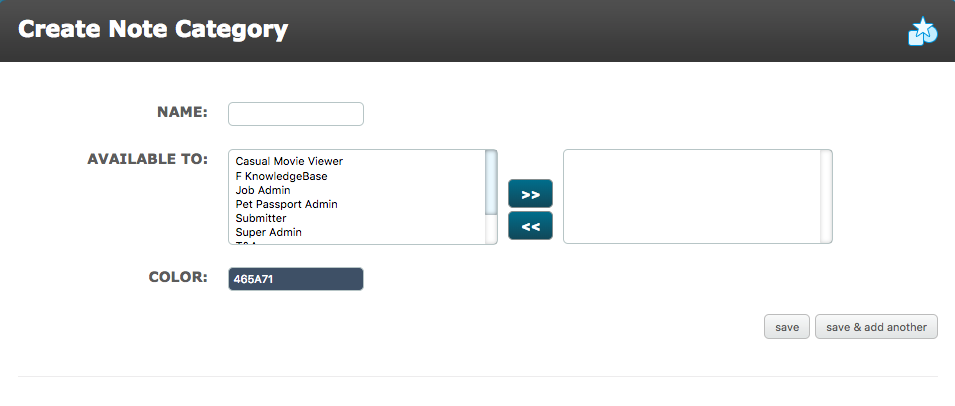
Name - Enter a name which describes the type of the notes you wish to record.
Available To - Select the System Roles who will have access to the Notes Category.
Color - Select a color to help distinguish the Notes Category, when displayed in the dashboard.
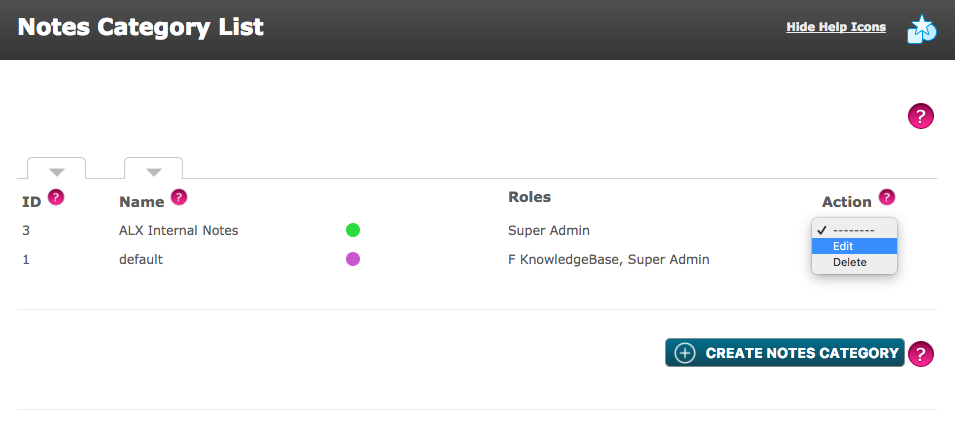
The new notes category is shown in the Notes Category List. The Notes Category List can be sorted by ID number, Name, Color and Roles.
Comments
0 comments
Please sign in to leave a comment.