
Install System Pages Styling from the Store.
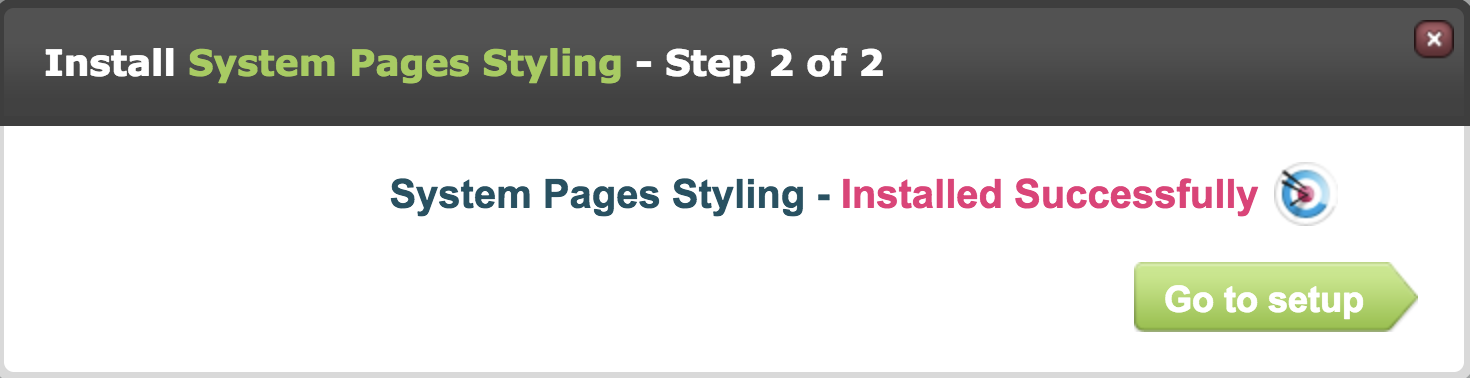
Click Go to setup.
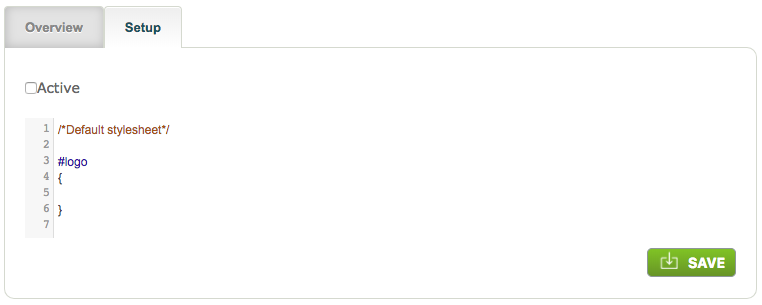
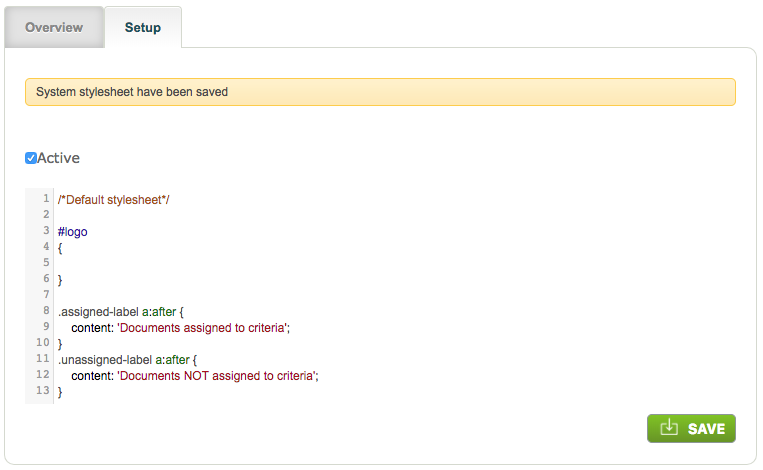
You will see the default stylesheet which consists of the following HTML code:
/*Default stylesheet*/
#logo
{
}*/
Remove the */ at the end because this indicates the end of the stylesheet. Add a return to give you a new line:
Add the following HTML code into the stylesheet replacing xxx with the names you wish to use for the "Assigned and Outstanding" and "Unassigned" tabs respectively:
.assigned-label a:after {
content: 'xxx';
}
.unassigned-label a:after {
content: 'xxx';
}
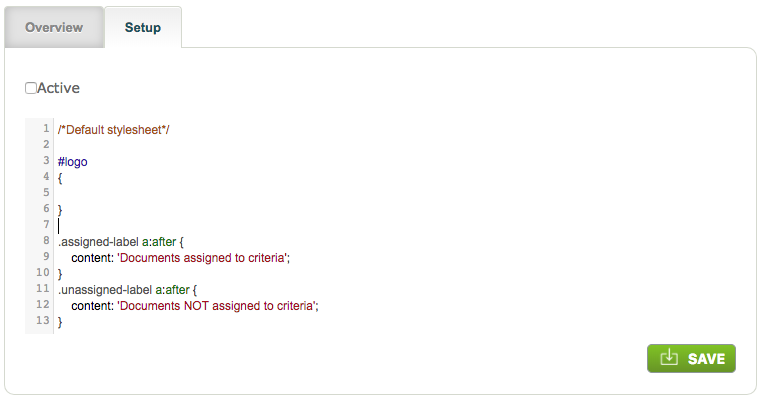
Tick the Active box to "publish" your changes then click Save.
Standard labelling:
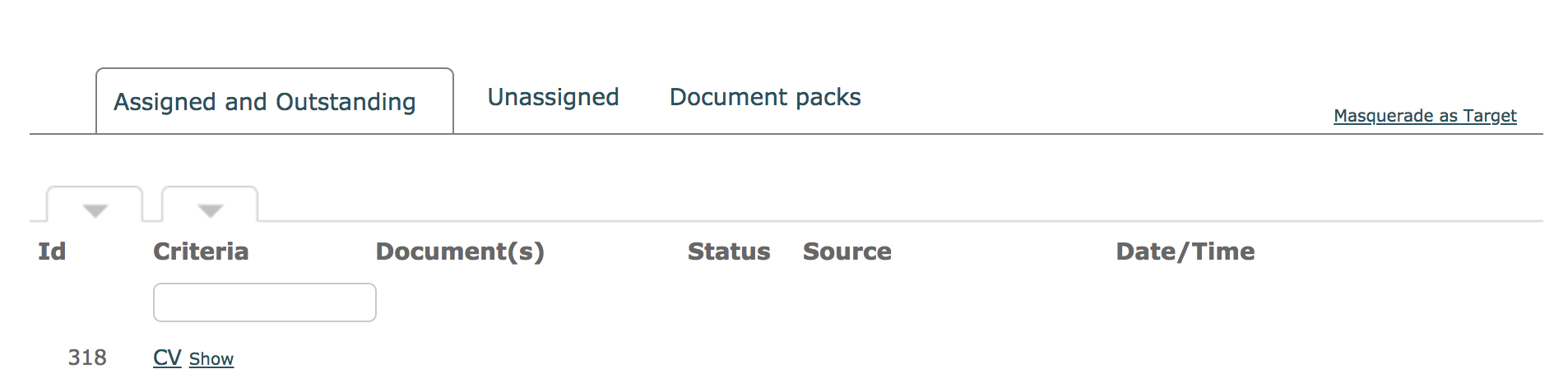
Custom labelling as described above:

If System Pages Styling is already installed and you see more than the default stylesheet, simply add the given code at the end.
Comments
0 comments
Please sign in to leave a comment.