
The default name for a user's work list is Compliance Dashboard.
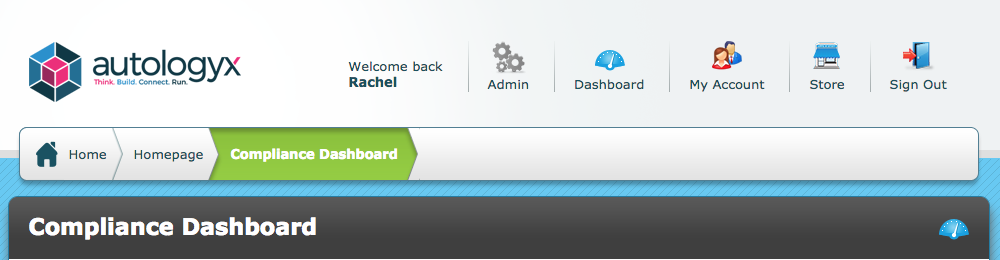
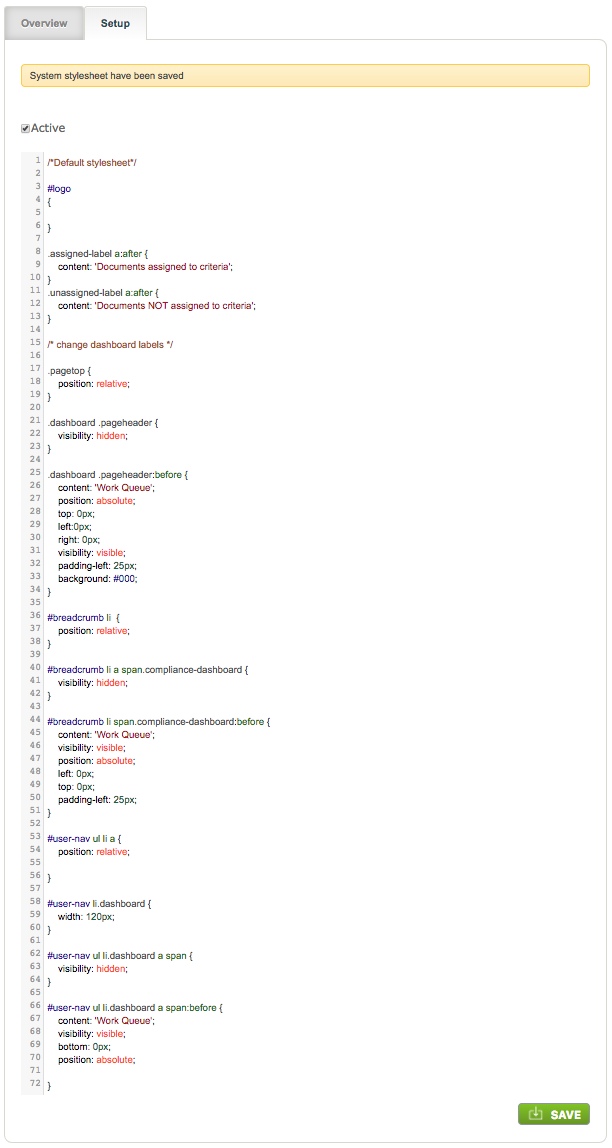
This can be changed to a name of your choice by adding some HTML code to the stylesheet in the System Pages Styling feature.
Ensure that System Pages Styling is installed in the Store.
If the default or custom stylesheet ends with */ remove this piece of code because it denotes the end of the stylesheet.
Add the following HTML code:
/* change dashboard labels */
.pagetop {
position: relative;
}
.dashboard .pageheader {
visibility: hidden;
}
.dashboard .pageheader:before {
content: 'Work Queue';
position: absolute;
top: 0px;
left:0px;
right: 0px;
visibility: visible;
padding-left: 25px;
background: #000;
}
#breadcrumb li {
position: relative;
}
#breadcrumb li a span.compliance-dashboard {
visibility: hidden;
}
#breadcrumb li span.compliance-dashboard:before {
content: 'Work Queue';
visibility: visible;
position: absolute;
left: 0px;
top: 0px;
padding-left: 25px;
}
#user-nav ul li a {
position: relative;
}
#user-nav li.dashboard {
width: 120px;
}
#user-nav ul li.dashboard a span {
visibility: hidden;
}
#user-nav ul li.dashboard a span:before {
content: 'Work Queue';
visibility: visible;
bottom: 0px;
position: absolute;
}
Find "Work Queue" in 3 places in the code and replace it with the name you wish to use instead of Dashboard/Compliance Dashboard.
Ensure that the stylesheet is ticked as Active and Save.
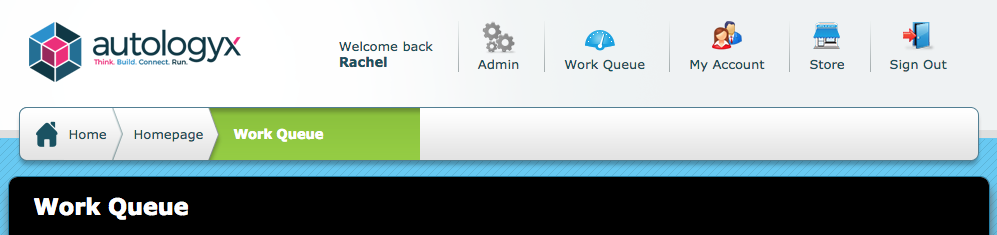
If you do not replace Work Queue the Dashboard will be renamed Work Queue as shown below.
Comments
0 comments
Please sign in to leave a comment.