
Admin > Message Templates > Add a New Message Template
When a User is creating either a Single or Grouped Formatted Message, they have the ability to merge in Criteria Response and Fields. This is done by selecting the 'R' function.
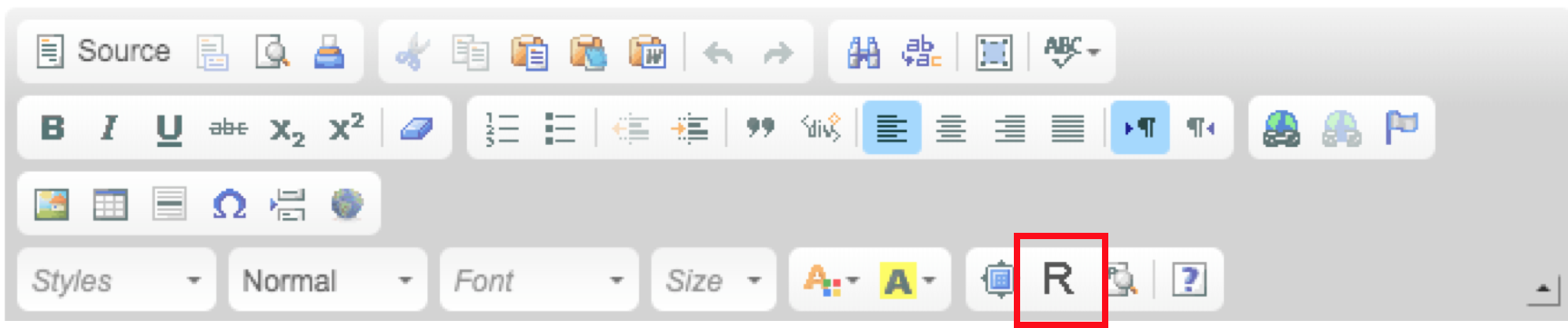
Once selected, the User will be prompted to select the Target Type, the Target Group, then the Level. The below image will be displayed.
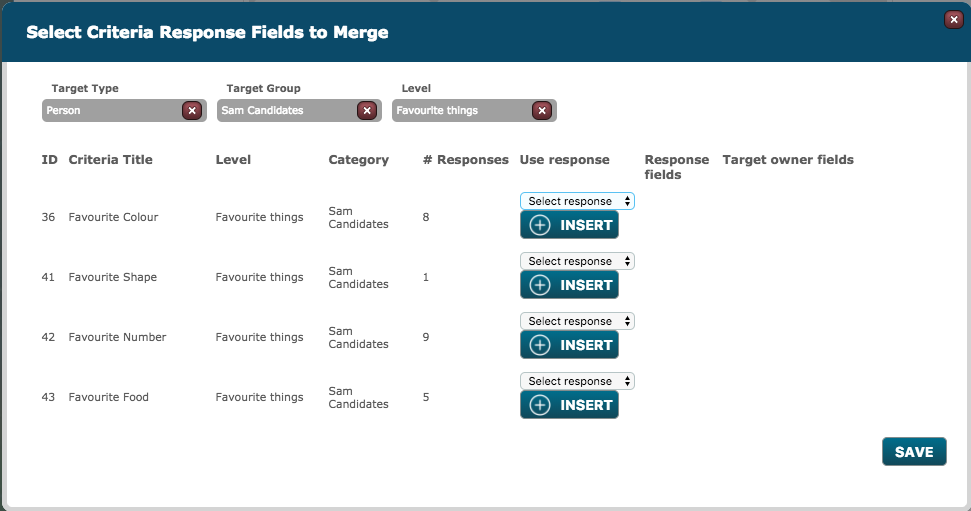
Under use response, a drop-down menu is available to select the type of response. Once selected, if the User then selects 'Insert', the merge for this Criteria Response, will be displayed in the message template.
Then, a drop-down menu for Target Owner fields is available, where a field can be selected. Selecting 'Insert', will merge in the Field into the message template.
Comments
0 comments
Please sign in to leave a comment.