
Admin > Message Templates > View/Edit Existing Templates
This is where all messages templates are displayed. The unique ID, name of the template, the description of the message, and the Message Template Type; System, Action, User Defined. A drop-down menu is also available, where a User is able to Edit, Delete or send preview.
The User has the ability to Create an additional Message Template at the bottom of the page.
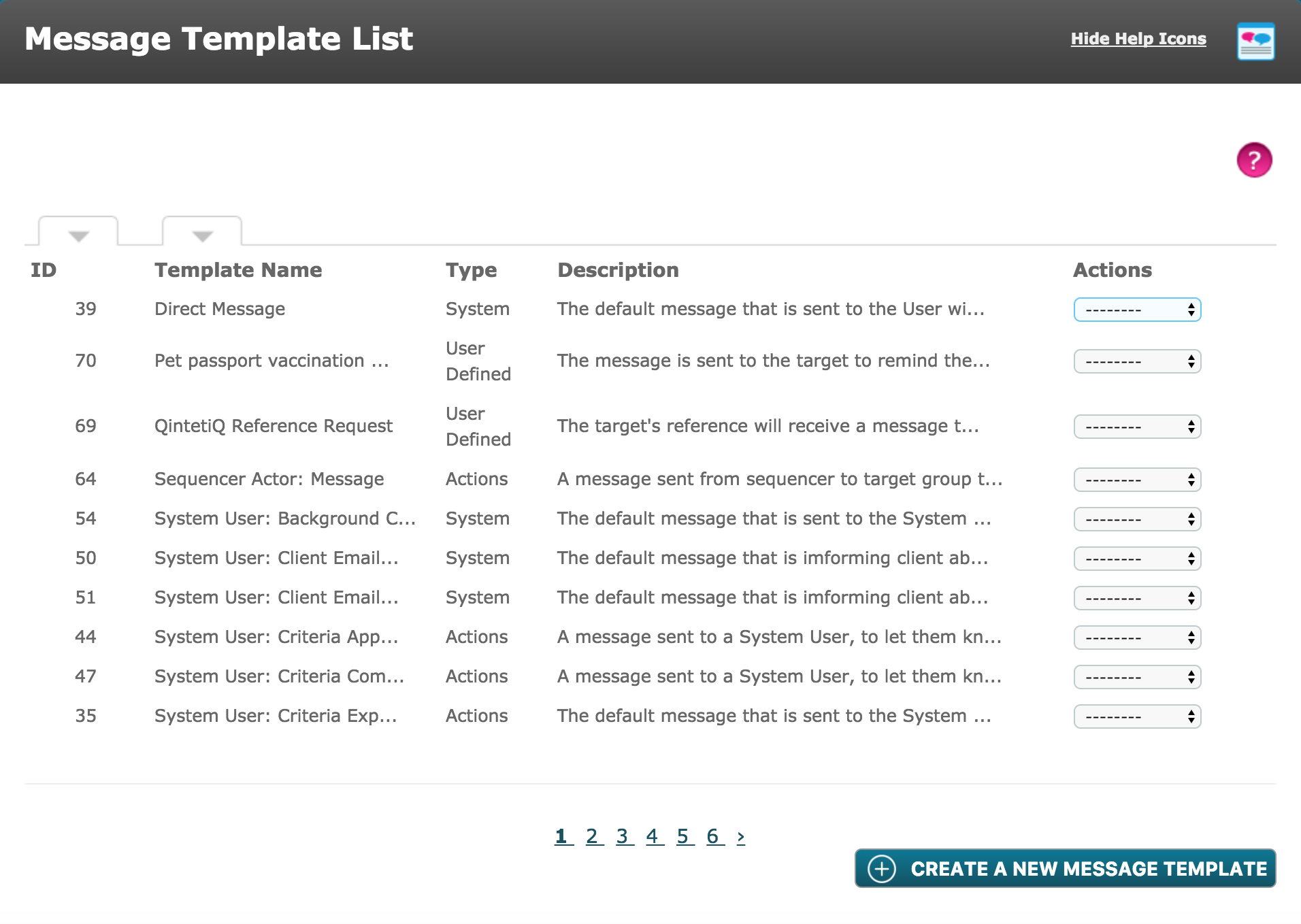
There are three Message Template Types as stated before:
1. System - As the name suggests they are embedded into autologyx and cannot be edited or deleted. This type is used for Account Created and Account Activated messages as well as for password notifications.
2. Action - These are used to alert a Target to the fact that they have something to do or that something is about to expire. They require an action to be completed. Action messages are also used to let a Target know that their response to a Criteria has been accepted or rejected. Action message templates can be edited but not deleted.
3. User Defined - These can be created/edited by System User's who have the permissions to do so. They can be created to remind Targets about specific Criteria and used when setting Nudges.
Comments
0 comments
Please sign in to leave a comment.