
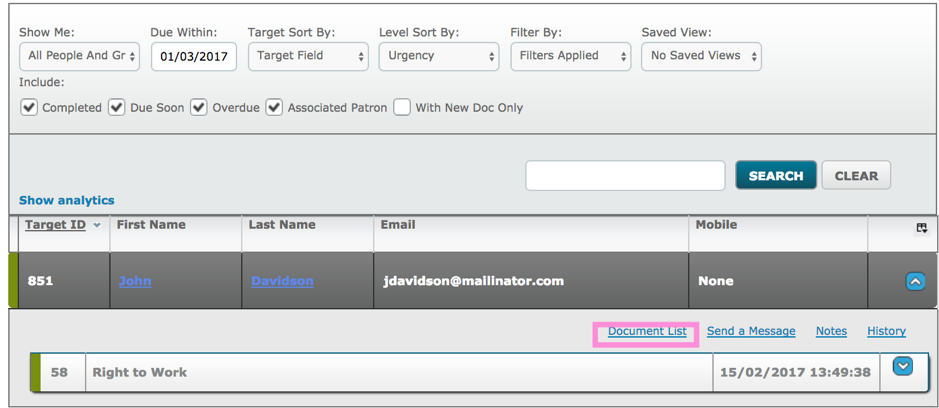
Document Packs can be viewed easily by clicking on the Document List link from the Dashboard.
Then click on the Document Packs tab.
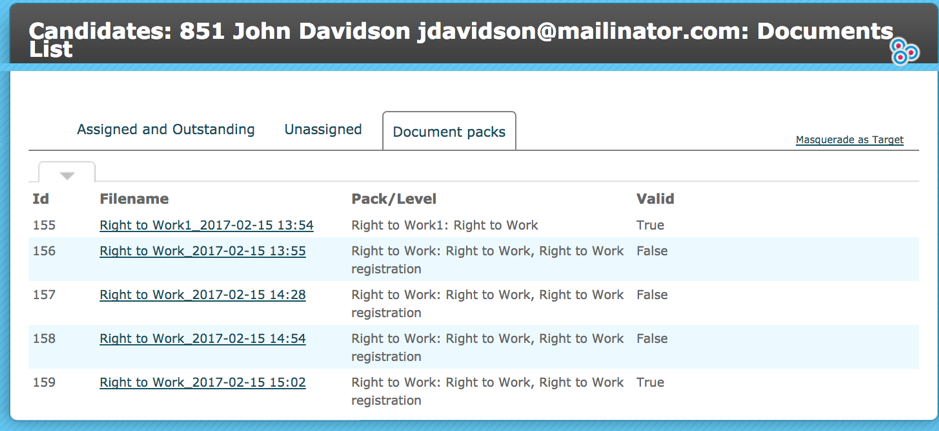
Click on an entry in the Filename column to open the produced pack, if there is an associated password it will be required to be entered at this point.
If a template has been applied to Document Front Page this will be displayed first. It is a useful mechanism for personalising audit packs for certain clients or for particular circumstances.
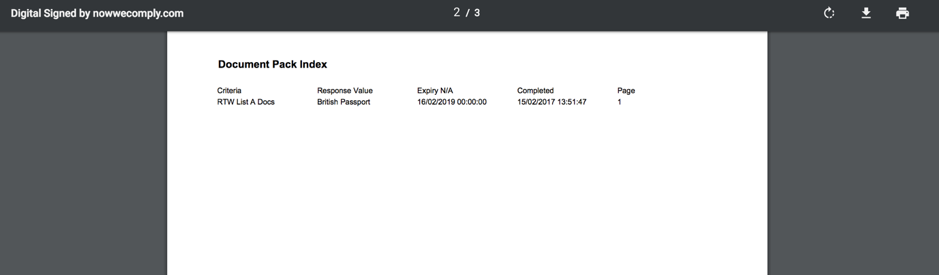
Next, the index will display a list of all the Documents within the pack with their associated page number.
If Watermark is enabled the documents will display with a watermark which gives name of the Target or User who provided the document and the date/time the document was uploaded.
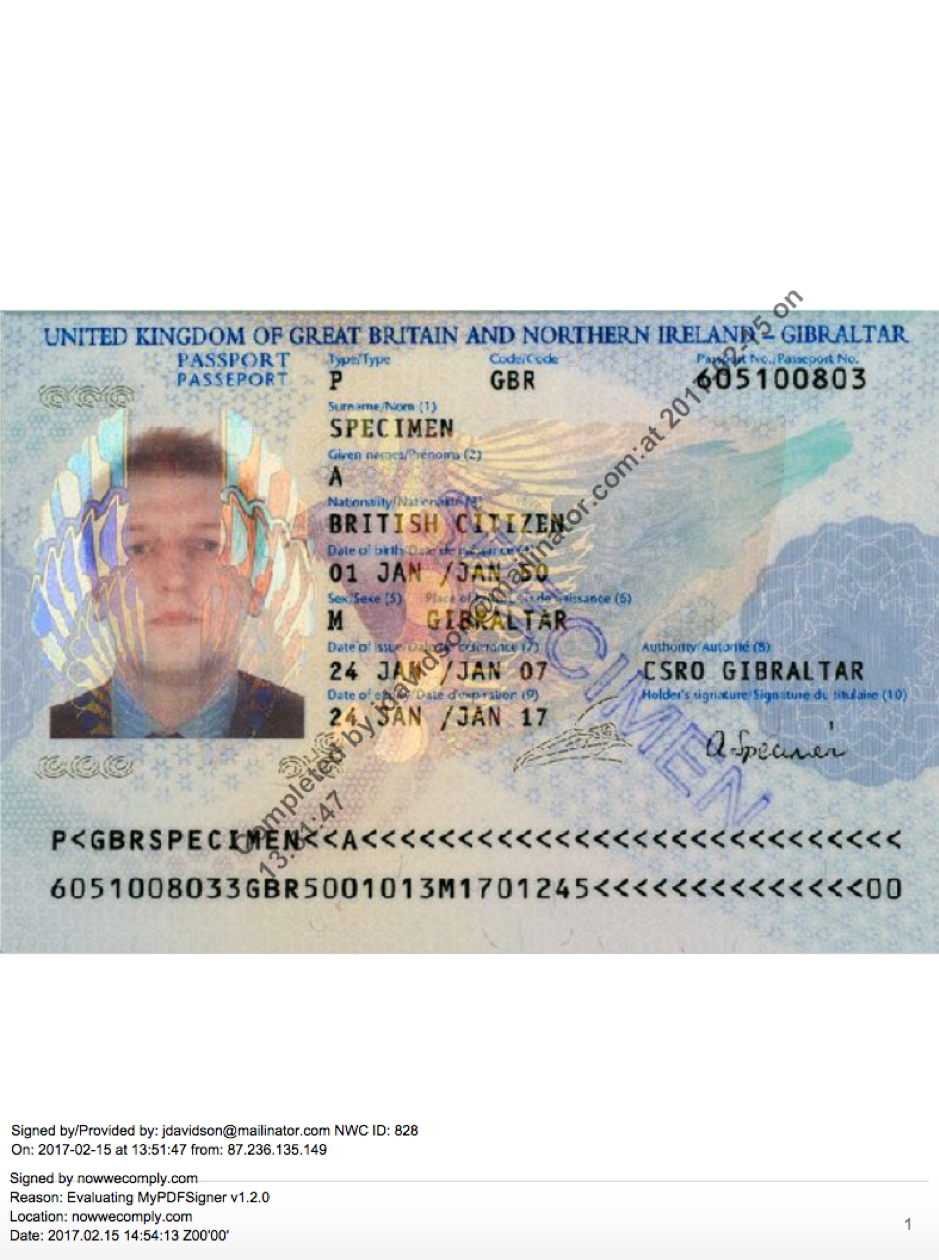
If Document Stamp is enabled the foot of each page will have details about the signing of each document and the associated time and date and any approval conditions.
Comments
0 comments
Article is closed for comments.