
Any Document Packs that have a Pack creation of On demand only now need to be added to a sequence. they can be added to an existing sequence or a new one.
Create/Edit a sequence and Simply click and drag the Document Pack Actor into the workspace.
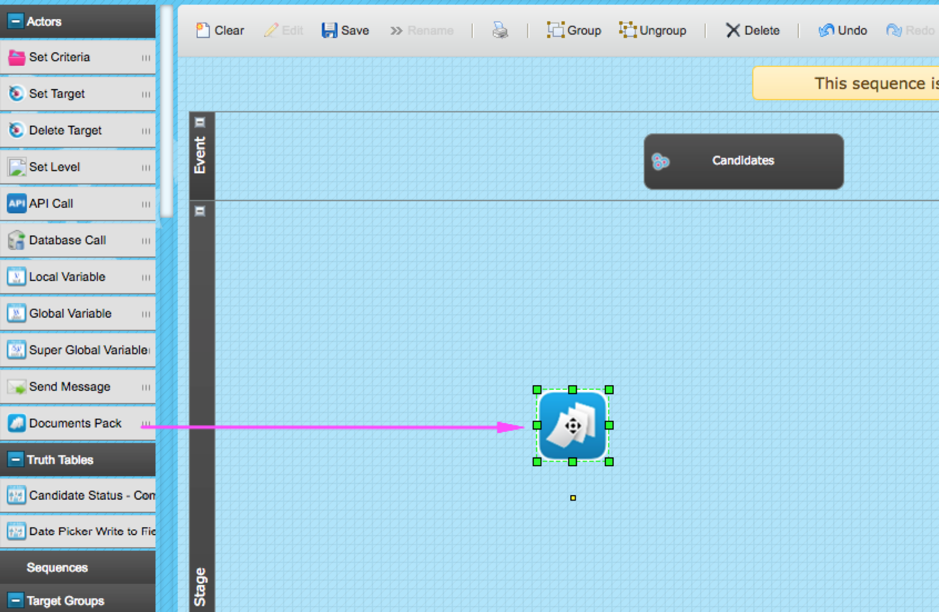
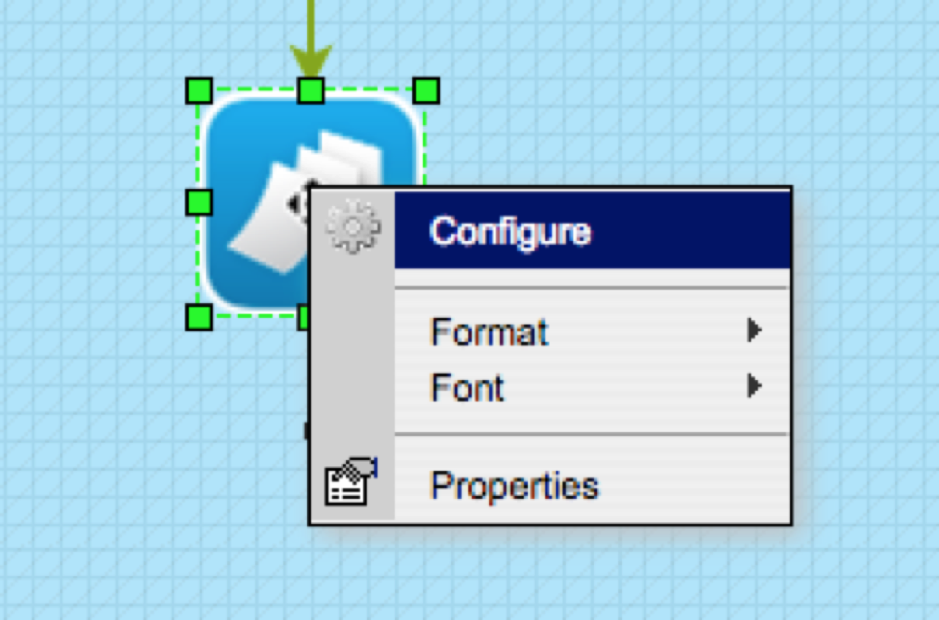
Right Click on the Document Pack Actor and click Configure
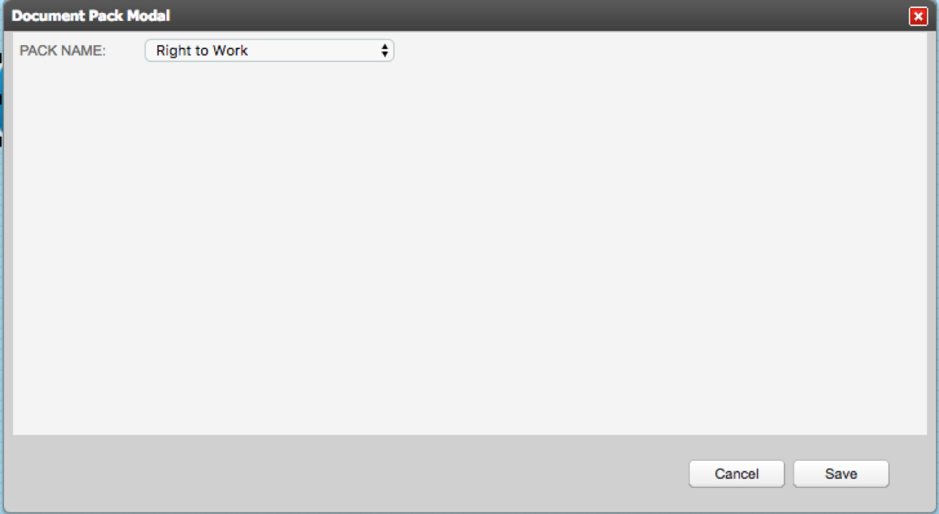
Choose the pack to produce, only On Demand packs will display here. Save
Using the Actor in this way lets you use trigger conditions like any other Actor in a sequence. When the conditions are met, a Document Pack will be produced.
Comments
0 comments
Article is closed for comments.