
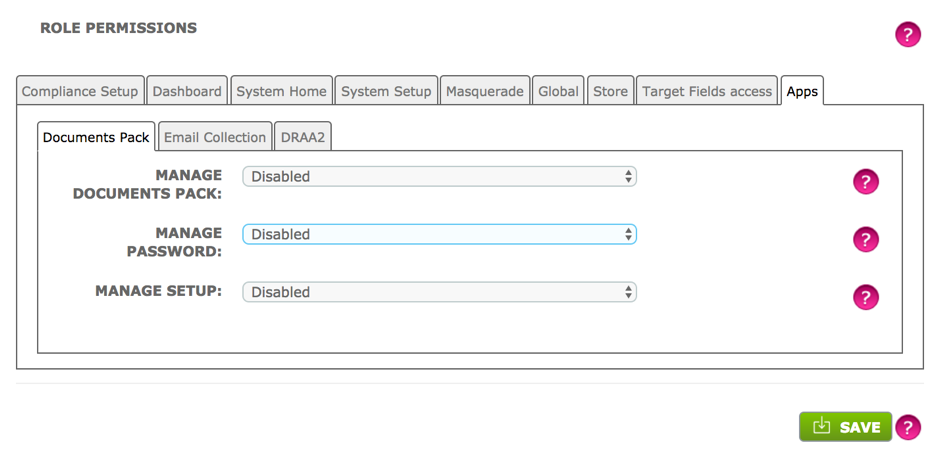
In Admin > System Users and Permissions > Create or Edit Role > Apps > Document Pack there are 3 options, all of which can be either Enabled or Disabled:
- Manage Documents Pack: Allows a user to set up and edit Document Packs.
- Manage Password: When enabled, a User is able to set two passwords. The first password to allow full access, and the other password for read only access.
- Manage Setup: When enabled, a User is able to access the 'Product Config' tab in the setup for the Document Pack.
Please note: You will need to install Automatic PDF File Conversion from the store together with Automatic Document Pack Creation in order to ensure that any non-PDF file documents are converted to PDF prior to being included in the document pack.
There is a cost associated with the use of Automatic PDF File Conversion – please check the store for details.
Comments
0 comments
Please sign in to leave a comment.