
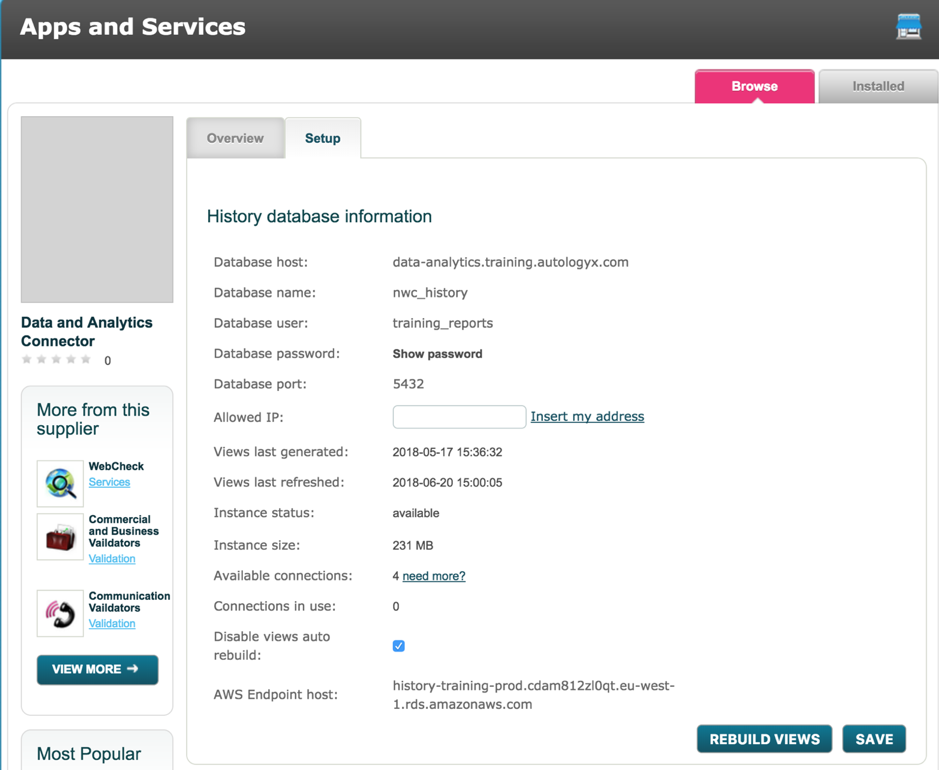
Make sure Data & Analytics is installed from the Store. Installing from the Store is very simple but if you need assistance please get in touch.
autologyx allows 4 concurrent connections to the history database free of charge; more can be purchased if required by selecting the ‘need more?’ button.
The driver works up to Windows 10 (and as far back as Windows 95!)
This guide assumes you are running on a Windows machine. ODBC connections can also be made through MacOS.
Please note, autologyx support services do not include support of 3rd party products or drivers and this install/usage guide is provided for information. Please refer to your IT support for help with this and other 3rd party applications.
Install ODBC driver
Download https://ftp.postgresql.org/pub/odbc/versions/msi/
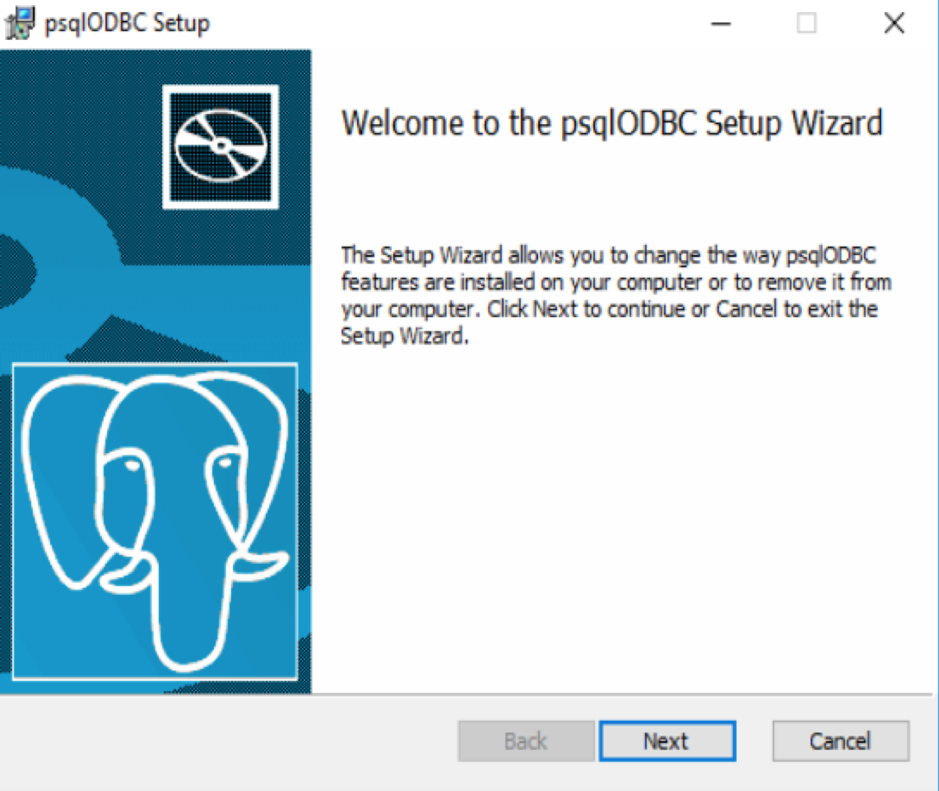
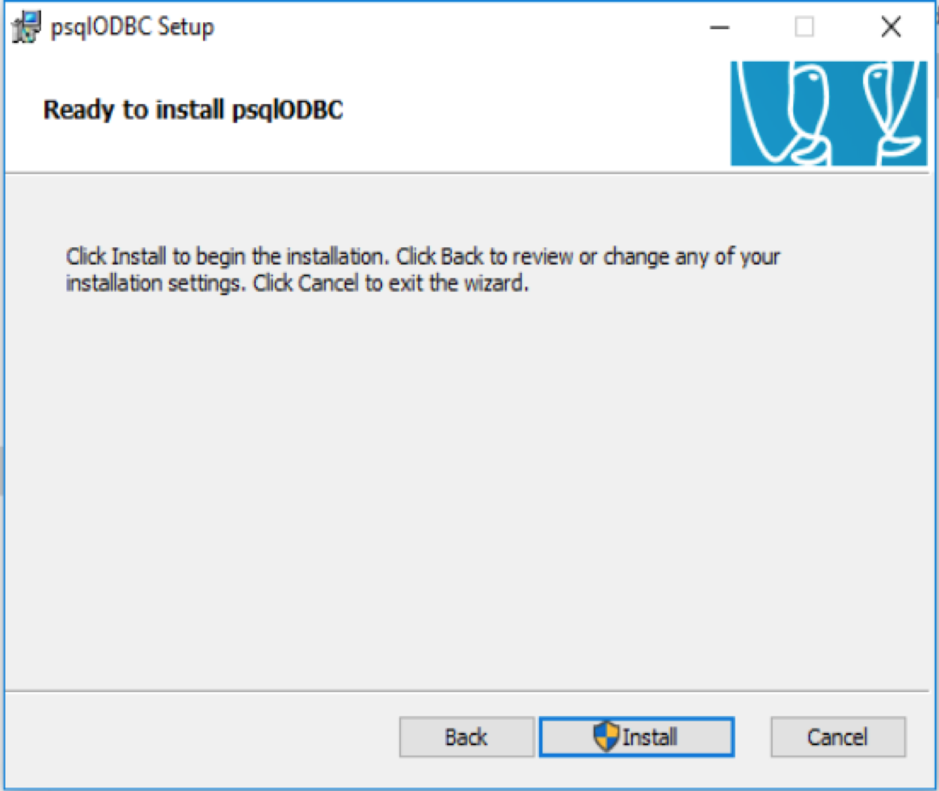
Then run the exe file (psqlodbc-setup.exe)
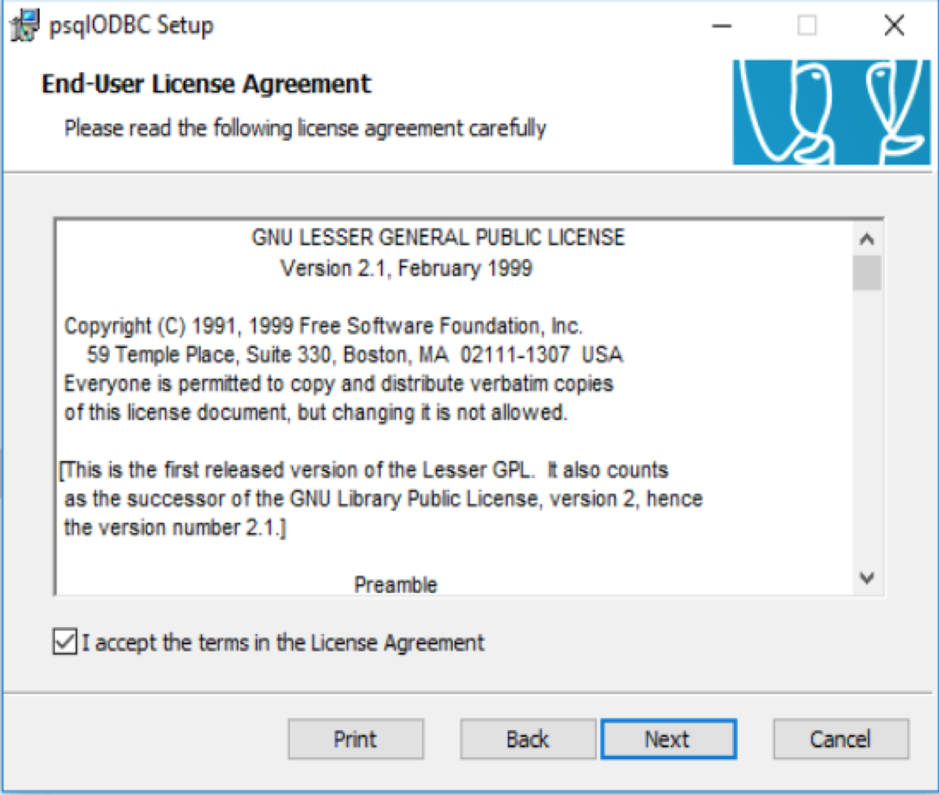
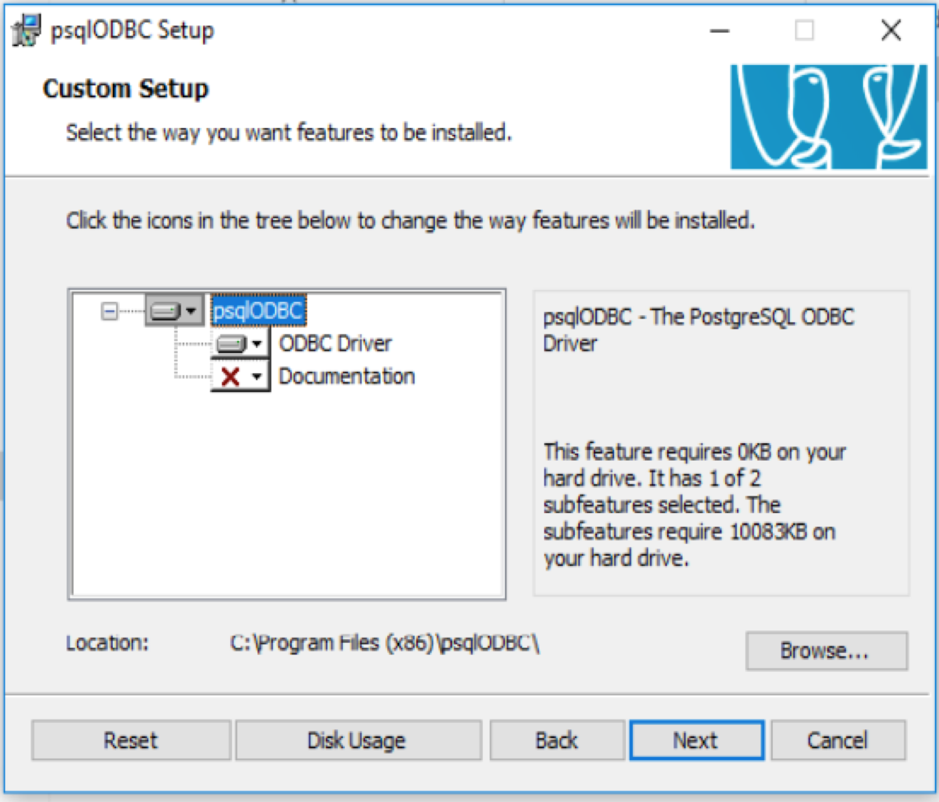
Use the installation defaults, and complete the installation.
Comments
0 comments
Please sign in to leave a comment.