
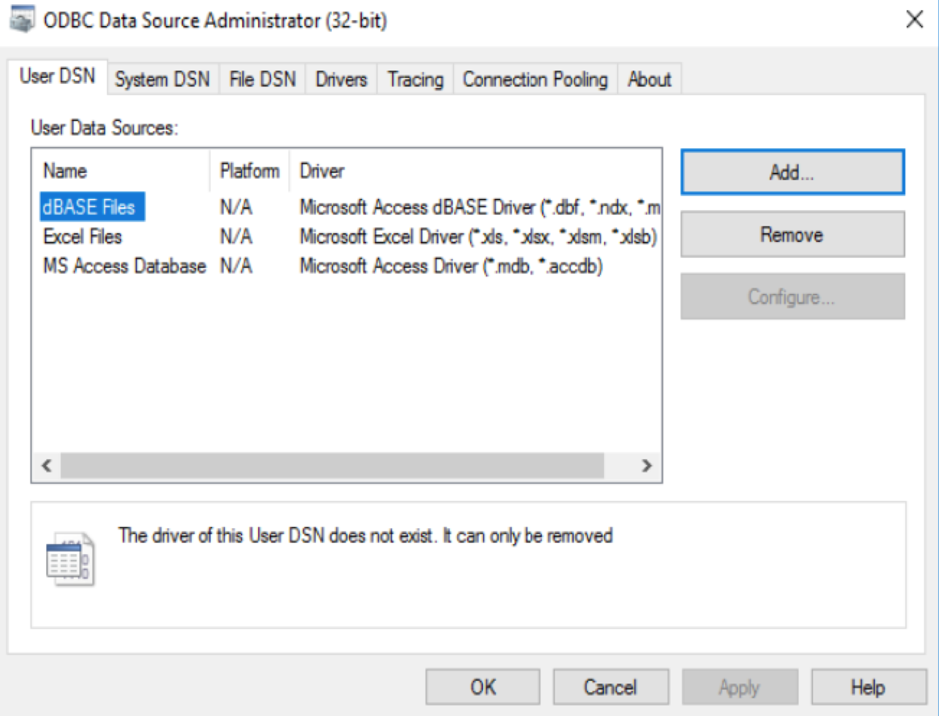
Control Panel > Administrative Tools > ODBC Data Sources (32 bit)
In the User DSN tab, click Add
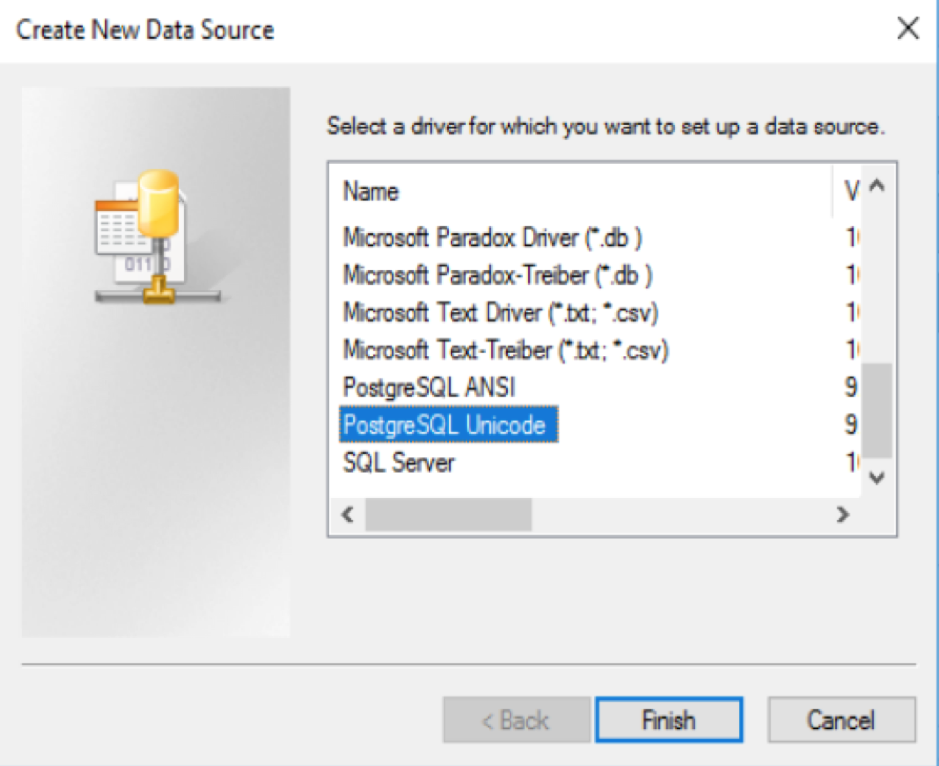
Find PostgreSQL Unicode and click Finish
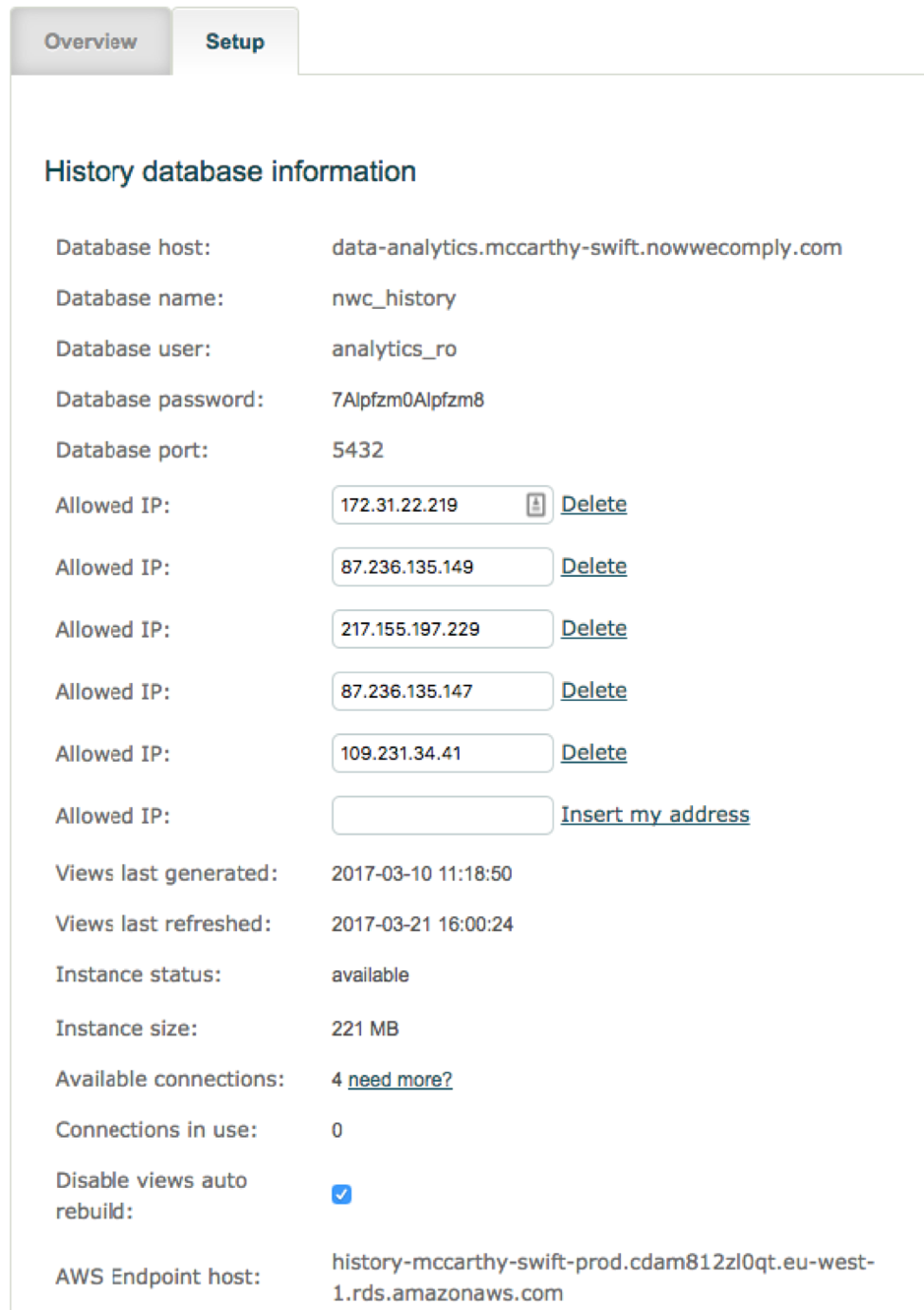
Enter the database connectivity credentials as seen in autologyx, in Store > Data and Analytics Connector > Setup tab
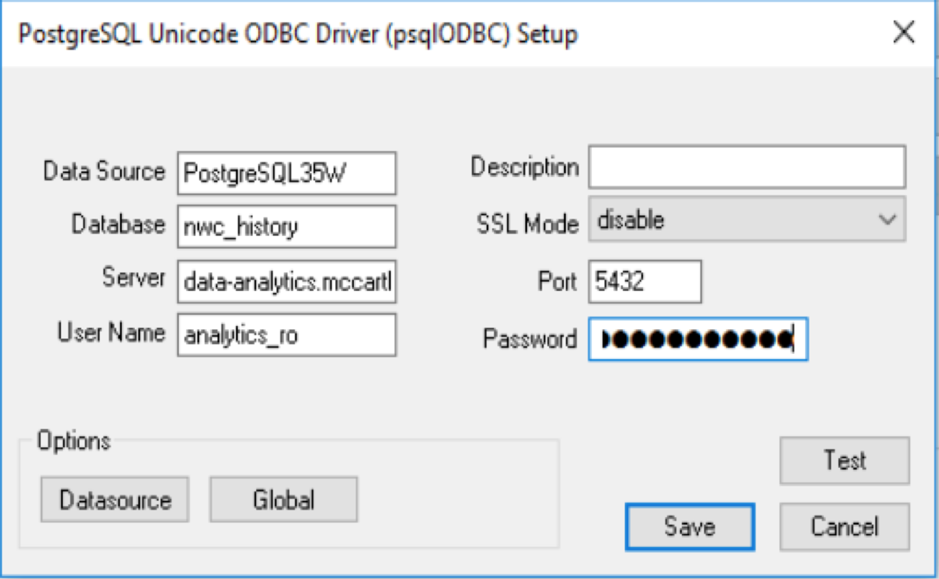
Click Test, if successful this message will display:
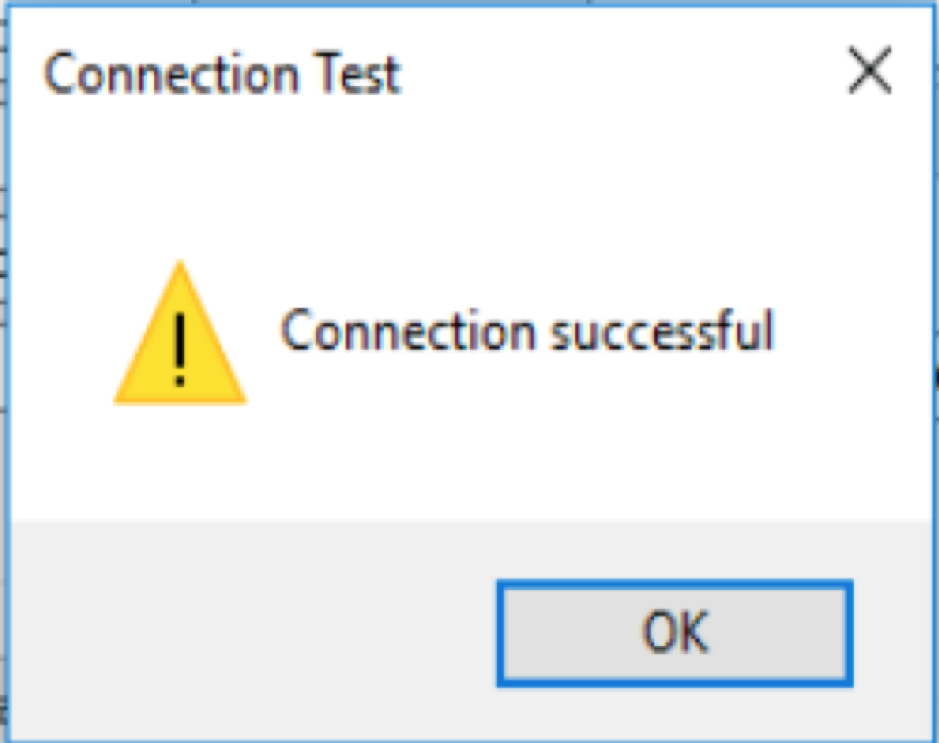
If the connection was not successful check the connection details again.
Be sure to Save
Comments
0 comments
Please sign in to leave a comment.