
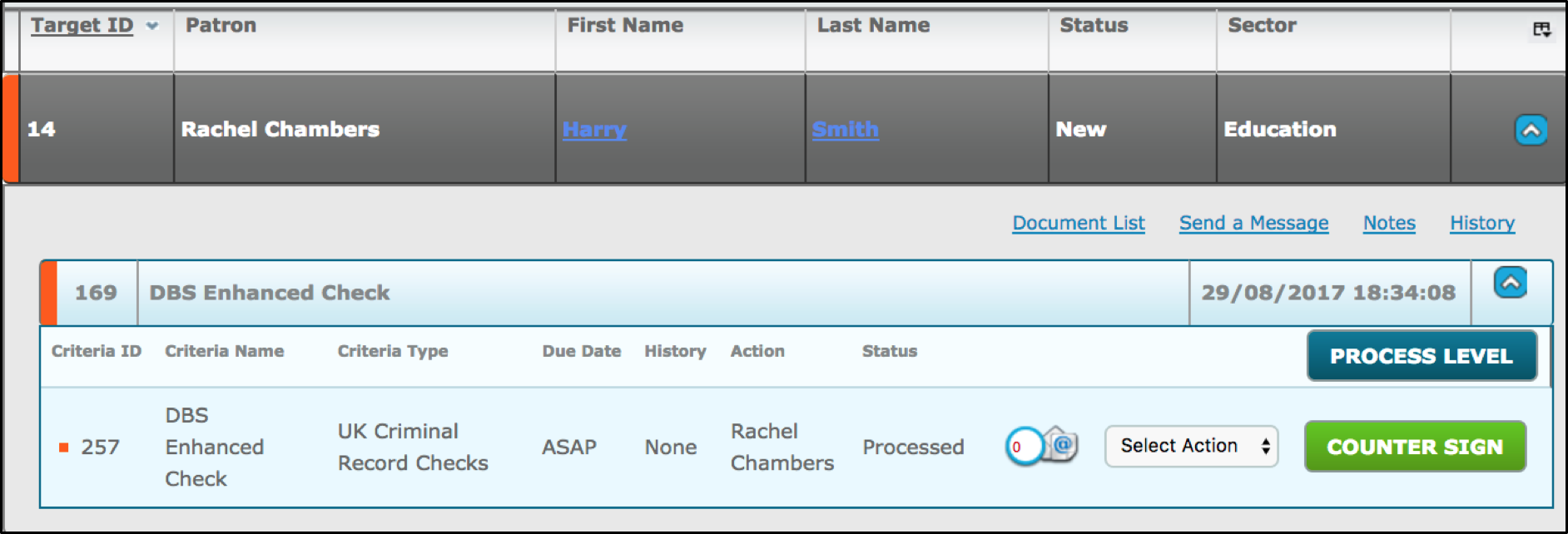
If you have ‘Required sign off for disclosure’ enabled in the store, this ‘counter sign’ button will only be available to the user/group specified in the set up. If ‘'Required sign off for disclosure' is not selected in the store, the ‘counter sign’ button section will not be displayed on the dashboard and will go immediately to processing status.
The counter-signee is required to tick the box in confirmation that the details of the application are correct.
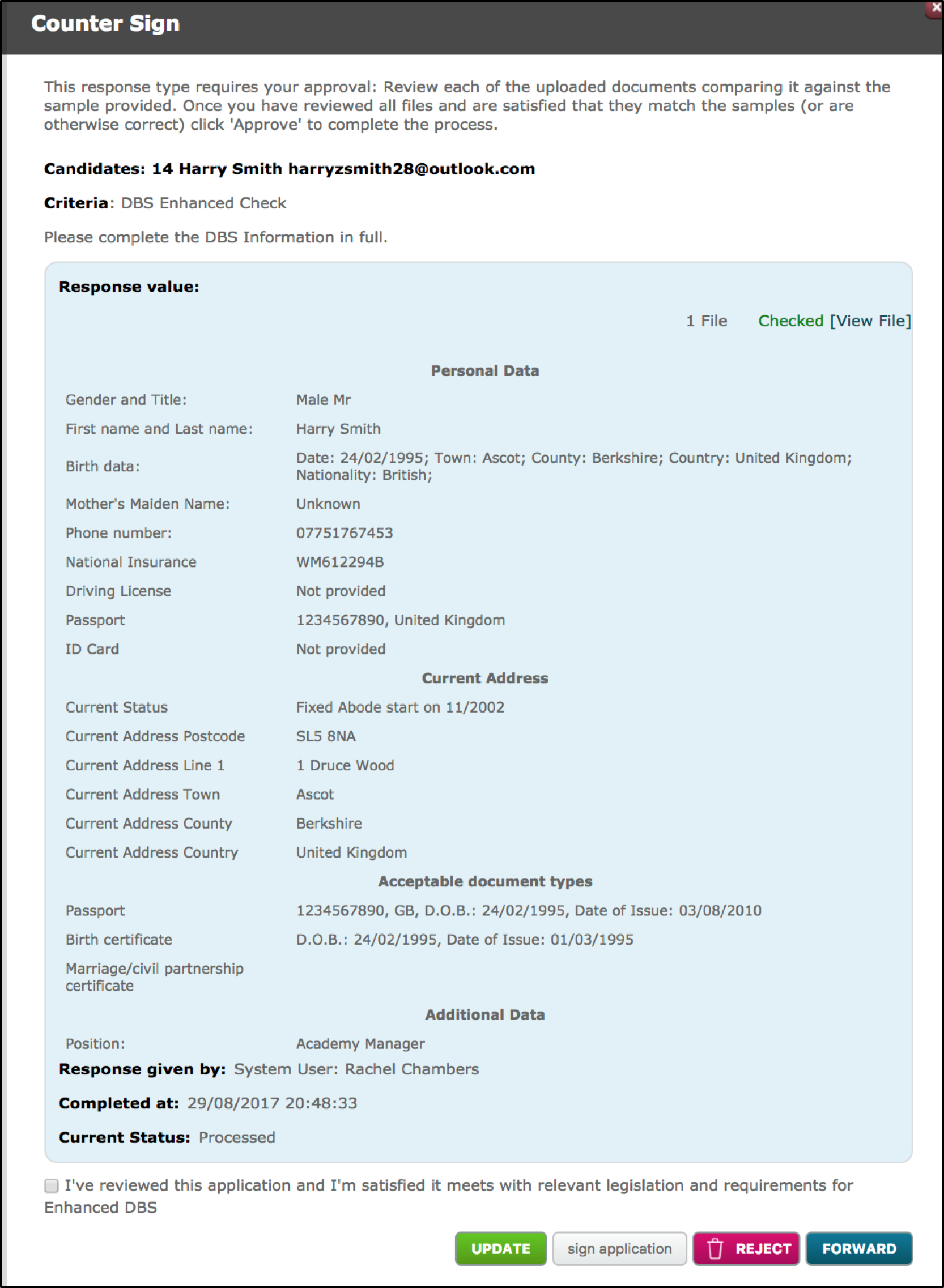
Once this is done, click the Sign Application button.

Comments
0 comments
Please sign in to leave a comment.