
See Knowledgebase section entitled “Dynamic Forms” – this provides information about how to set up and configure a dynamic form which will allow you to create a relational target.
The key things to remember are:
- The Target lookup (selection) field should be information unique to the target eg email address for a person child target, agreement/contract/purchase order number for a thing child target, etc
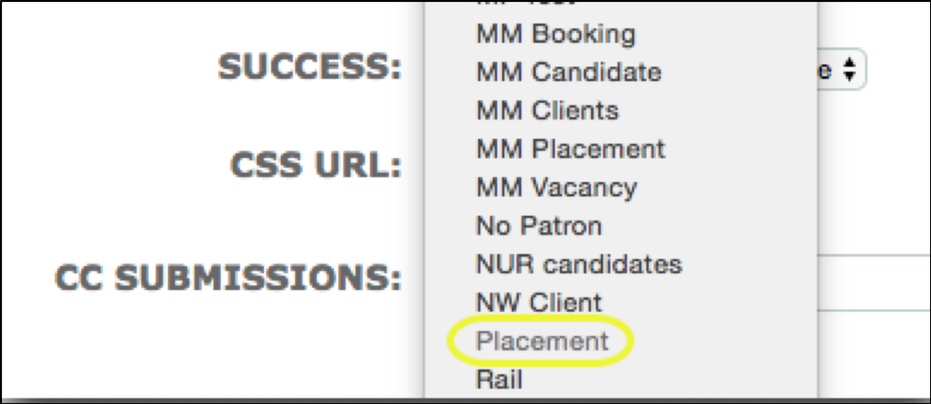
- Target - Select the required Target Group from the drop down menu. A Dynamic Form can be used for creating/editing targets in a Person, Thing or a Relational Target Group. One form is required per target group irrespective of target type. For relational target groups the form will only work where there is one child target group present. If a relational target group has more than one child target group it will be greyed out in the selection menu as shown below:
Comments
0 comments
Please sign in to leave a comment.