
Navigate to the API Connectors List by going to Admin/ API/ View/Edit Api Connectors.
The list shows the API ID, Name, IP Address(es) to which the connector is restricted and also the action menu associated with the the connector.
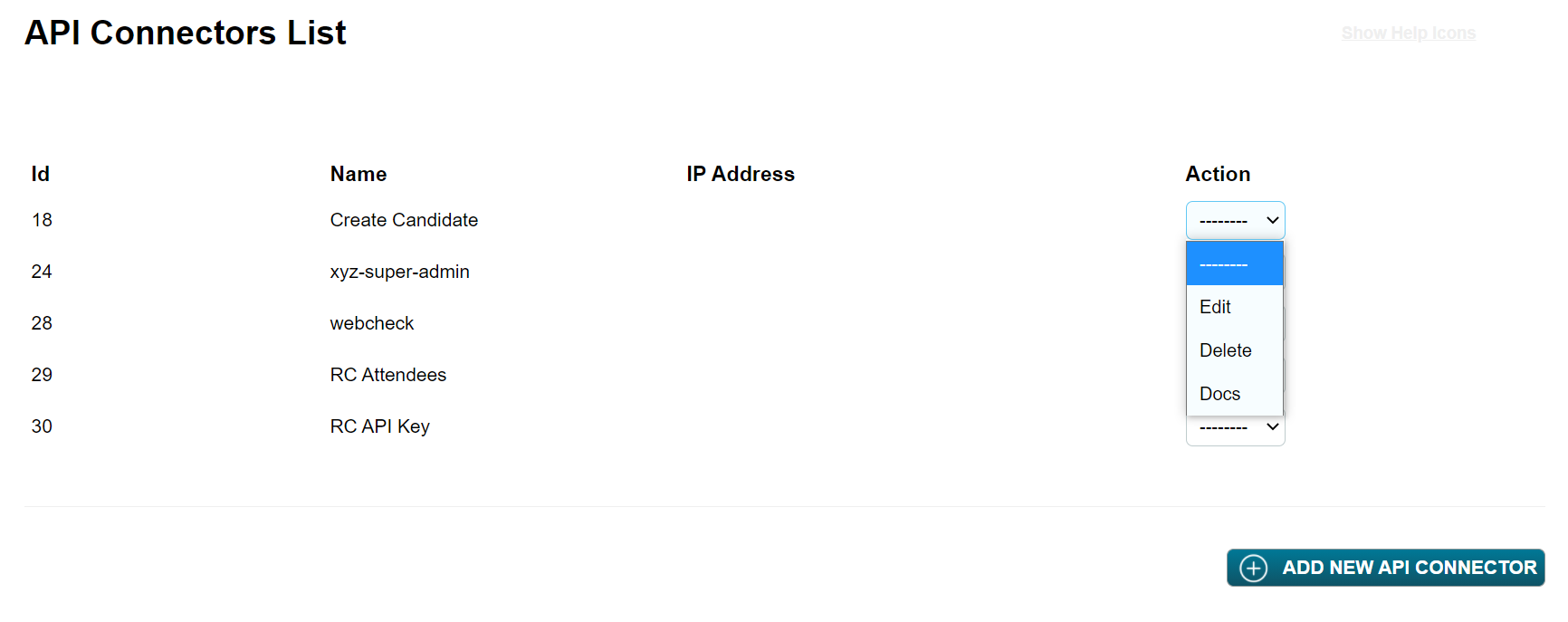
The 3 menu options are:
Edit - use to change the name, add restrictions or change the way data is treated. Use with care if this is an API connector used in an API call in an active sequence.
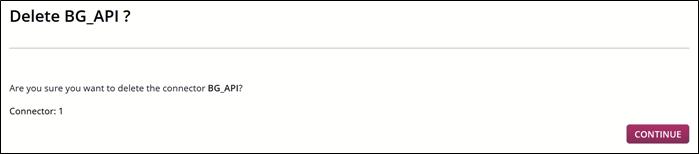
Delete - this option will permanently delete the API connector. Again, use with care. Although you will see a screen which asks if you are sure about the action, you need to check whether the connector is in use in an active sequence.
Docs - this final option will take you to the V1 API documentation. The screen will look like this:
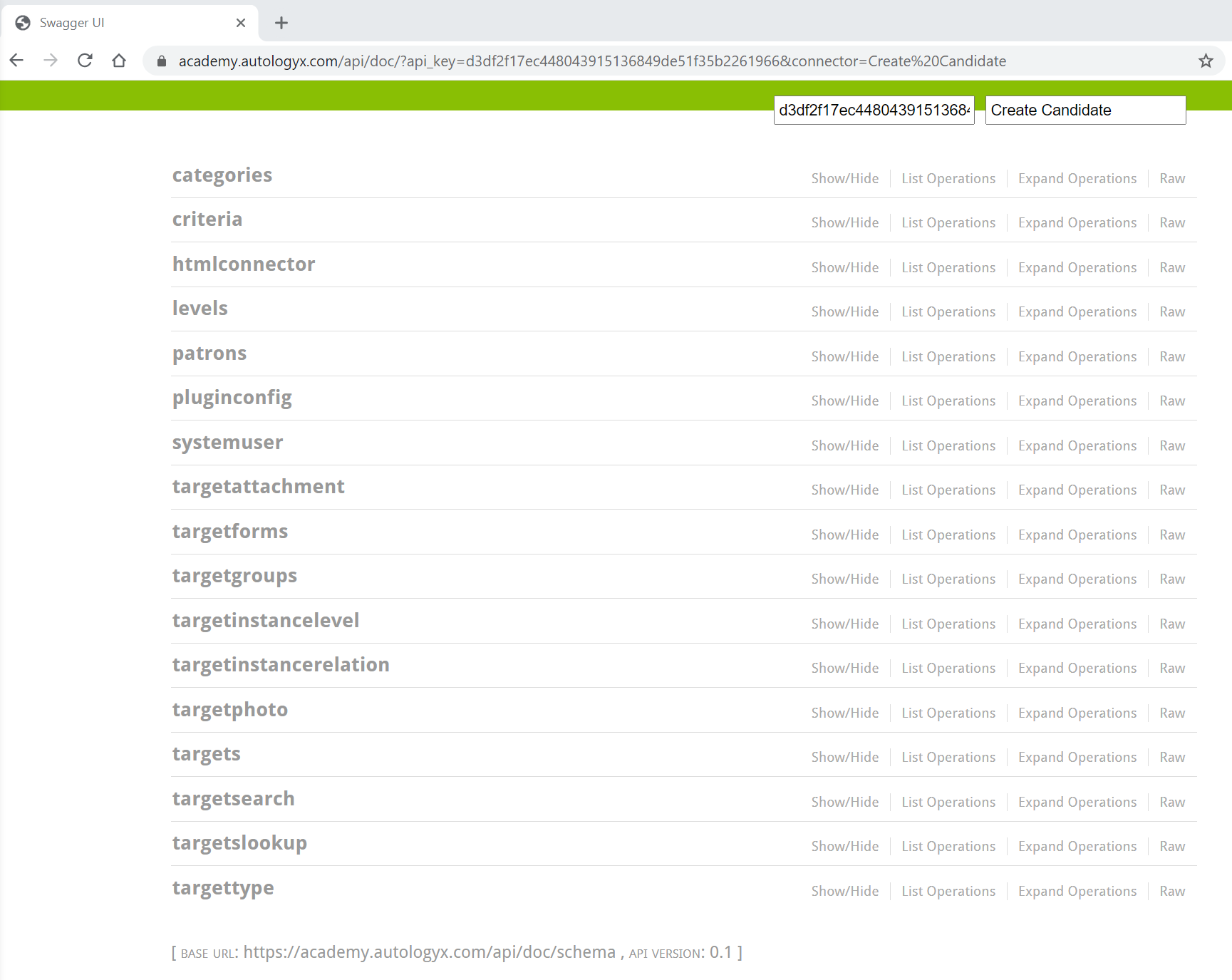
The API key and API Connector name can be seen on the top right hand side.
When the options in the left hand menu are expanded, you will see the possible API calls which can be made.
For more information about using "Swagger V1" click here.
Comments
0 comments
Please sign in to leave a comment.