
To open swagger go to Admin/ API/ View/Edit API Connectors then find your connector in the API Connectors List. From the action drop down, select Docs. You will be redirected to the below page. Version 1 swagger is reliant on using IDs to pass and update records in the system.
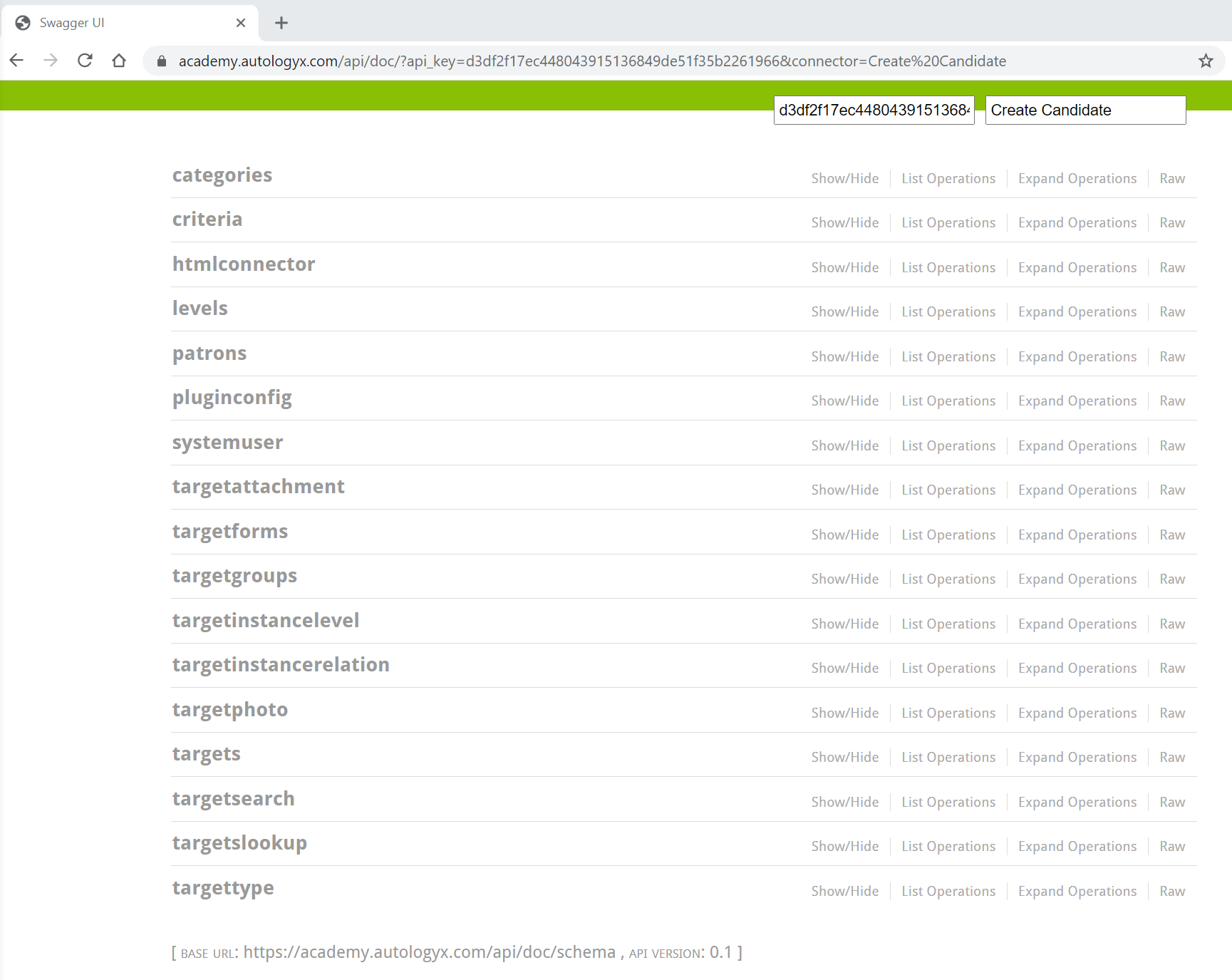
The main area you will need to use to create and update records in the system is the targets section.
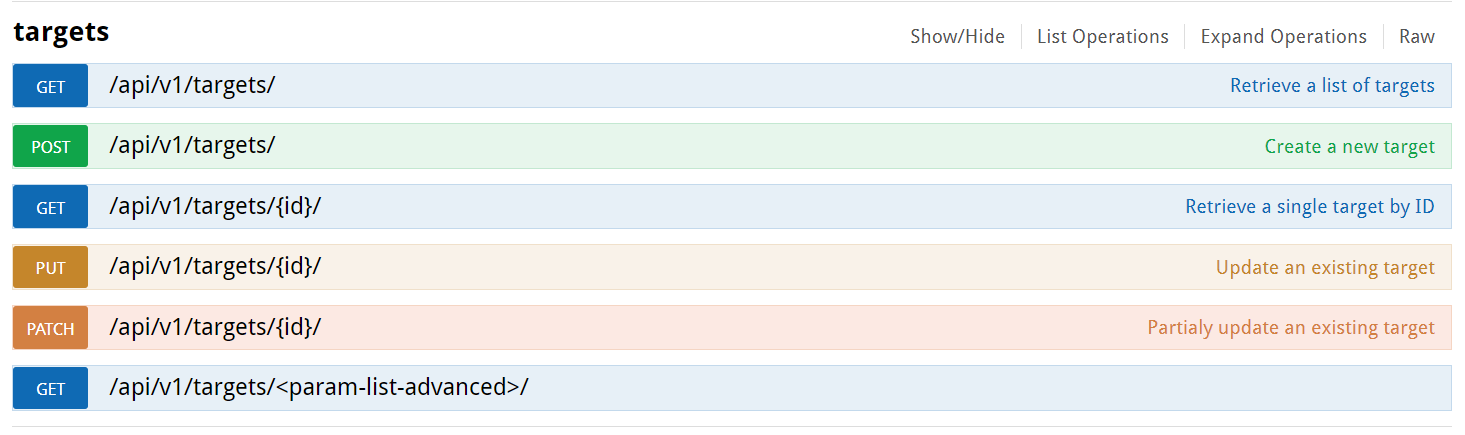
Example API configuration if you were creating a candidate with an assignment:
Candidate (payload)
{ "field_email": "gareth93@yopmail.com",
"field_firstname": "Gareth",
"field_lastname": "Jones",
"field_brand": "autologyx",
"field_registration_number": "07756576",
"field_details_of_criminal_convictions": "Test to show data being anonymised",
"field_details_of_criminal_investigations": "Test to show data being anonymised",
"field_reason_for_dropping_out_of_onboarding_process":"Please add your comments here",
"type": 1}
Assignment (payload)
{"field_target_id": "1167",
"targets_selected":[1167],
"field_poc_process": "Yes",
"field_client_id": "1",
"field_assignment_details": "Test",
"field_assignment_id": "Test",
"field_job_title": "Consultant",
"field_client_name": "autologyx",
"field_relationship_name":"W_test1",
"type": 2}
Considerations
When using a PUT request, you need to ensure all field values are present in the API call or fields that are not passed will be erased where data existed and the JSON object will return null values.
Fields in red are either required due to being unique identifiers like email or are required for the process to work where API calls are updating candidate records from the assignment.
Targets selected on the assignment call is required to link the assignment to the candidate. This TID should be the TID of the candidate you want to link the assignment to.
When writing your JSON object you need to ensure the payload is wrapped in {} and the key is contained between "" and the value is separated with a : and then contained between "" merge fields can be used to send and pass data when API actor is used within a sequence.
Type is required so the system knows which target group the data is going against.
IDs for the target group can be found using a GET request in the target group section of swagger or Targets/ View/edit target groups
- Type 1 (Candidate)
- Type 2 (Assignment)
JSON Return
When you make a successful call, you will get a response that will be like the API call you have made, where it will show you all the field data associated with the record you have created. Where you do not make a successful call, the response box will show you the error. Click here for response codes and other useful information.
Comments
0 comments
Please sign in to leave a comment.