
Admin > Truth Tables > View/Edit Truth Tables
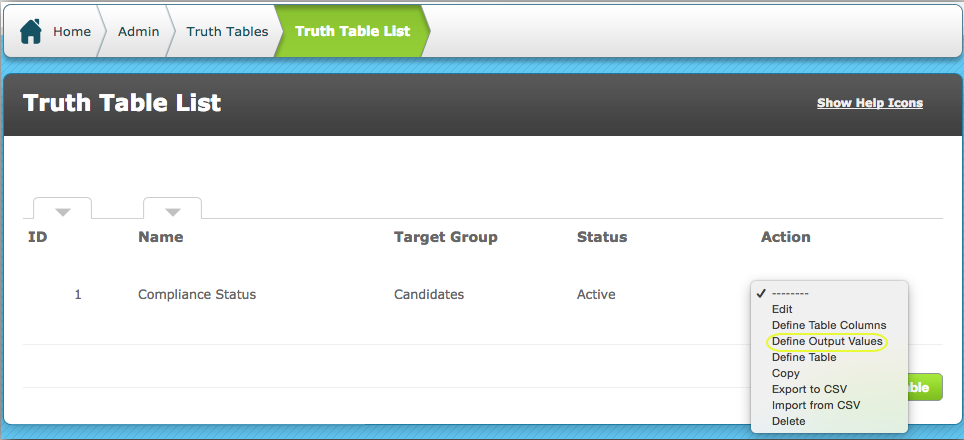
Go to the action menu for the required Truth Table and select "Define Output Values".
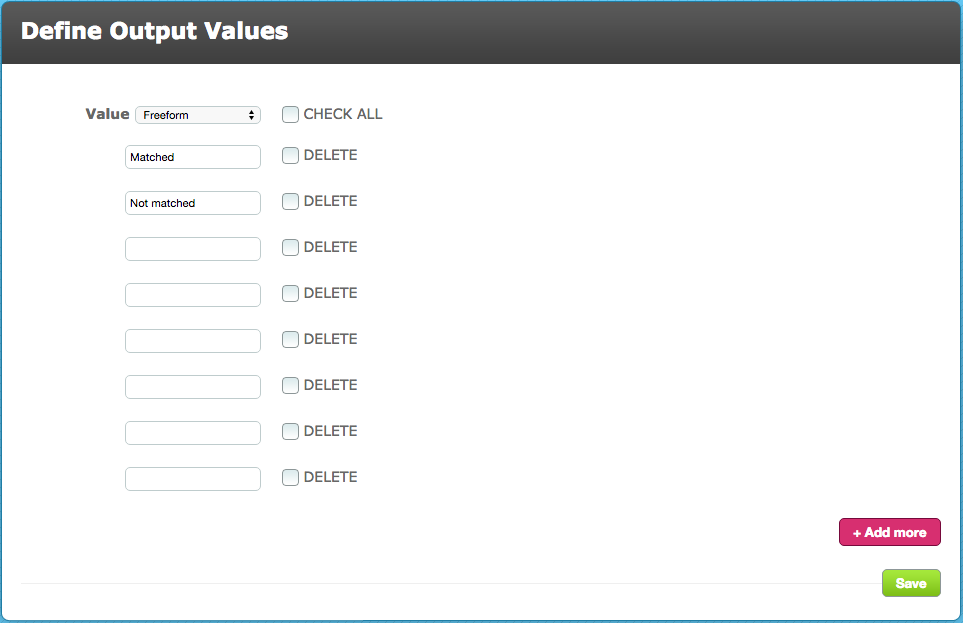
You will generally require a minimum of two output values although you can specify as many as you want.
The example shown below is of a freeform field with two values: Matched and Not matched.
You might prefer to use an Integer type field with out values of 0 and 1 or a Double type field if your outputs are numbers with decimal points. The type of output created will largely be determined by what you want to do with the data.
The output value can be used in a sequence to take the next action eg assign a criteria or level, change a field value, assign a new patron, make an API call to a third party system eg to update a compliance status, etc.
Comments
0 comments
Please sign in to leave a comment.