
Level Sets enables multiple Criteria within a Level to be Completed, Unassigned or Rejected at once.
The Criteria must be set up the same to be able to be Completed, Unassigned or Rejected in bulk. This means the Criteria Response settings must be exactly the same.
This below example uses Yes/No criteria setup the same!
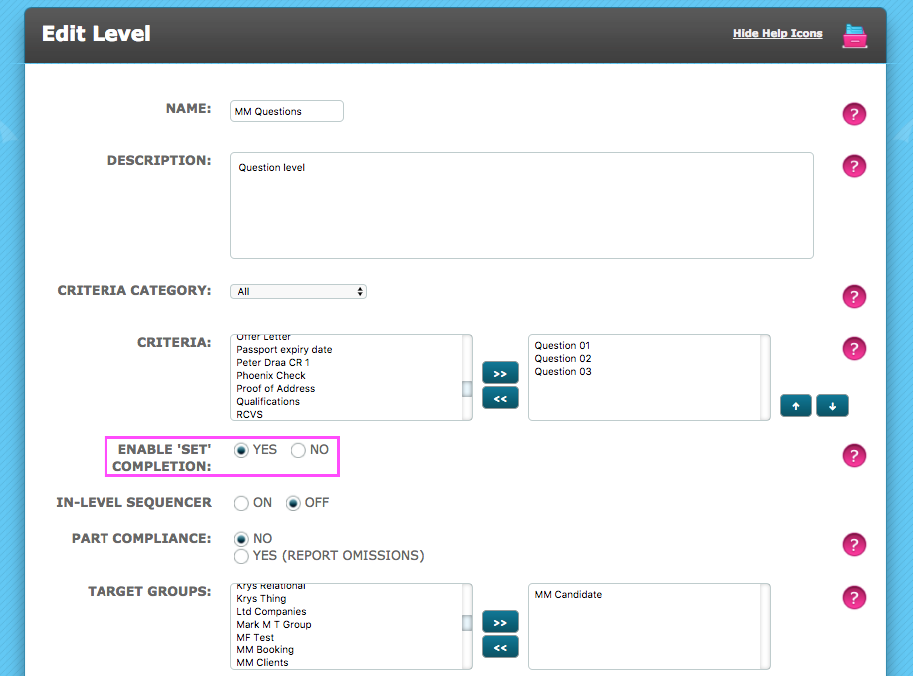
Admin > Levels > View/Edit Levels > Edit Level
Ensure Enable 'Set' Completion is set to Yes
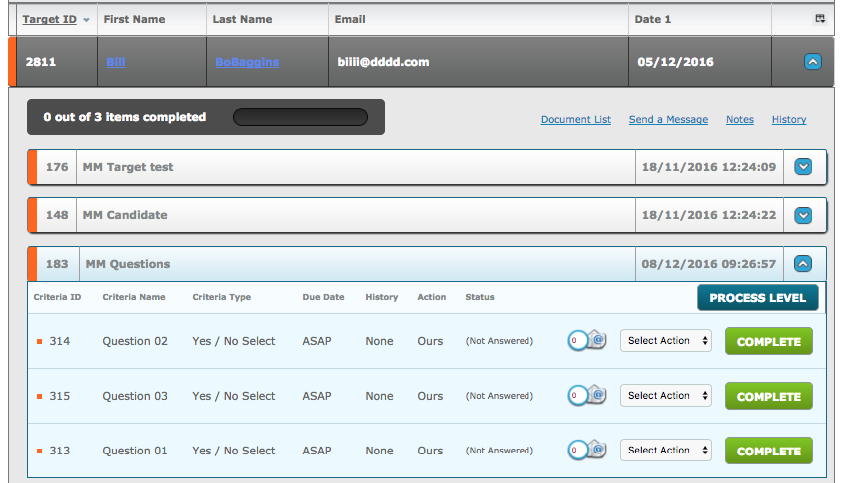
On the Dashboard, click the Process Level button
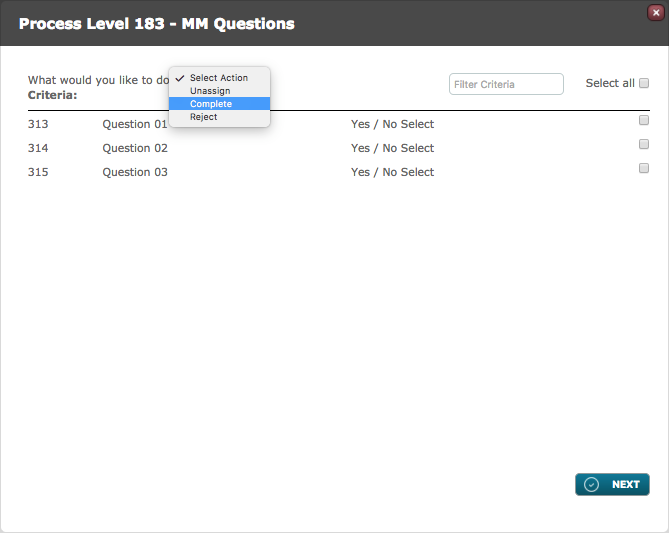
Select the bulk Action you wish to take:
Select the Criteria that match and can therefore be Completed together.
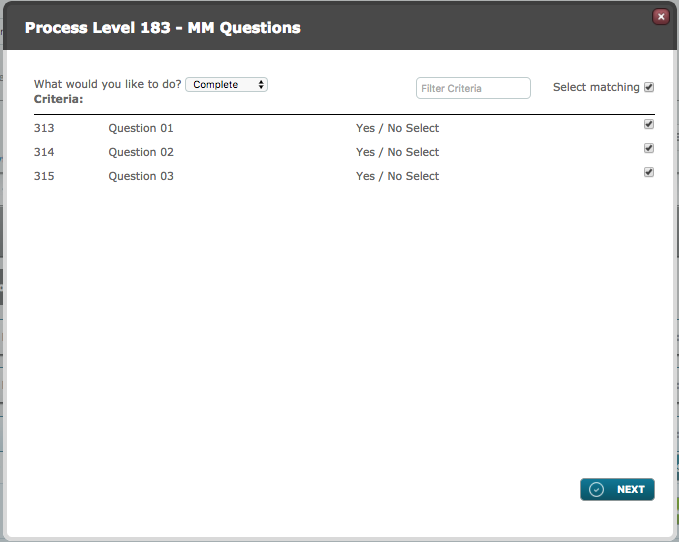
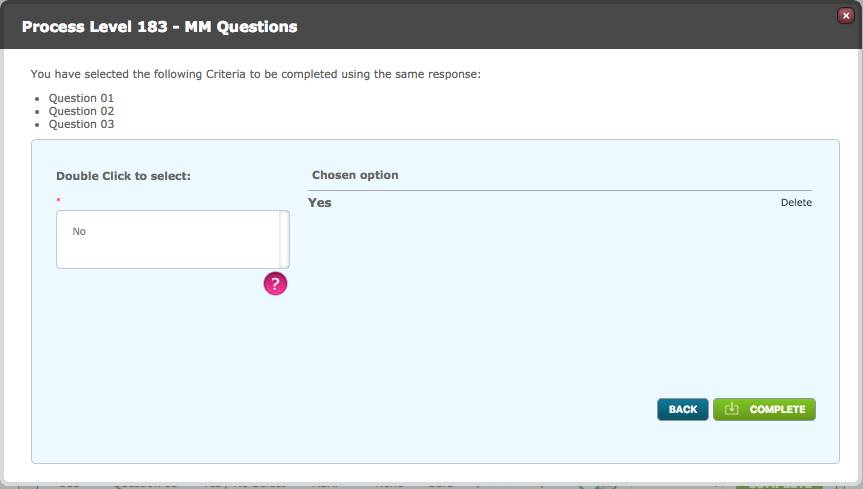
Answer the Criteria, click Complete
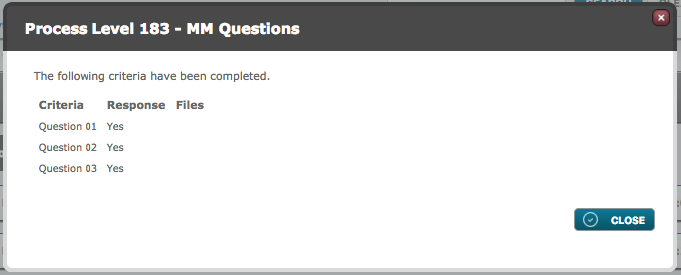
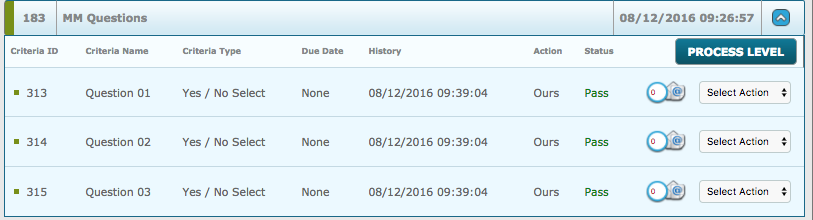
A review modal displays and the Criteria are all complete.
Comments
0 comments
Please sign in to leave a comment.