
Admin > Levels > Add a New Level
When creating a Level you need to select which target group the level is designed for. A level can be used for one or several target groups.
• To make your selection, highlight on the left hand field and use the forward arrow » to move the selection into the right hand field, or simply double click your selection
• Use shift on your keyboard to select more than one target group which are adjacent in the list
• Use Ctrl and shift to select more than one target group which are separated by others which you do not require
• If you select and move a target group you do not require undo this by highlighting on the right hand field and using the backward arrow « to move the selection to the left hand field

If you want to assign the level to a target group via a sequence for a relational target group you will have to select both the individual and relational target groups as below. Here the “Candidate” target group is a member of the “Contract Placement” target group.
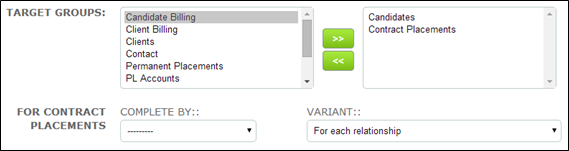
As soon as you select a relational target group additional fields are presented as shown above.
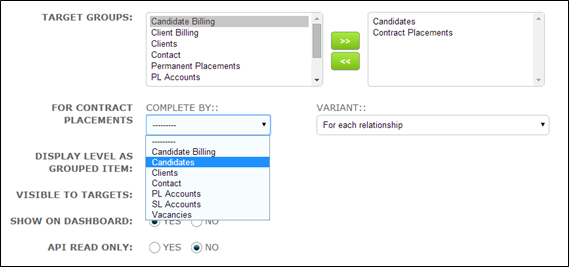
• Click into the “Complete By” field and select the required target group – in this case Candidates
• Select the required “Variant”. Please see help item “Multiple Target Assigning” for further information about how this feature works
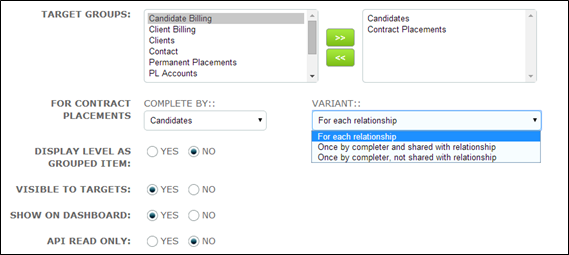
• Complete the level set up and click save
Comments
0 comments
Please sign in to leave a comment.