
Go to Admin ---> Global Settings ---> Global Settings
A User is able to configure how the Document List is displayed to Users.
A User can either select 'Tab' or 'Modal'.

Within the Dashboard is where the Document List can be viewed for a specific target. If the Document List View has 'Tab' selected, then an additional Tab is created in the web browser that is being used.
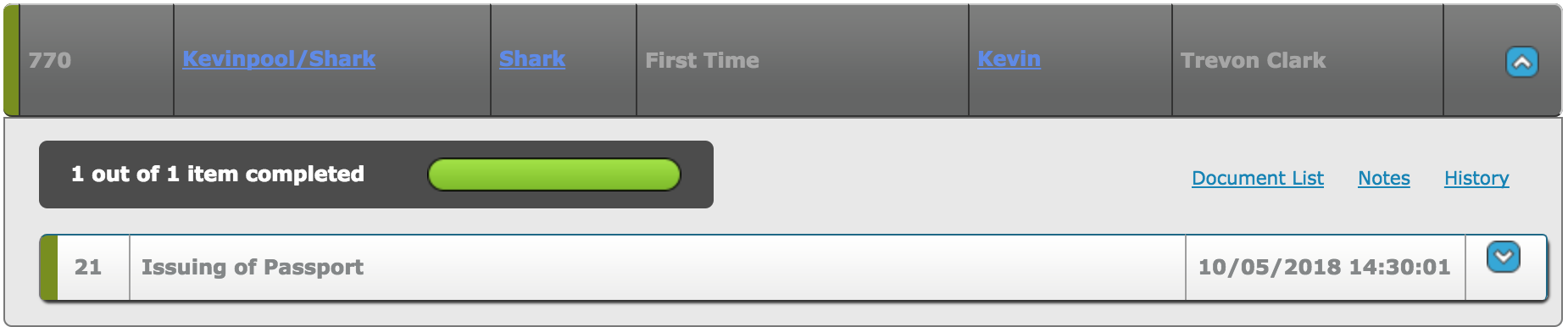
The image below, shows the right tab titled 'Pet Passport Application:' has been loaded within Google Chrome. Within this Tab, the User is able to access the Documents assigned to a Criteria, Documents not assigned to a Criteria and also Document Packs.

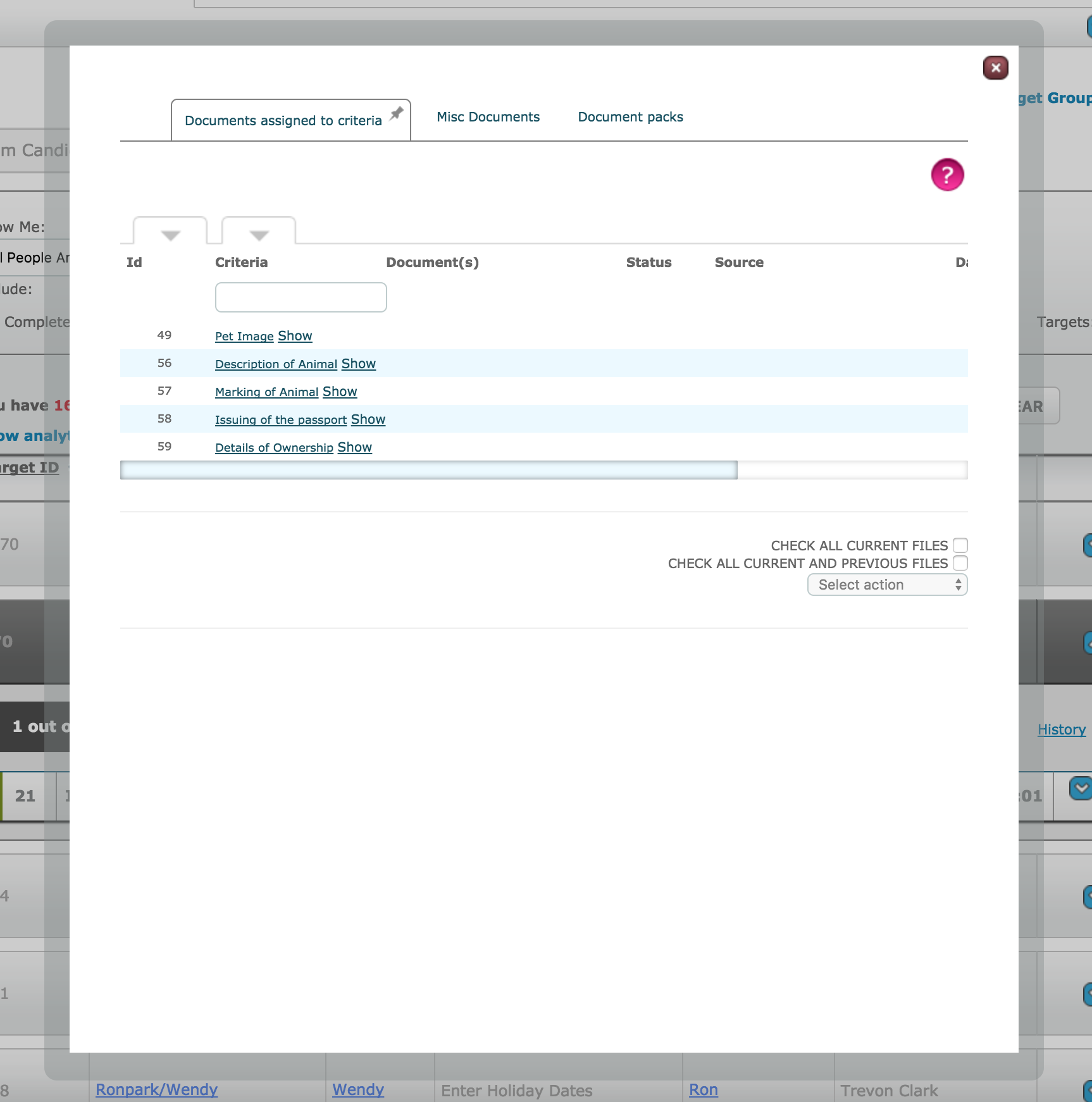
If the Document List View has 'Modal' selected, then there is no additional Tab. Instead, the Document List is loaded on the same screen. As shown below, the dashboard can be seen in the background of the Document List pop up modal.
Comments
0 comments
Please sign in to leave a comment.