
Yes.
Enforced password change has now been implemented in the system. To access the settings go to:
Admin > Global Settings > Global Settings
It is located under the Global Security Settings sub heading.
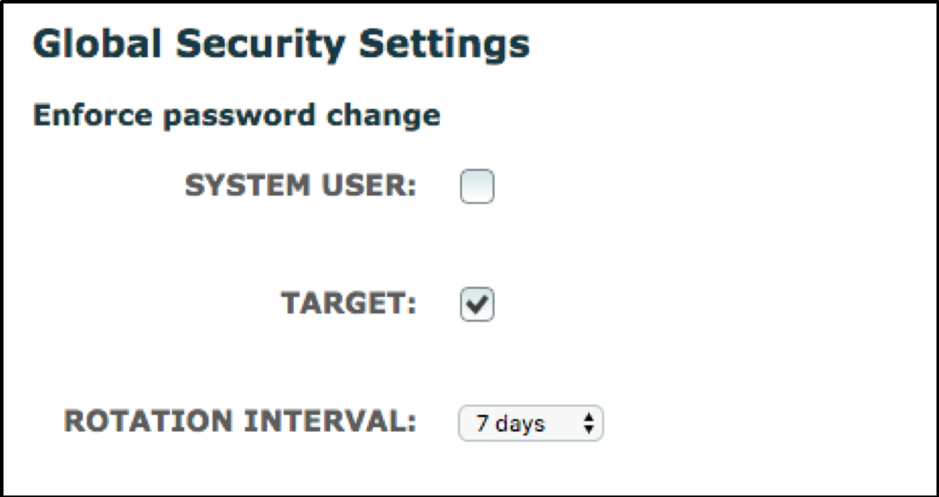
The enforced password change can be restricted to either one, or both targets and system users by a simple tick of the box.
Rotation Interval - This is the interval period when the password reset emails are sent to the target/system user to update their password.
This setting can be set to 7 days, 30 days, 60 days, 90 days, 120 days, 180 days or 365 days depending on your preference.
Comments
0 comments
Please sign in to leave a comment.