
There are 4 new criteria response types which allow strong typing of data. In the past data capture through the single line response type has been limited to a string.
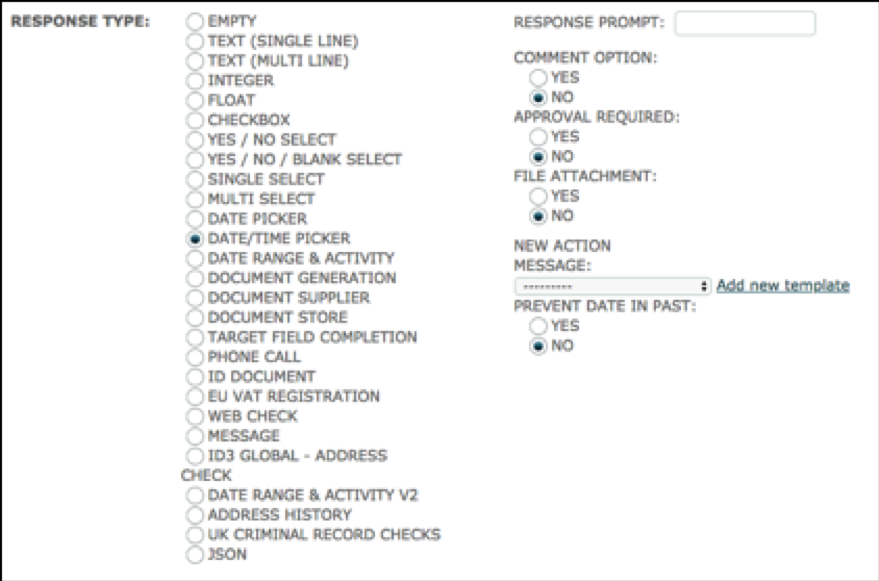
The Date/Time Picker response type allows you to enter a date and time in one object where before you would have had to use two target fields or a Date picker criteria response type and a time type field.
The criteria set-up is below:
When you click to complete the response, the date and time highlighted is current date and time.
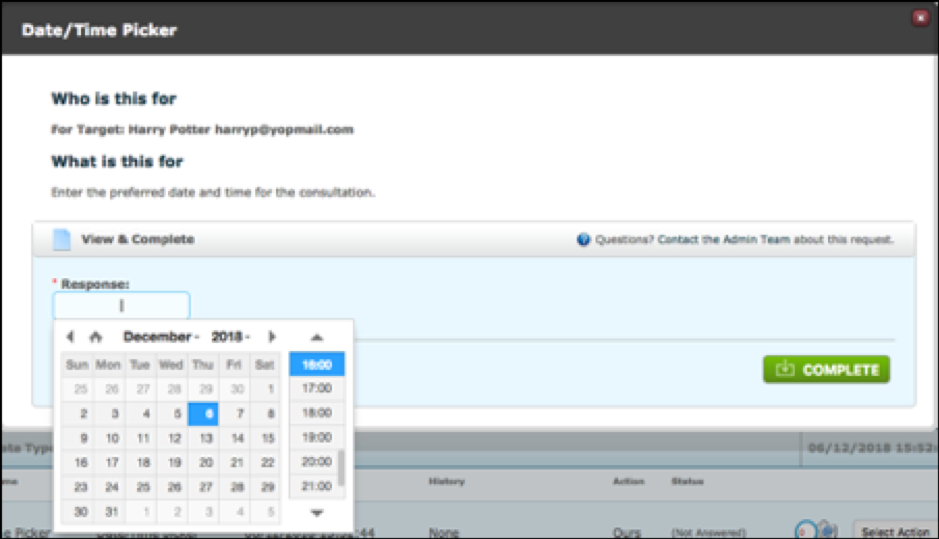
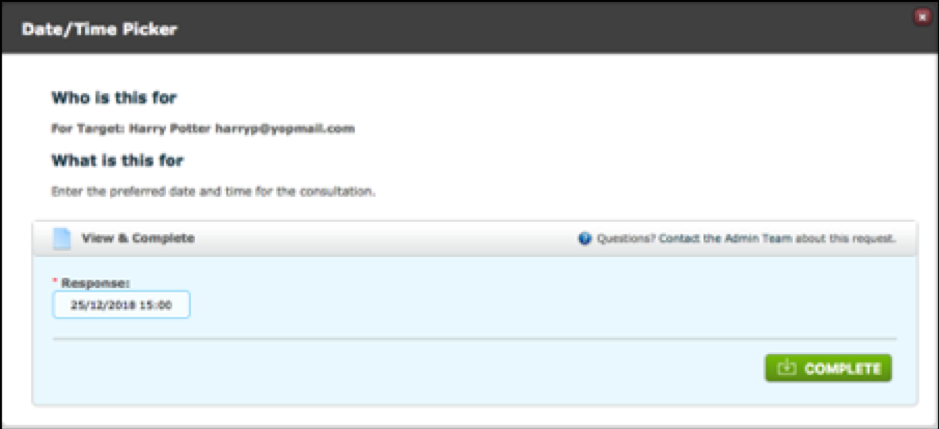
You can click through the calendar as you would with a date picker and the time is in 24 hour clock with a vertical scroll bar.
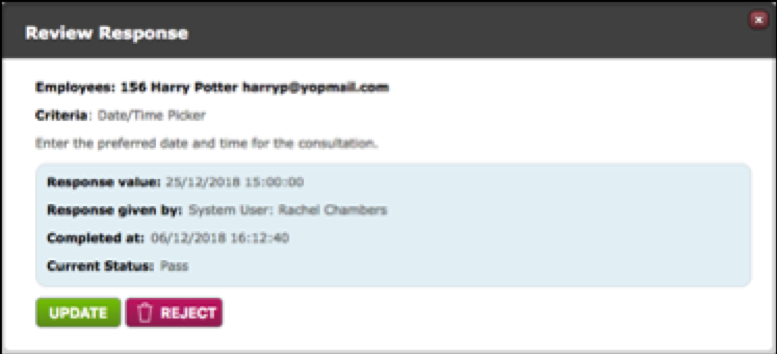
Response viewed from the dashboard:
Using Date/Time Picker in a sequence condition:
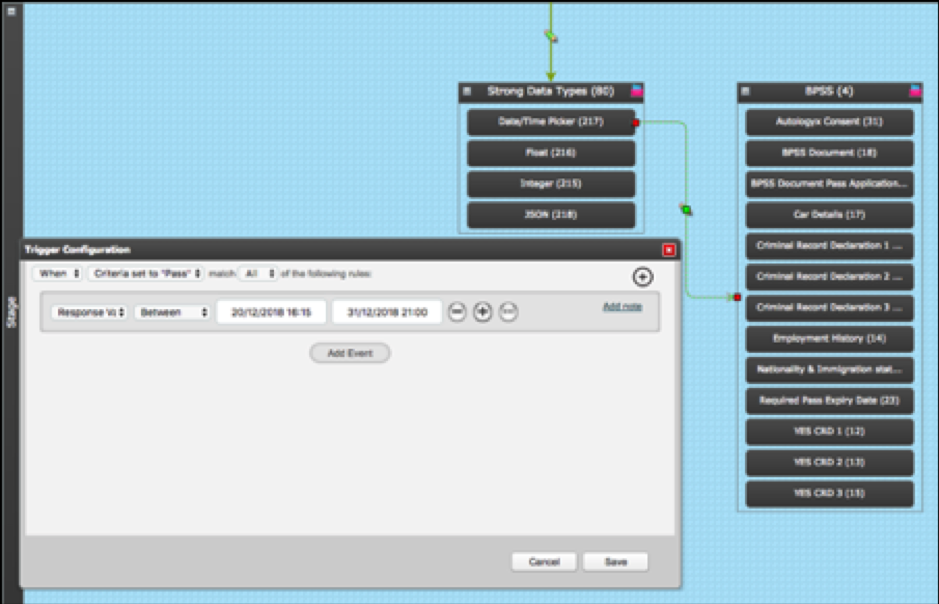
The same logic operators are available in other areas of the system eg in a Truth Table and in IF statements in document templates and API calls.
Tip: Remember that the time zone and date format are specified in Global Settings. However, changing the Date Input Widget to drop-down will not affect this calendar.
Comments
0 comments
Please sign in to leave a comment.