
Erase Target Actor
A Target can be Erased or Hard Erased after a particular time or event by using the Erase Target actor in a sequence. This will remove the Target from the system along with any data associated with them such as Criteria responses, Documents and Field data.
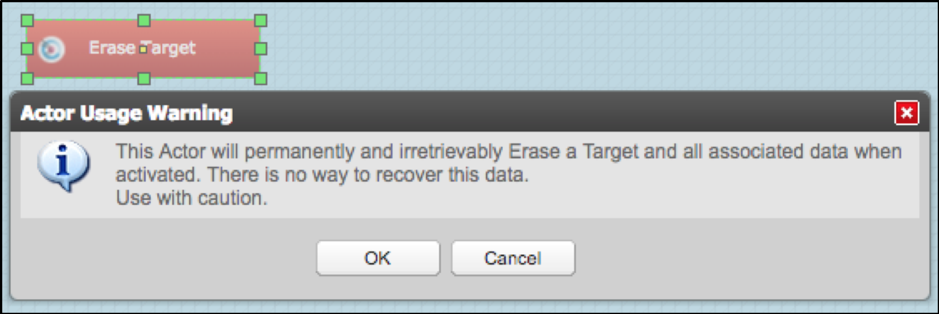
Drag the actor onto the sequence. You will be presented with a warning message which categorically states that the actor is used for permanent deletion. The user can click OK to continue, or Cancel should they wish to change their mind.
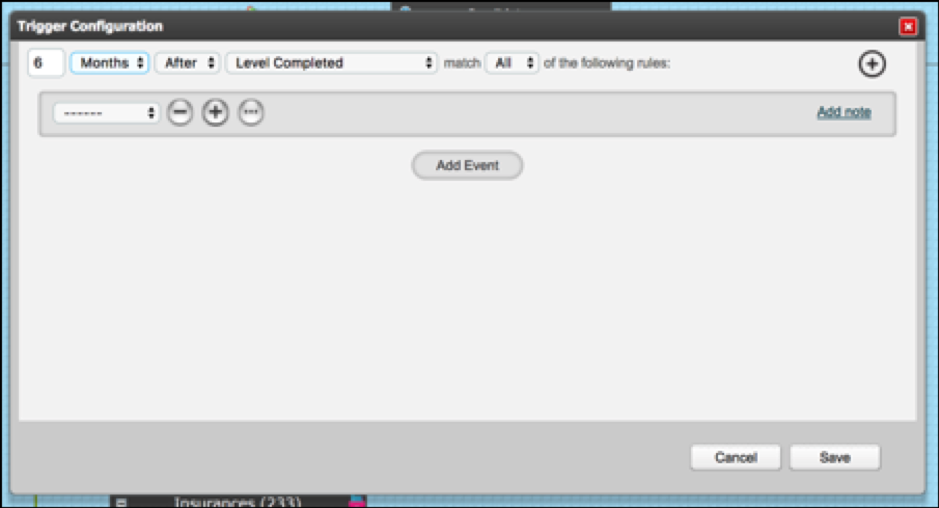
If you select OK you can configure a trigger to the Erase Target actor. This can be time delayed and can contain various additional conditions if necessary.
Next, configure the Erase Target actor. Select whether you want the Target to be Erased or Hard Erased.
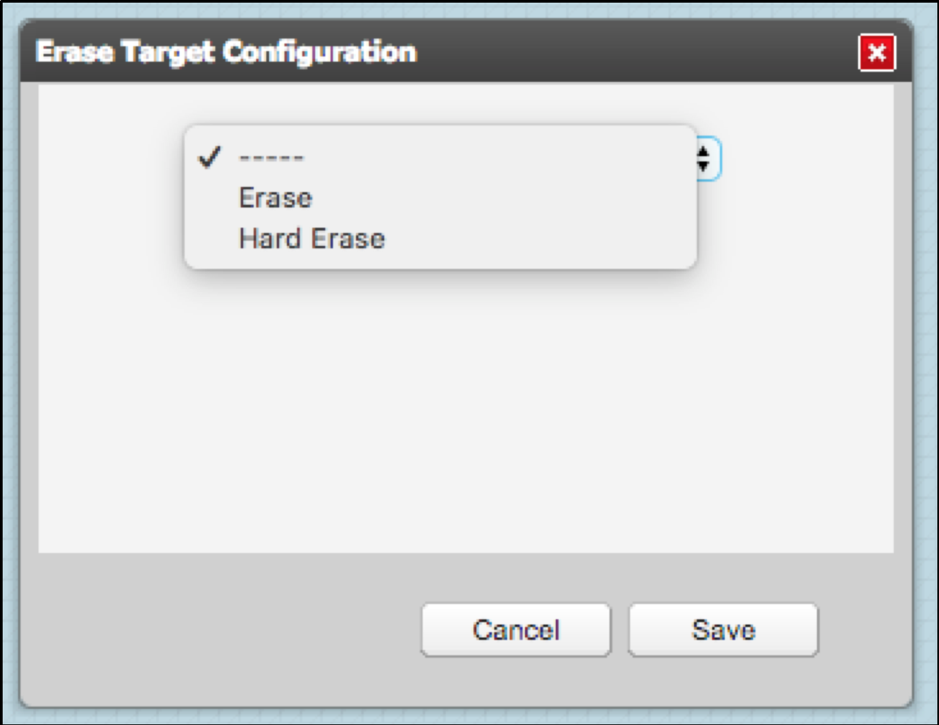
Selecting Erase, will mean that the target will be erased permanently from the system. If this target is an associated child target in a relationship, the relationship will still remain but without the child target's data. The values for this child target will change to asterisks.
Selecting Hard Erase, will mean that the target will be erased permanently from the system. If this target is an associated child target in a relationship, the relationship will still remain but instead of the child target values changing to asterisks the child record will be completely removed from the relational target.
Once the sequence takes the Erase Target action:
- the Target will be removed from the system, so they will no longer be visible in the Dashboard or the Target List
- Response documents and values associated with the Target will also be removed and will no longer be visible in the system
- The Erased Target will not be able to log in to the system or receive notifications
- The Target will not be able to be restored back in to the system
Comments
0 comments
Please sign in to leave a comment.