
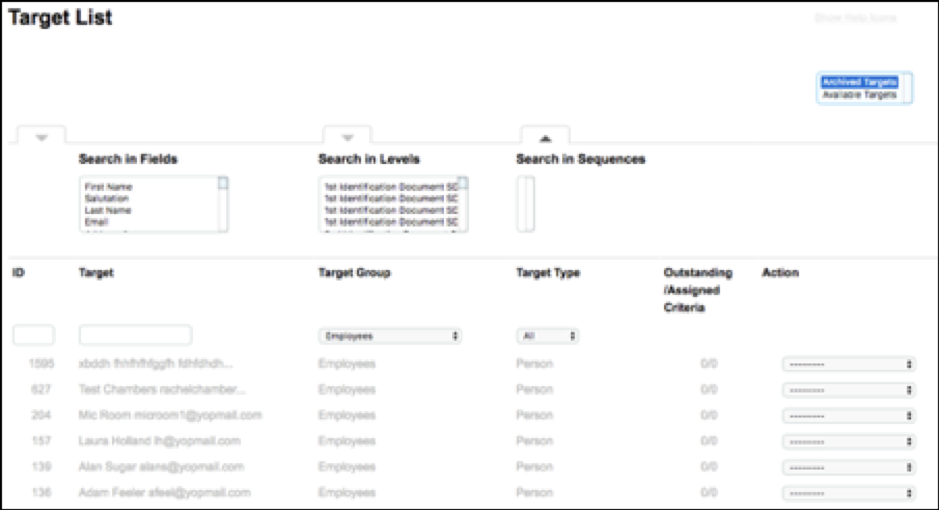
A Target can be Archived after a particular time or event by using the Archive Target actor in a sequence. This will move the Target along with any data associated with them such as Criteria responses, Documents and Field data to the Archived Targets section of the Target List.
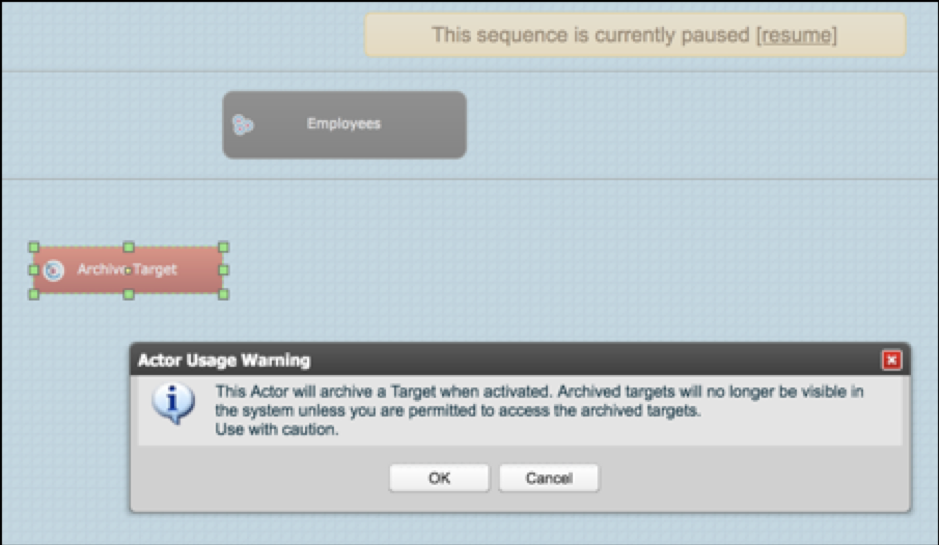
Drag the Archive Target actor onto the sequence. You will be presented with a warning message which states that targets will no longer be visible in the system unless you have permission to view Archived Targets.
The user can click OK to continue, or Cancel should they wish to change their mind.
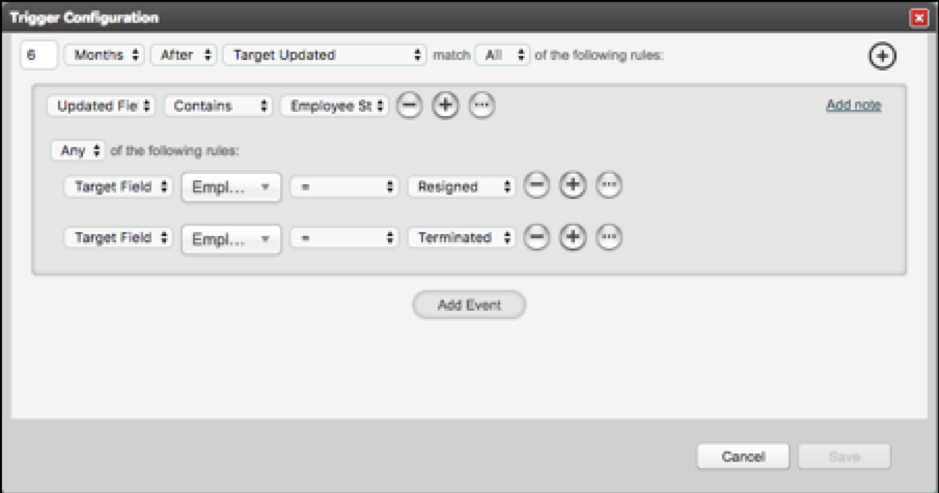
If you select OK you can configure a trigger to the Archive Target actor. This can be time delayed and can contain various additional conditions if necessary.
There is no configuration required for this actor.
Once the sequence takes the Archive Target action:
- The Target will be moved to the Archived Targets, so they will no longer be visible in the Dashboard
- Only users with the appropriate role permissions will be able to find the target in the Archived Targets list
- Criteria along with response documents and values associated with the Target will also be removed and will no longer be visible in the system
- The Archived Target will not be able to log in to the system and will not receive notifications
Manual Archive for individual targets
Individual targets can be archived at any time.
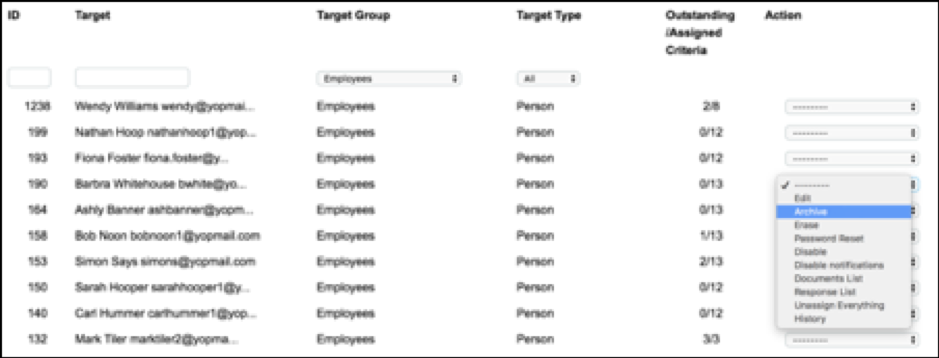
- Go to the target list and find the required target
- Open the action menu on the right hand side of the target listing
- Select Archive
- A modal will open showing the following message:
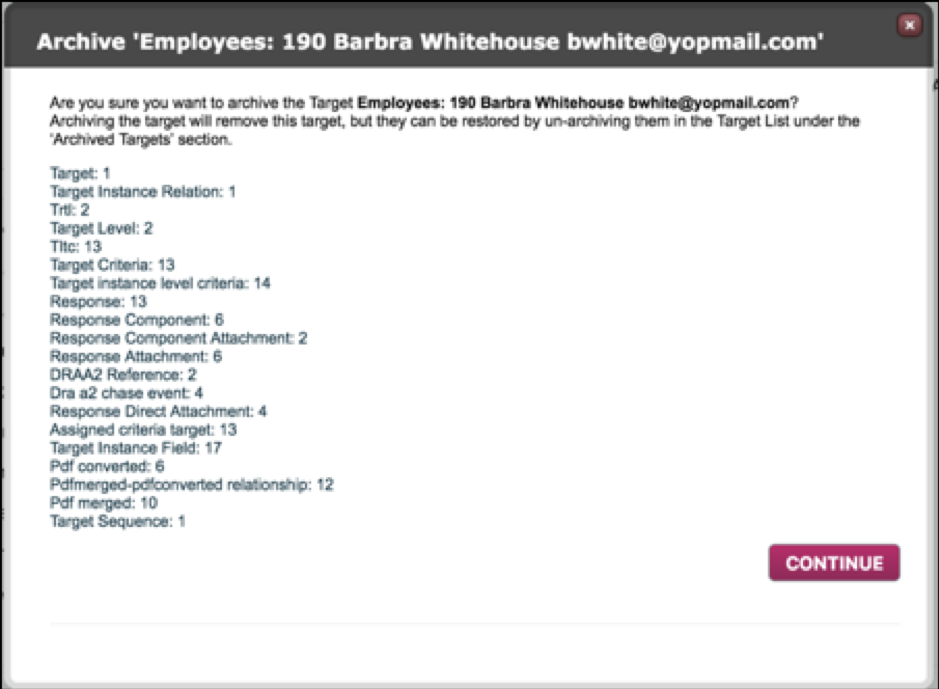
- Click continue. You will see a further modal with confirmation that the action will be taken

- Close the modal
Please Note, Once Archived:
- The target still exists. In the case of person types their email address will be recognised. In the case of thing and relational types the value in the field marked as unique will be recognised. If a user tries to add them as a new target in the group in which they are archived, the user will be presented with the below warning message.

However, a user will be able to add the target to another target group.
- From the target list the only actions a user will be able to take are Un-archive or Erase.

Comments
0 comments
Please sign in to leave a comment.