
System User role permissions have been changed in line with the enhancement to the Archive and Erase feature.
When creating or updating a system role, the following permissions on the "Compliance Setup" tab should be taken into consideration:
"Target List" - there are new options for "Archive" and "Erase"
As described in other articles in this feature, any user who is given permission to use these options will be presented with warning messages which describe the outcome of the chosen action.
In fact, when a user selects the Erase option for a role permission, they will be immediately presented with a warning modal:
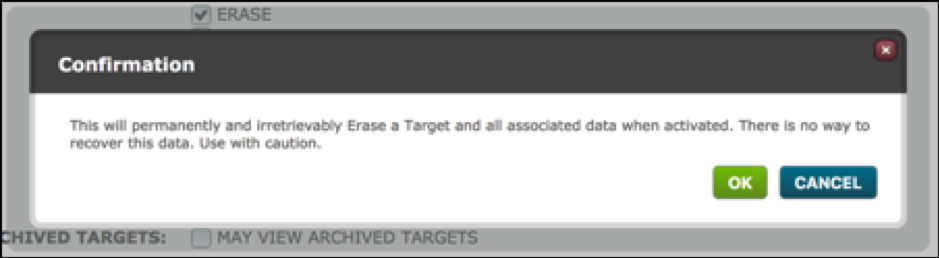
If they cancel the Erase permission will be unticked.
If they select OK the Erase permission will remain ticked.
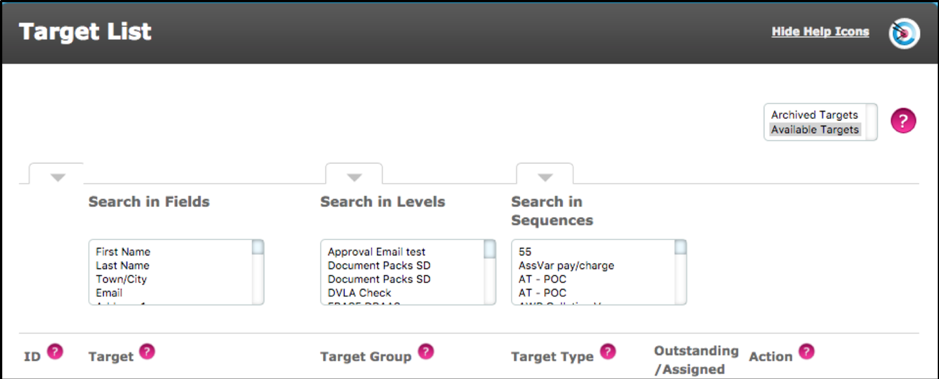
"Archived Targets" - May view archived targets
This option being ticked will allow the user to view both "Available Targets" and "Archived Targets" in the Target List:
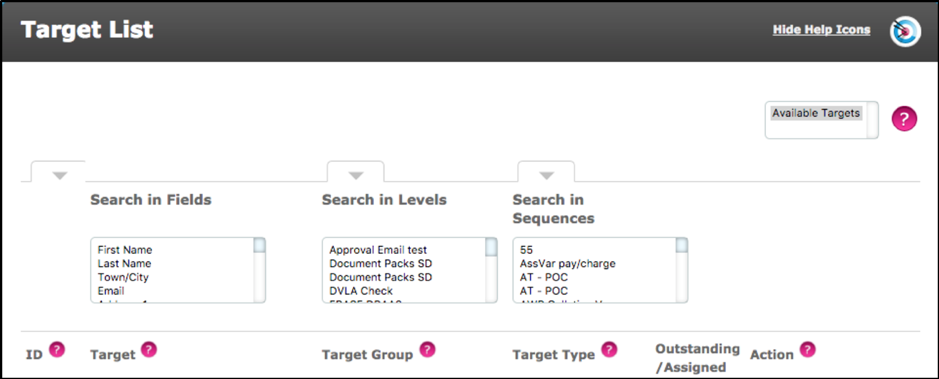
Users with roles where this permission is not ticked will see the following Target List:
"Sequence Control" - there are new options which define which actors a system user can configure:
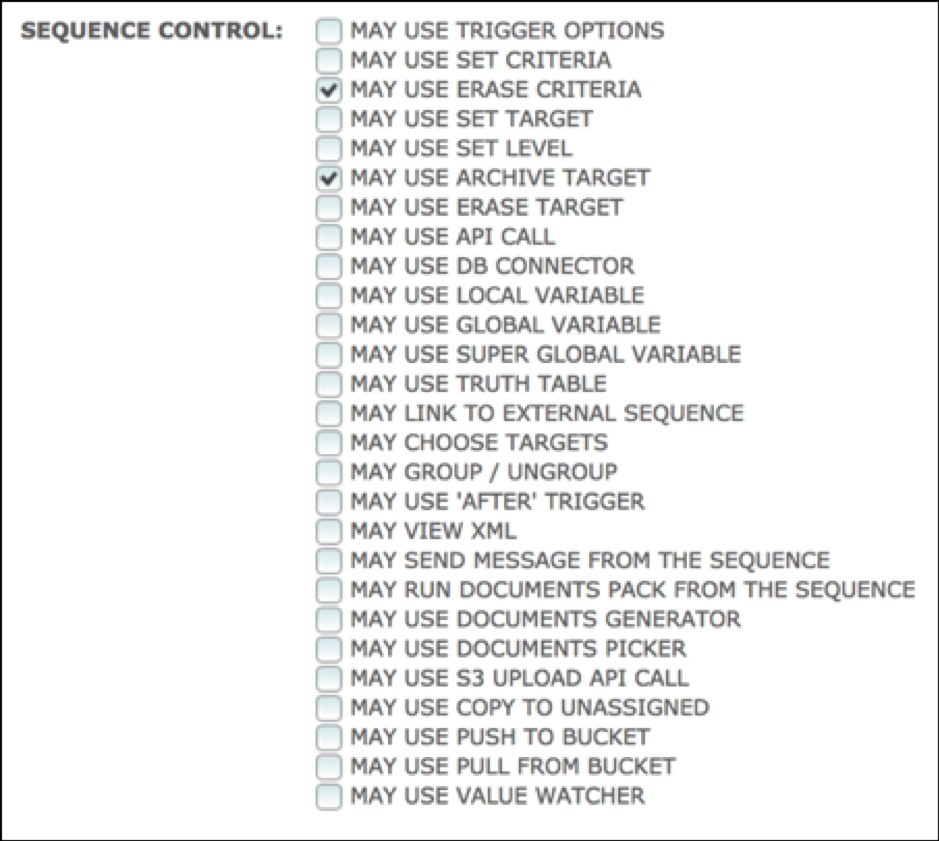
When "May Use Erase Target" or "May Use Erase Criteria" is selected the user is presented with the following warning modal:
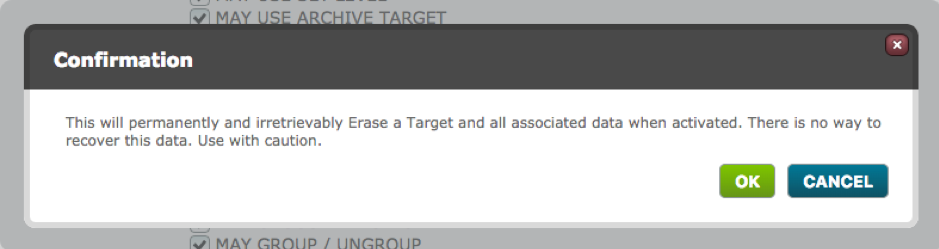
If Ok is selected, the Erase option remains ticked.
If the user cancels the selection the Erase option is unticked. This will result in a user with this role not being able to:
- drag an Erase Target/Erase Criteria actor onto the sequencer
- edit the configuration of an existing Erase Target/Erase Criteria actor.
Comments
0 comments
Please sign in to leave a comment.