
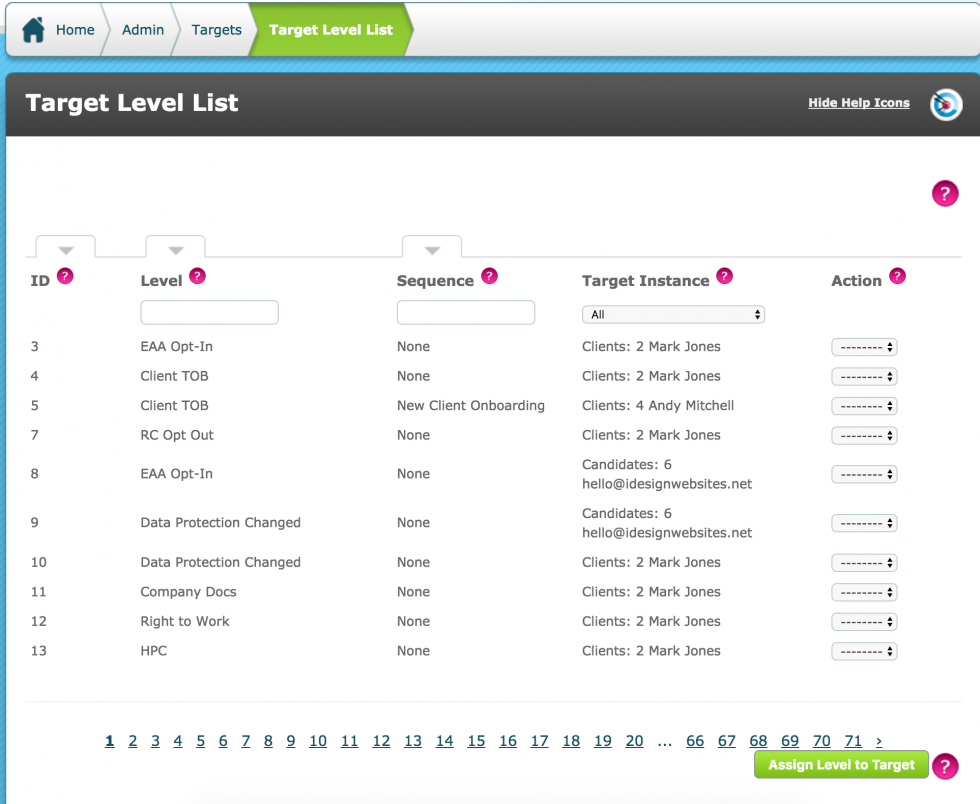
To manually assign a level to a target go into Admin > Targets > Target Level List > Assign Level to Target
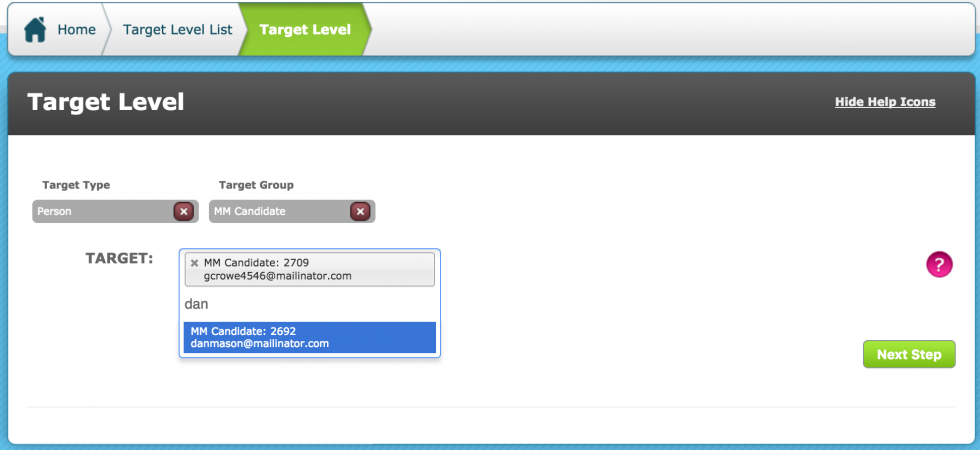
Select the Target Type (Person, Thing or Relationship) and the Target Group of the intended Target.
Then enter the first 2 letters of the Targets identifier (in this case, email address) and select as many targets as required.
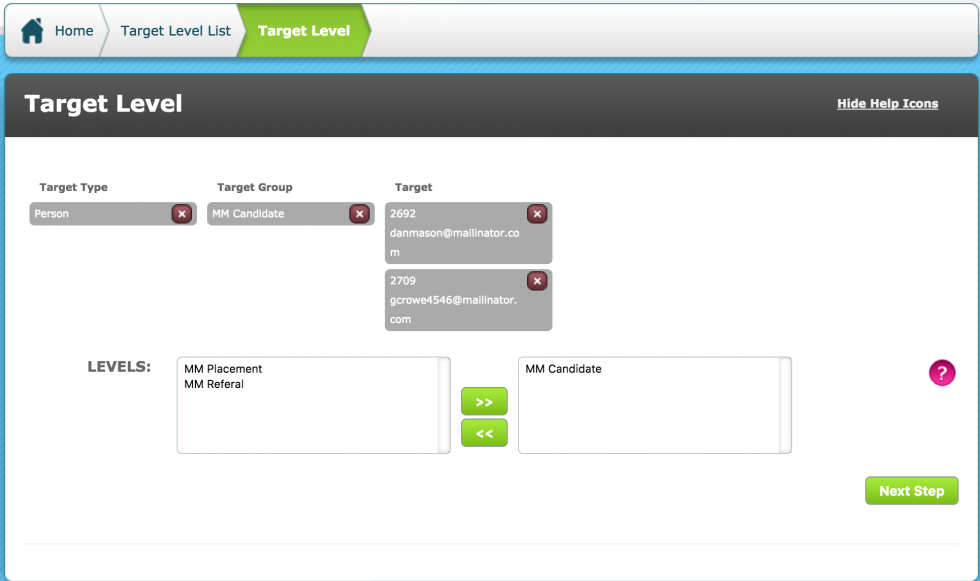
Chose the Levels to manually assign to the selected Target(s)
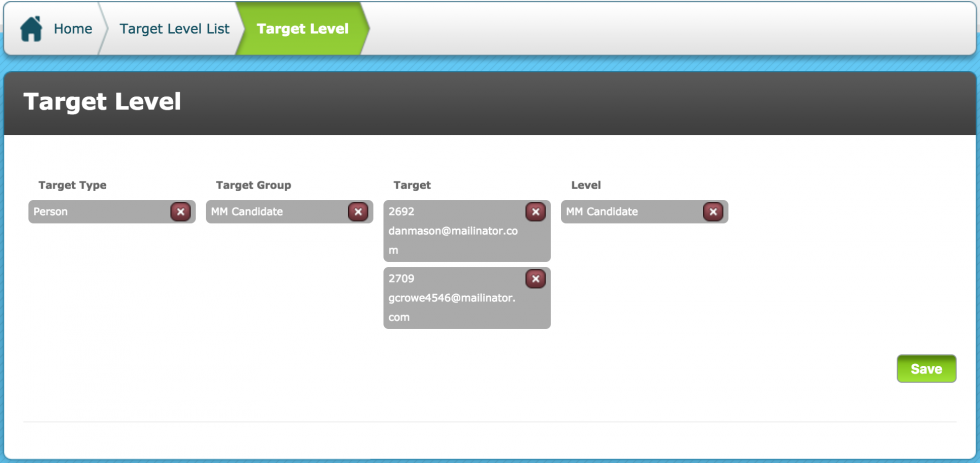
Save.
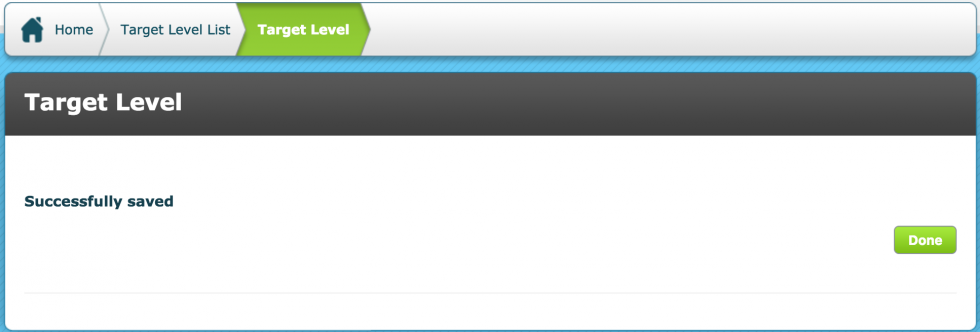
If successful, a confirmation message will display
Now, the selected Targets will have this Level and the Criteria within to Action.
**Note, assigning a Level this way will assign ALL criteria within it to the Target
Comments
0 comments
Please sign in to leave a comment.