
Sometimes we need to ask a target or user to complete a number of criteria again. It may be that a couple of criteria responses have led us down a particular route in the process but actually one of the pieces of information given was incorrect.
Alternatively, a document may have been generated and signed by one or more parties and has been found to contain incorrect information because a previous criteria was completed with the wrong response.
In this case, the easiest and quickest way to deal with this situation from the Dashboard is to use the "Process Level" function which will allow you to reject/ask again more than one criteria in one action.
In the below level, criteria IDs 78 and 79 have been assigned to collect signatures for the document generated in criteria ID 76. However, the document template needs to be amended.
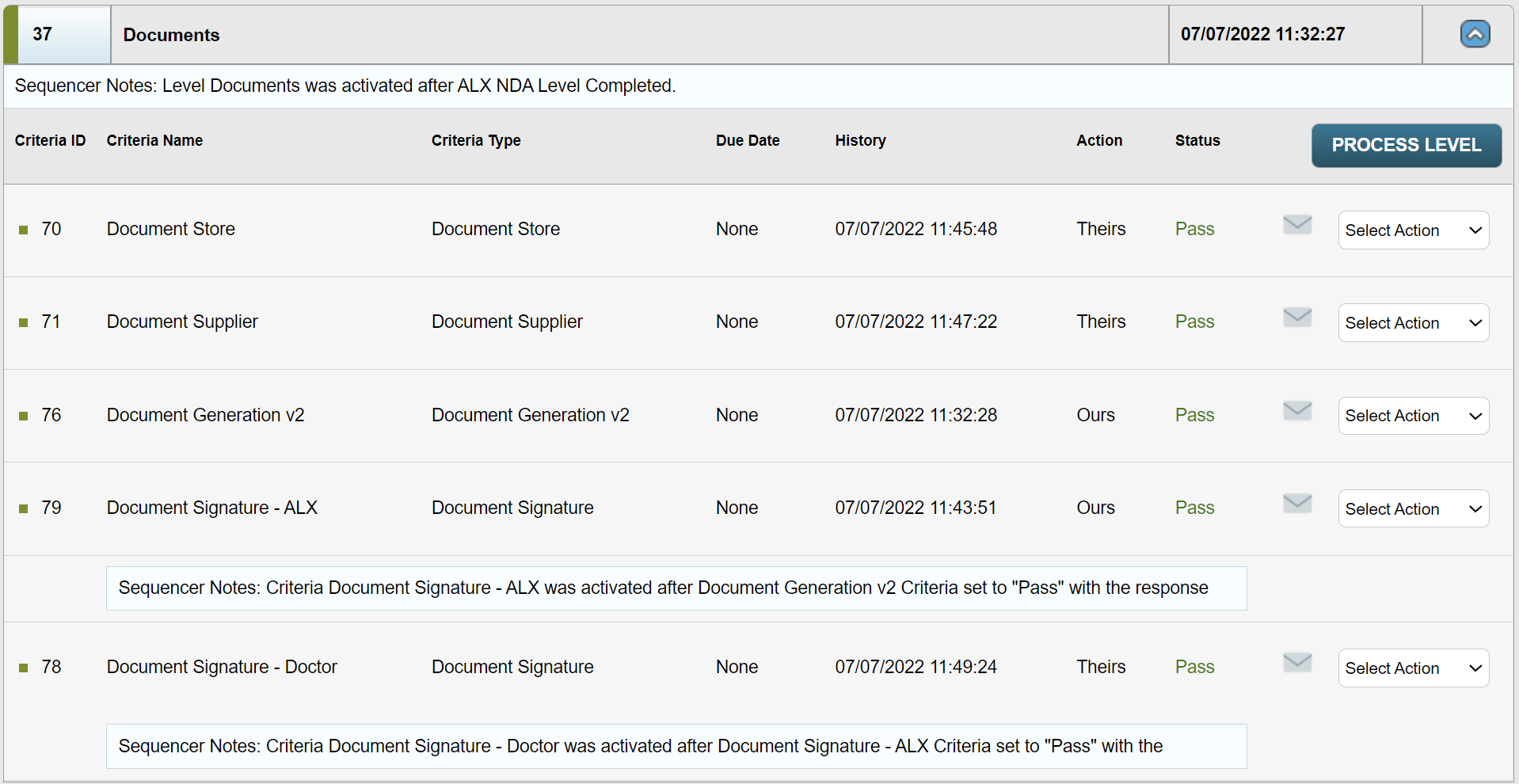
Once you have amended the template take the following action in order to ensure that the signatures are correctly removed and the amended document is provided: click the Process Level button on the top right hand side of the level. The following modal will be displayed:
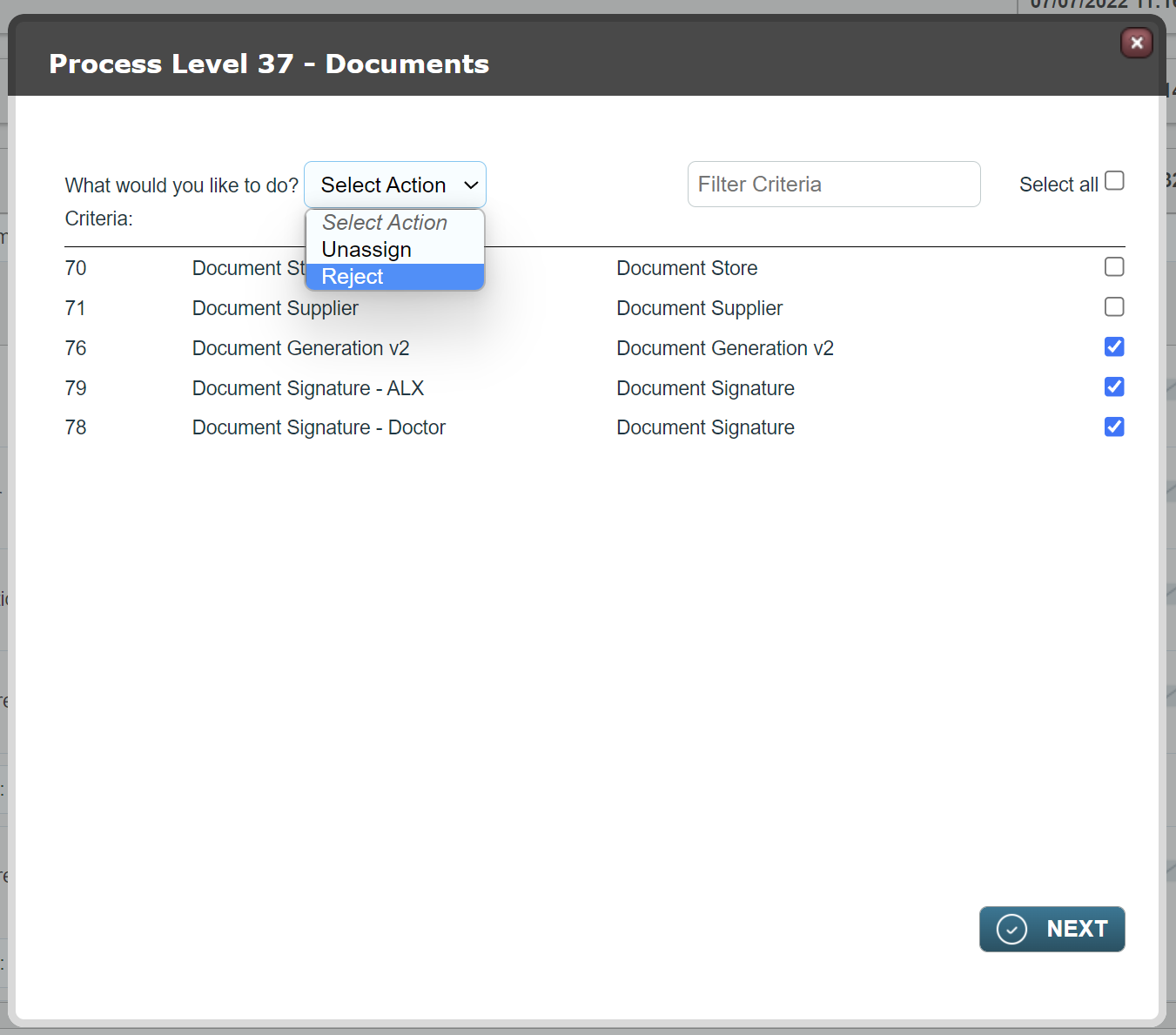
Check the box in the far right hand column of the criteria you wish to process.
In the Select Action menu, select Reject. Click Next.
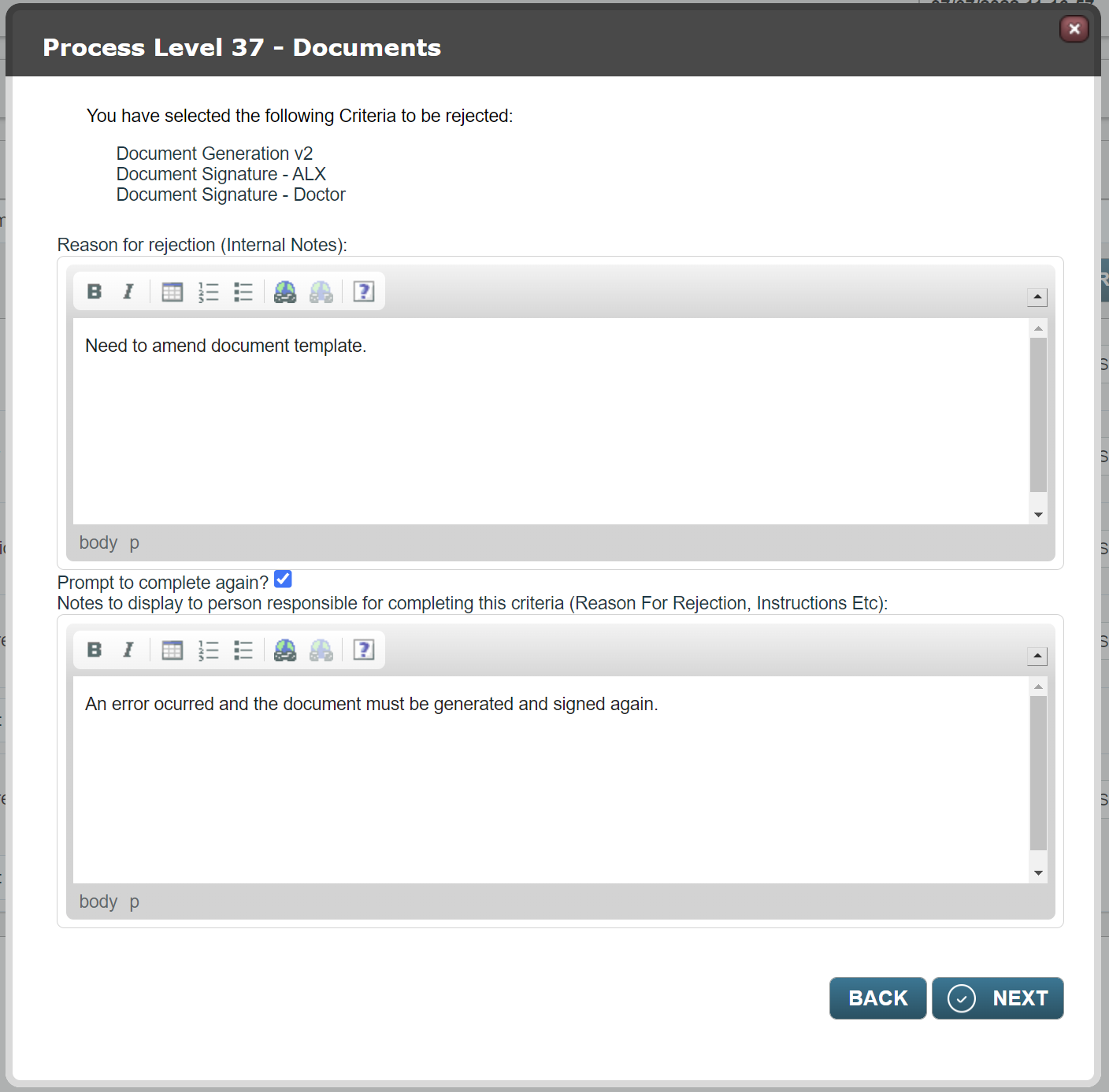
You will be presented with the reject/ask again modal as above.
Enter the internal note and the reason for rejection. The latter will be displayed when the target or user completes the criteria for a second time. Click Next.
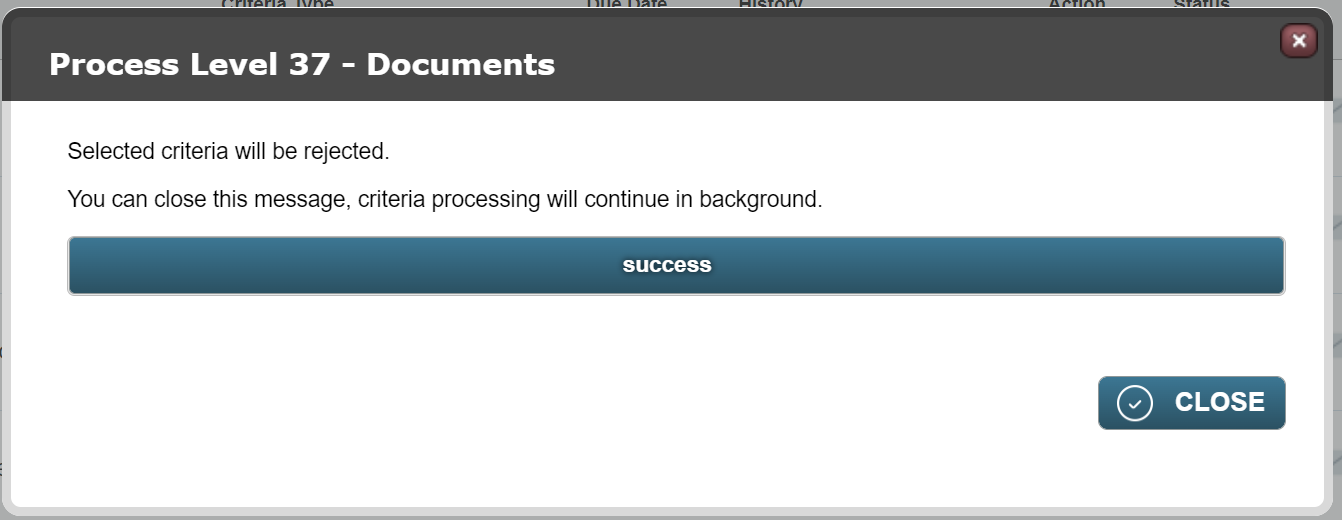
You will be shown a success modal which can be closed.
Once the level has refreshed, you'll see that the selected criteria are available to be completed again. NB the Document Generation v2 criteria is simply responsible for generating a document from a template so this will auto-complete.
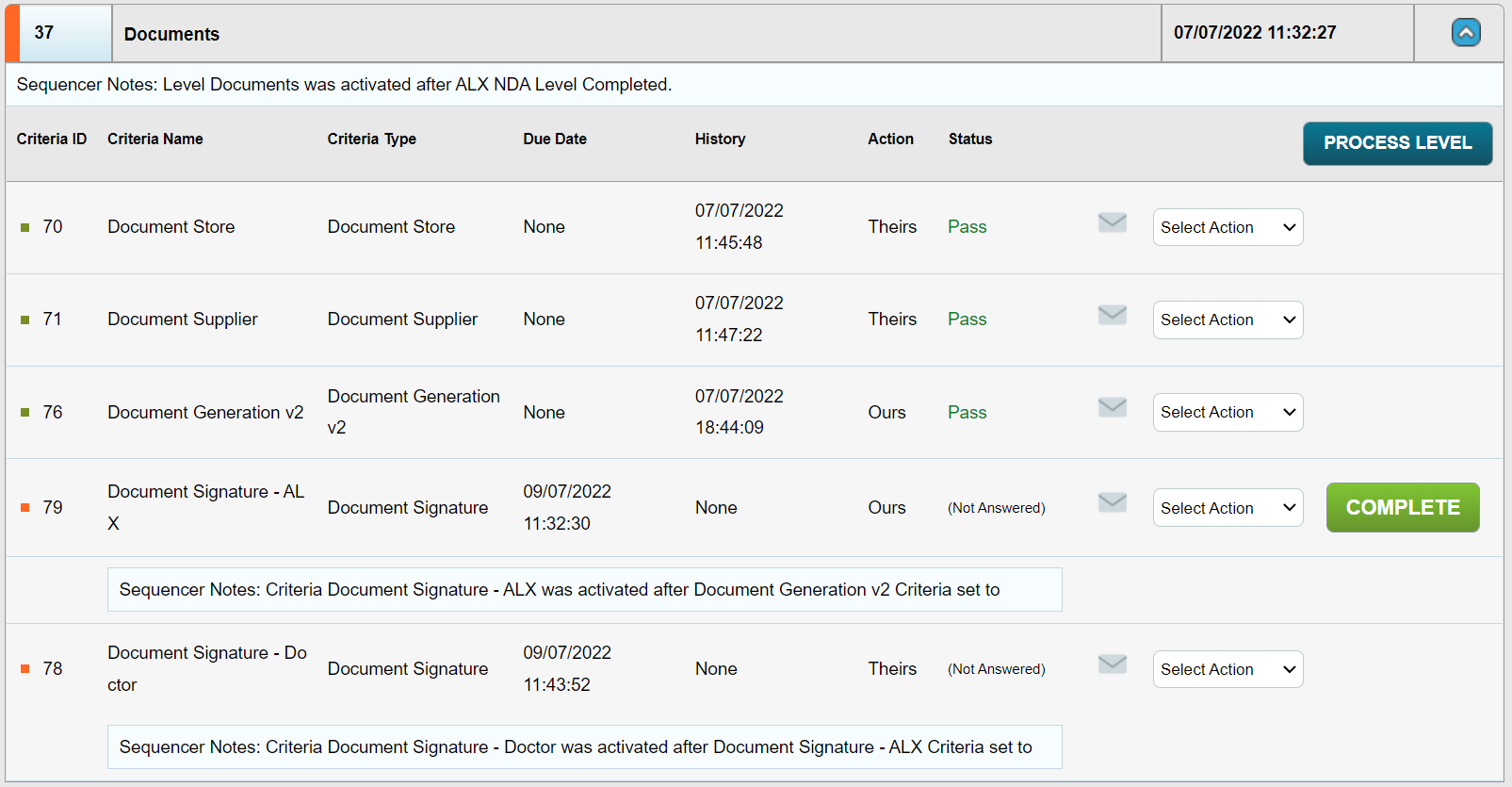
If you have several document signature criteria and have configured a specific order (in the sequencer) for those signatures to be applied, you will need to unassign all but the first document signature criteria. This can be done using the Process Level feature but this time select Unassign.
This will ensure that once the first signature is applied on completion of the remaining document signature criteria the others will be assigned in accordance with your sequencing.
Comments
0 comments
Please sign in to leave a comment.