
As your processes change you may need to add/remove Criteria/Levels to your workflows and as a result be left with a large amount of Target's that need to either have something added, removed or changed.
You can achieve these batch updates to Target's by creating a new Sequence that will only run when it is manually 'Run' from the Sequence list.
First, make sure you know exactly what you are trying to achieve before building any sequences.
Who do I want to update and what is it about them I want to update?
e.g. Any Targets with the Target Field 'Job role' = 'Manager' should have the Level 'Management qualifications' assigned to them, and have the Level 'Team Member' removed from them.
Create the Sequence
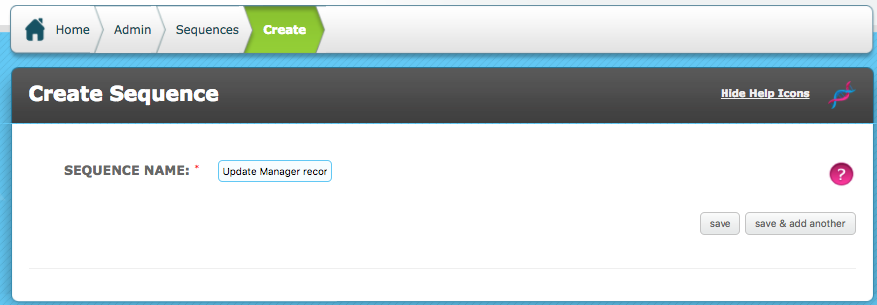
Once you know what you want to do you can create a new sequence
Admin > Sequences > Create Sequence
Give the sequence a clear name and Save
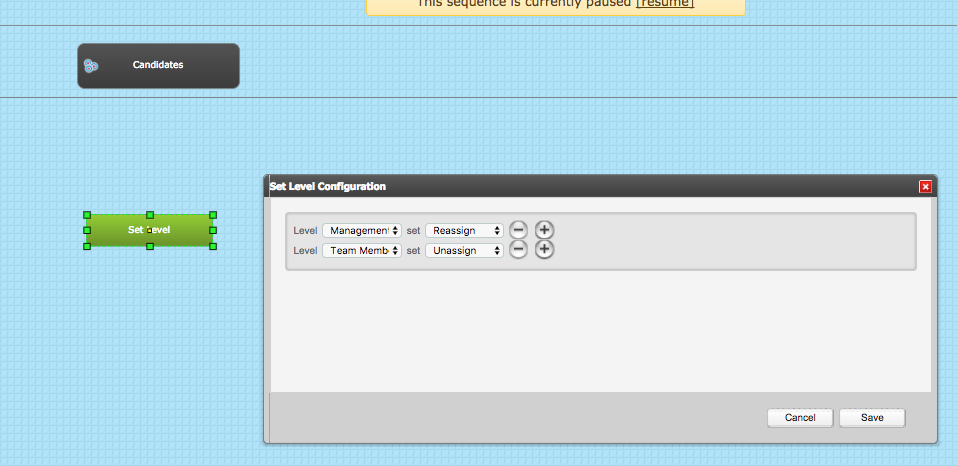
Add the Target Group to the Event row of the Sequencer workspace.
In this example Levels will be assigned/unassigned to the Set Level actor will be used. The Set Level Configuration reflects the action that will be taken. This is the 'What is it about them I want to Update'
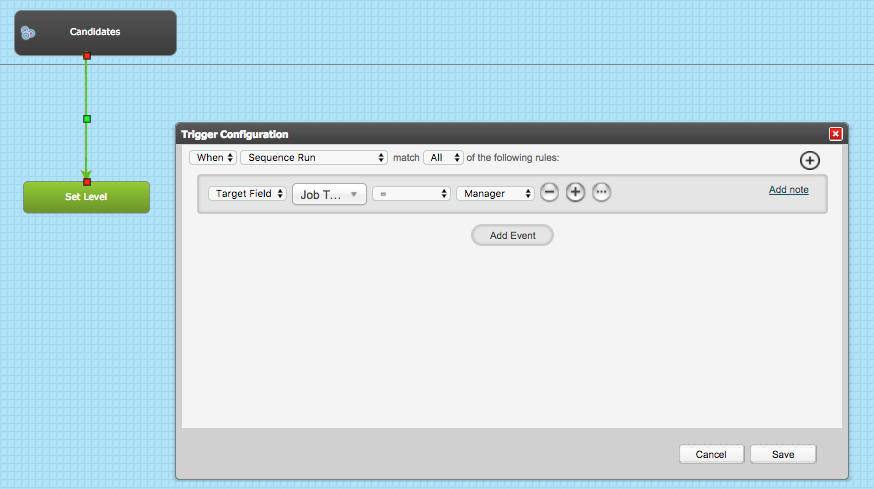
The trigger from the Target Group to the Actor is very important, it determines who you want to update.
The Trigger Configuration must fire 'When Sequence Run' this is not like your core sequences which are running all the time.

Set your conditions to match your original statement of what you are trying to achieve then Save the trigger and Save the Sequence.
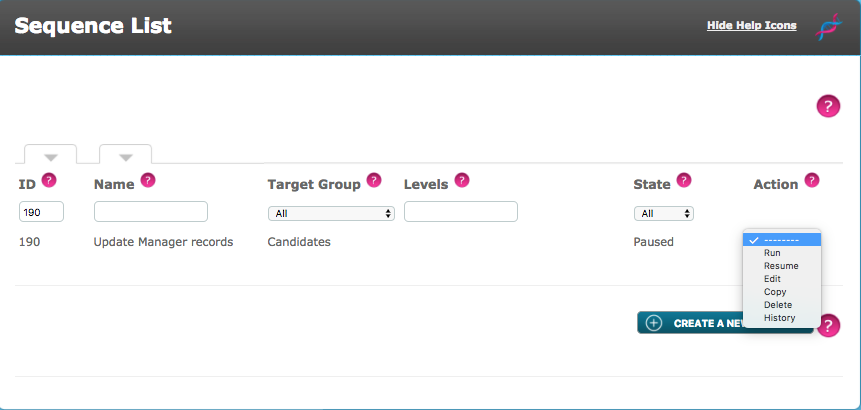
Run the Sequence
Go to the Sequence List and find your Sequence, in the Action column use the drop down and select Run
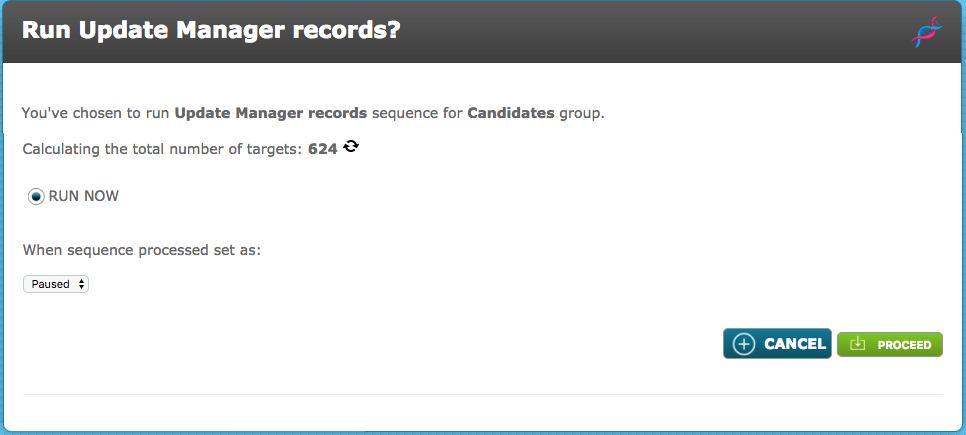
Now you will be presented with a screen which accumulates the number of Targets your Sequence will update, if you run it.
If you are happy with the number then click Proceed. From the Sequence list you can see the progress, it will typically take 5 minutes to run, large number of records (over 500) should be run in quieter periods as the update wmay slightly slow the system performance.
Comments
0 comments
Please sign in to leave a comment.