
Prerequisites:
- An employer account with NMC
- Target Group
- Target Field for an NMC Pin number in the Target Group
- Target Field for a DOB in the Target Group
- WebCheck is installed from the Store
Setup
In the Store, go to WebCheck and then to the Setup tab
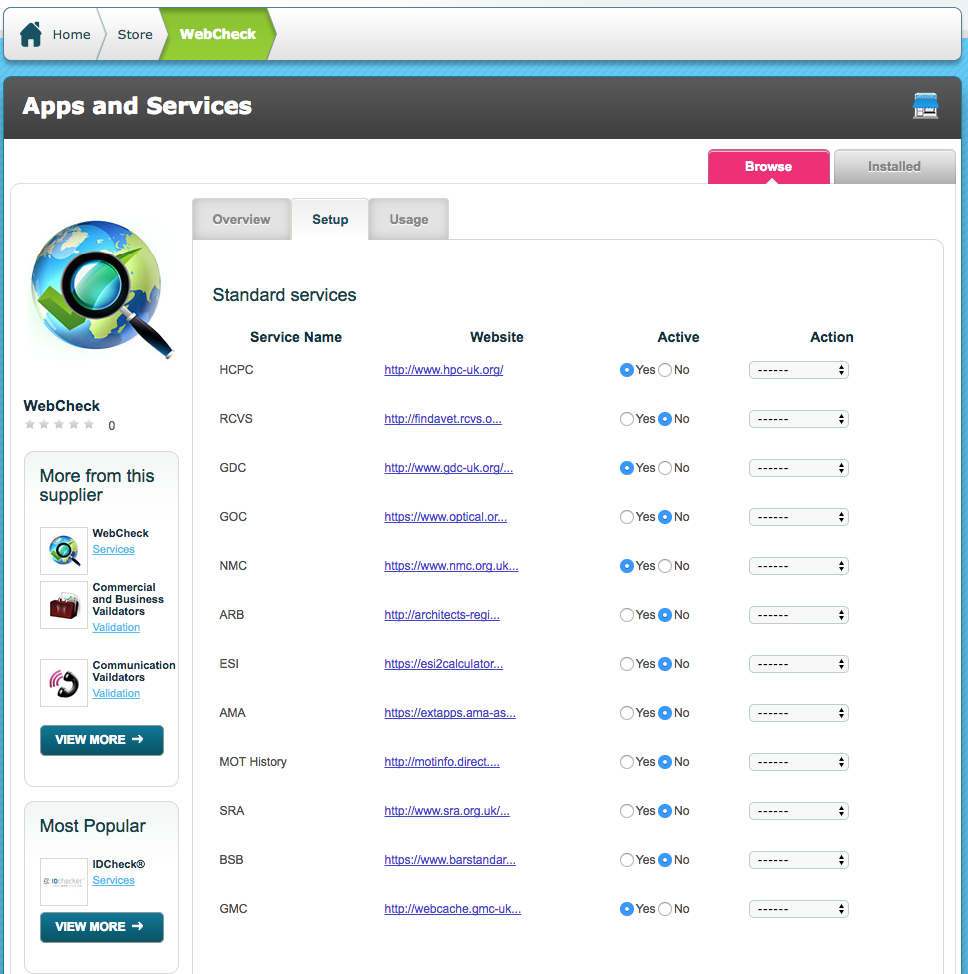
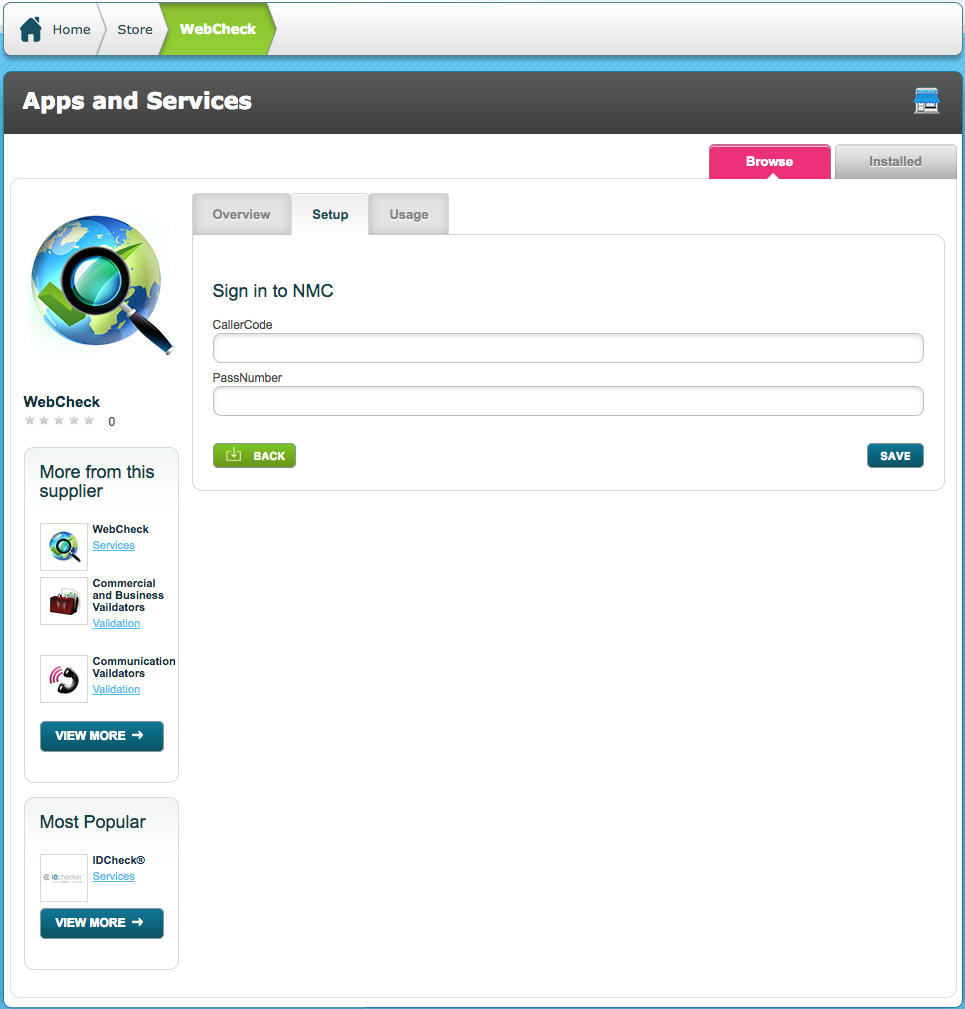
On the NMC row use the drop down '-----' in the Action column and then click Sign in. Enter your company's NMC CallerCode and PassNumber and click Save
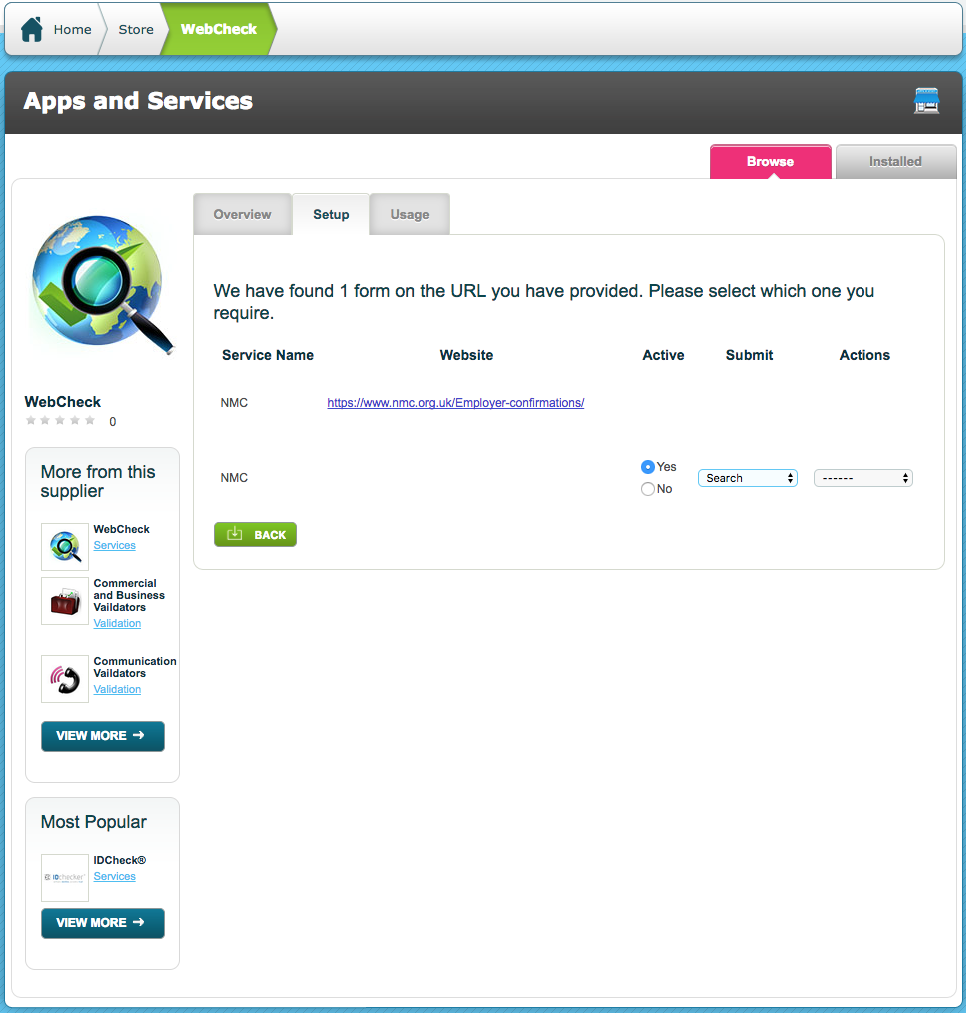
Back at the Setup Tab, on the NMC row use the drop down '-----' in the Action column and then click Configure
In the Action column, click Configure
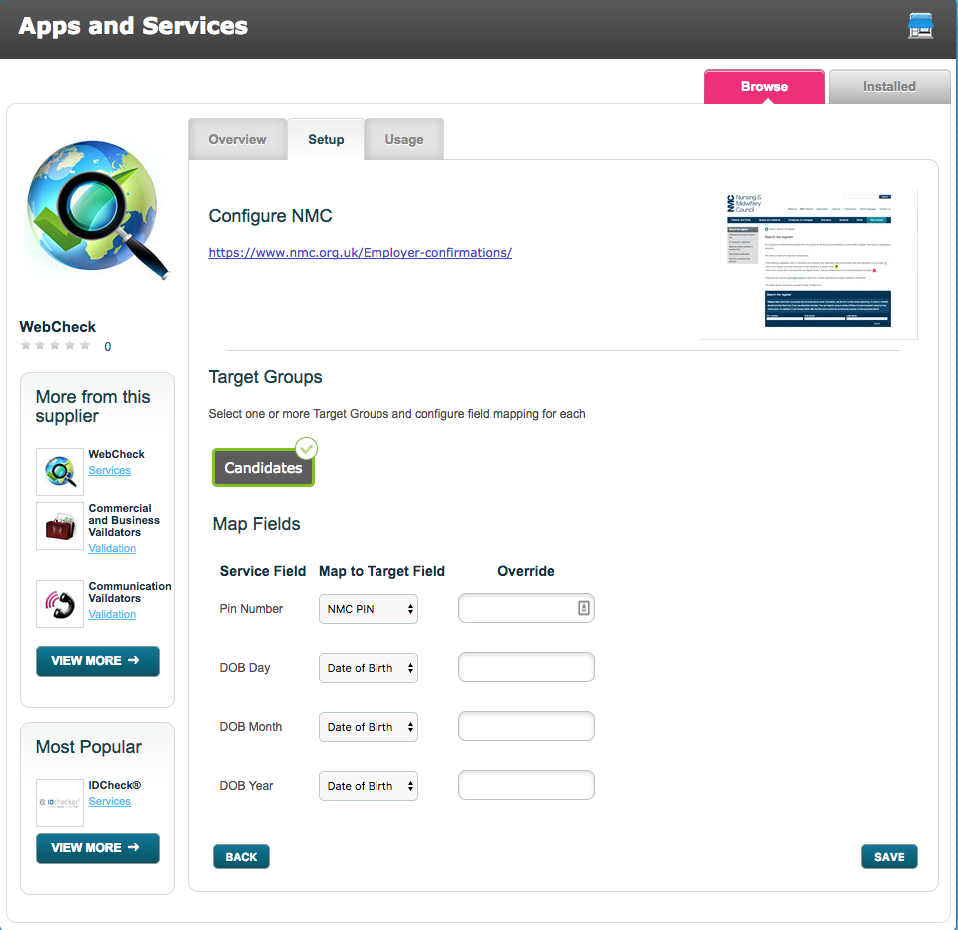
Select the Target Group that the NMC checks will be used on and then map Target Fields from that Target Group against the fields required for NMC. A single DOB field can be used to satisfy the DOB requirements from NMC.
Make sure that Active is set to Yes

A WebCheck Criteria must be setup to make the call to the NMC website.
Comments
0 comments
Please sign in to leave a comment.