
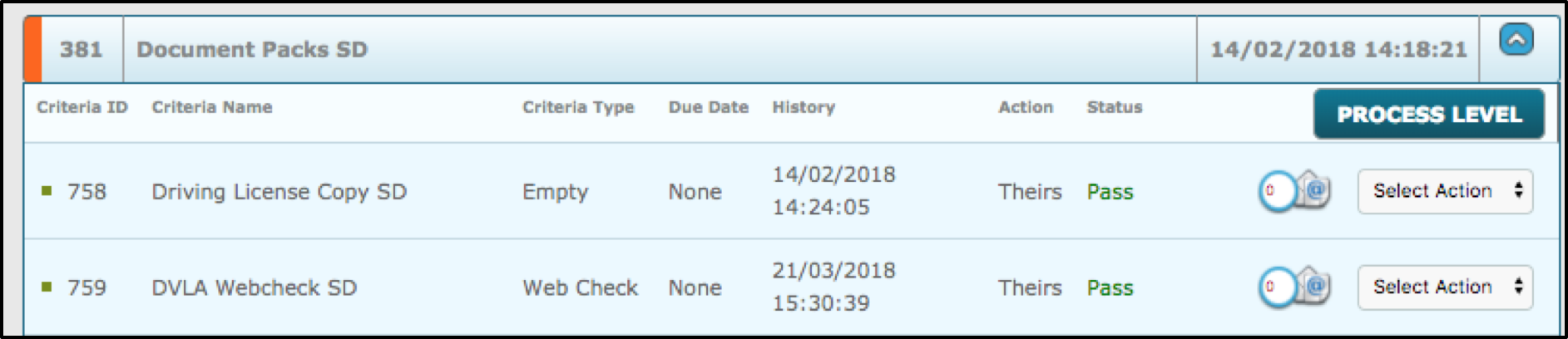
To re-submit it, first you should Reject it. Select a Webcheck criteria that has been passed, go to the drop-down menu for select action, view response, then reject it.
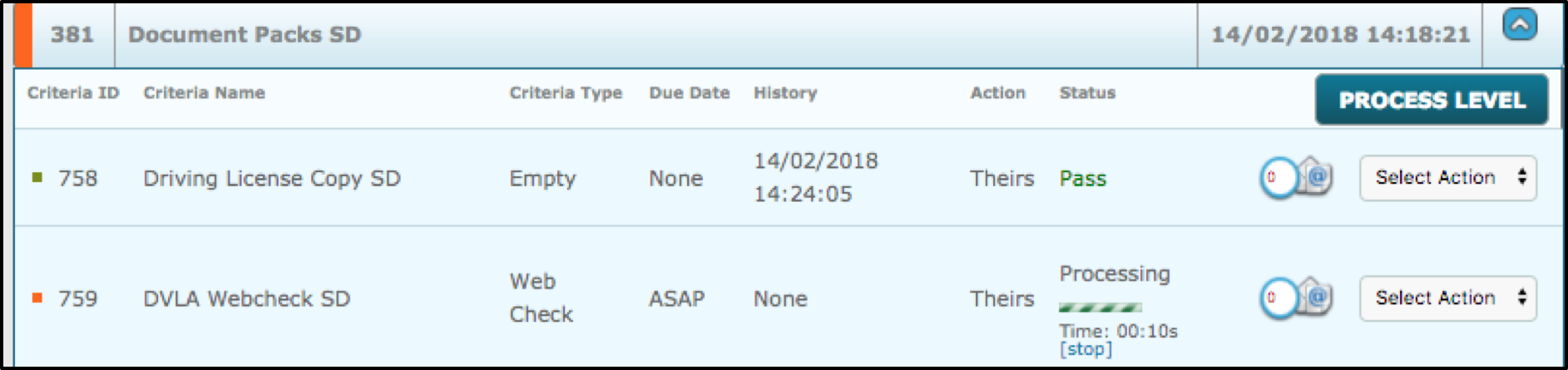
As soon as this has been rejected, you will see the level has an orange light, although under the status that the criteria shows how it is processing with a timer. This processing and timer are generated and take place automatically after rejection.
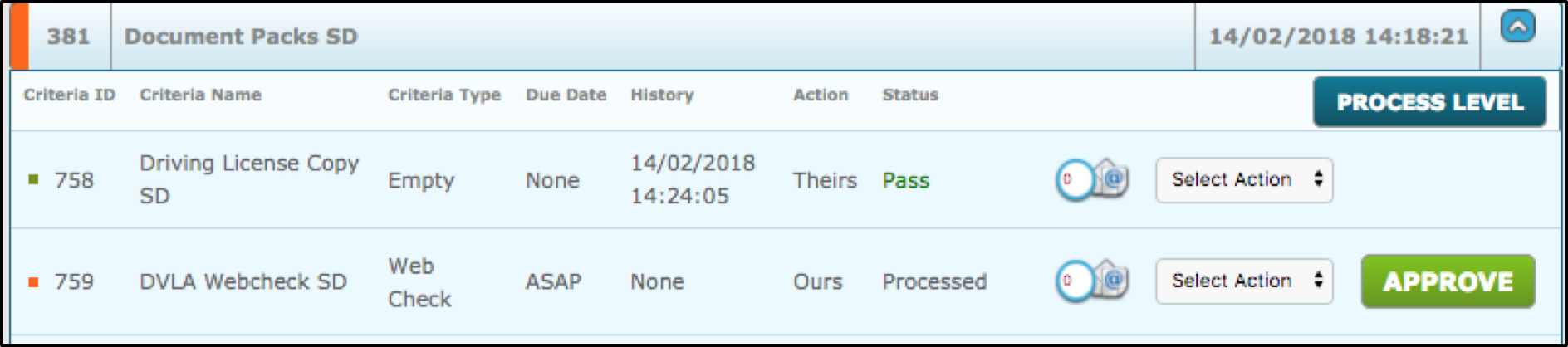
After a delay, if you refresh the page, you will then see the processing has stopped and the status now says processed. Again, you will then need to review/approve this criteria again.
Comments
0 comments
Please sign in to leave a comment.