
https://abc-recruitment.nowwecomply.com/accounts/activate/broken-token/
This is one of the most common problems a target will encounter in NowWeComply but it is very easily remedied.
When a target reports to you that they cannot login and are seeing a message about an Invalid Token it will look like this:
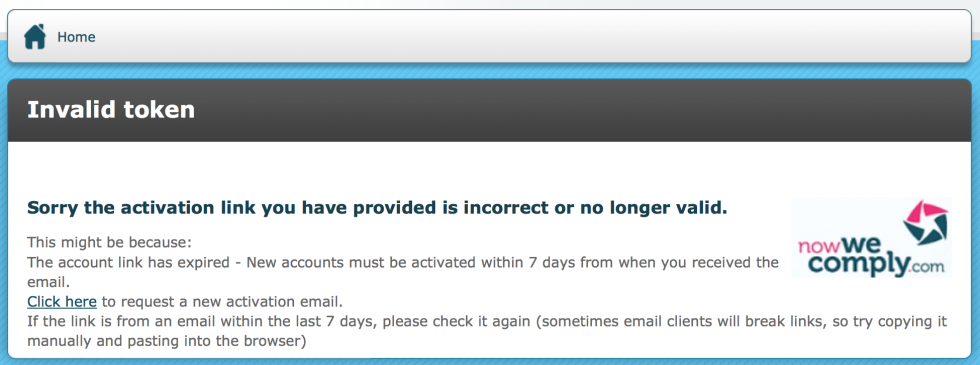
The error message clearly states that the activation link should be used within 7 days of receipt but the target may not have read this or they may not remember how long ago they received the activation email.
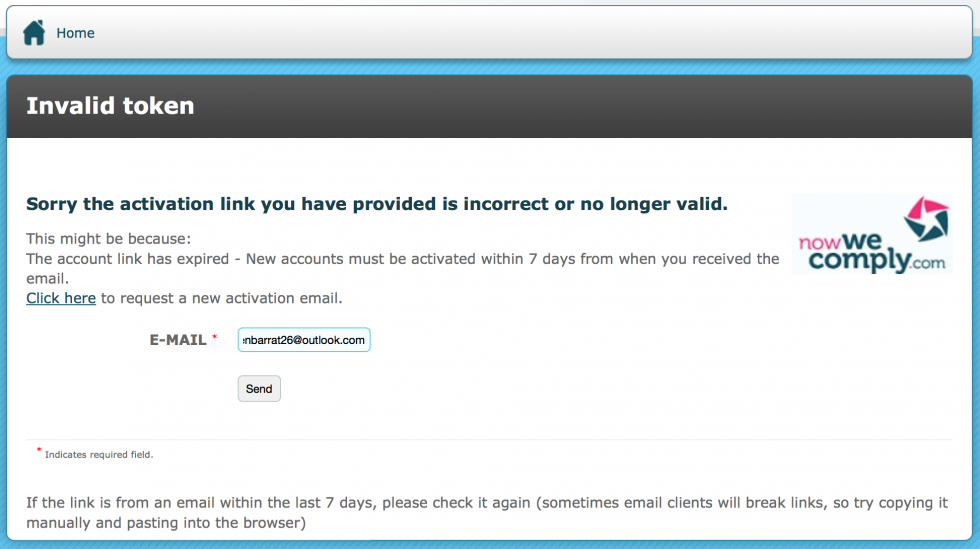
There is a link which they can click to request a new activation email.
This will prompt the target to enter their emai address:
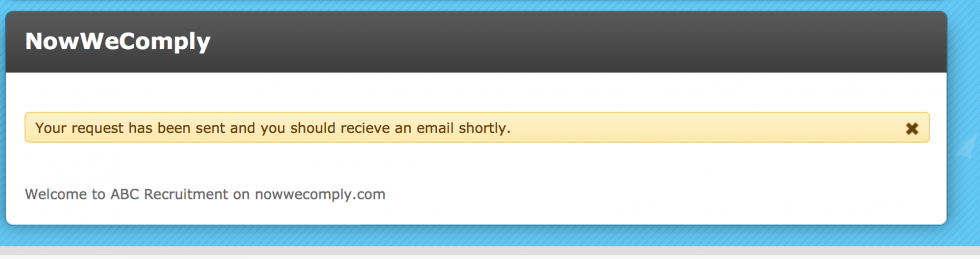
When the target clicks the Send button they will see an on-screen confirmation that the activation email has been sent:
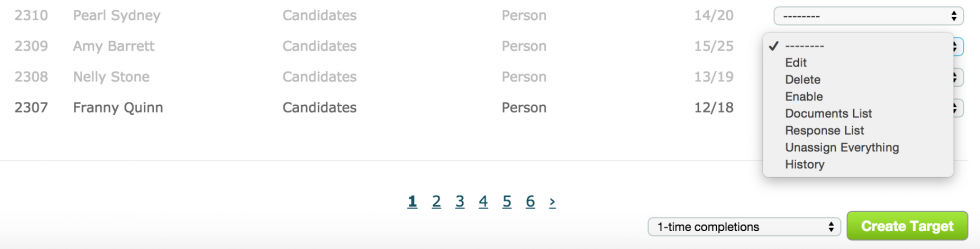
Alternatively, you can force a new activation email to be sent by doing the following:
- Go to the Target List
- Search for the target in target field (you can filter to their target group first if you wish)
- Select Enable in the target's action menu
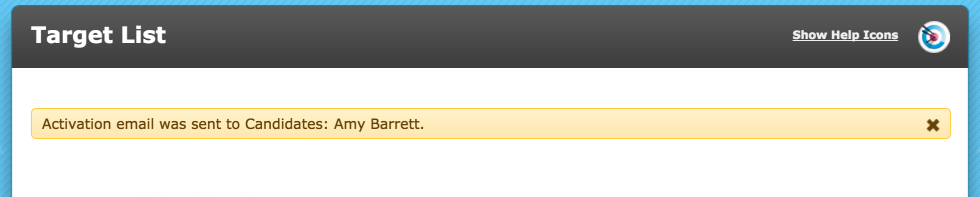
You will see an on-screen confirmation stating the Target Group and the target's name (or whatever identifier you are using) to the effect that an activation email was sent.
When the target receives the new activation email, they should simply click the link in it and continue to activate their account.
Comments
0 comments
Please sign in to leave a comment.