
Users who are infrequently asked to complete a task can be set up with a 1-time completion account.
These are people who may have a task related to a rare specialism or they may be from third-party organisations who provide one piece of information or document but do not need to interact with the related targets on the dashboard.
These users should be given a system role with the appropriate permissions to allow them to complete criteria, view documents, etc as required for the task they are asked to perform.
Our recruitment clients have used the 1-time completion user option for umbrella company contacts and for fitness to work organisations.
Insurance company clients have used this option for panel members who are only involved in the review of terms under unusual circumstances.
When the user's account is set up the field "Enable 1-time completions" should be ticked.
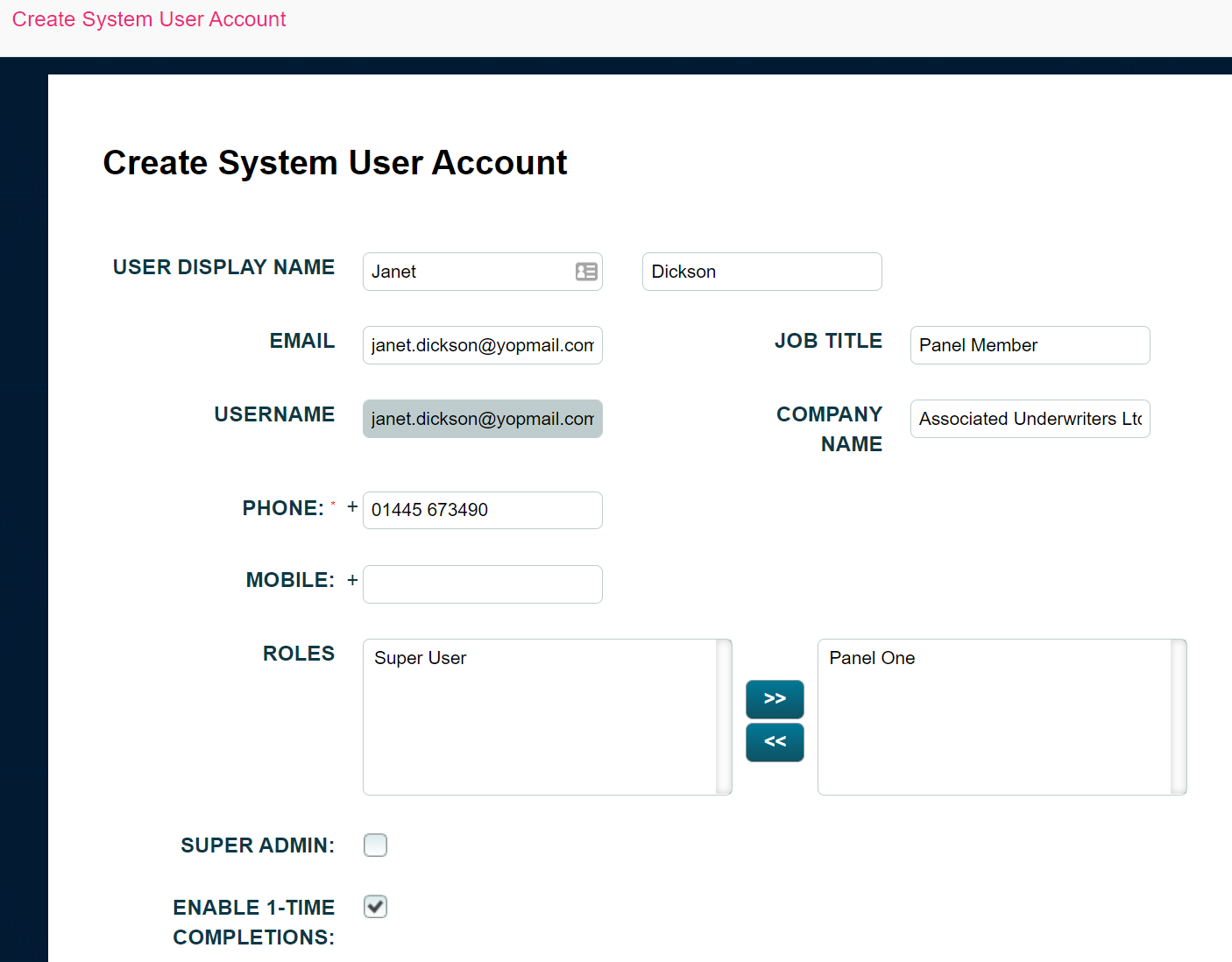
This will ensure that the user is NOT sent an account activation email as they are not required to log in to the system.
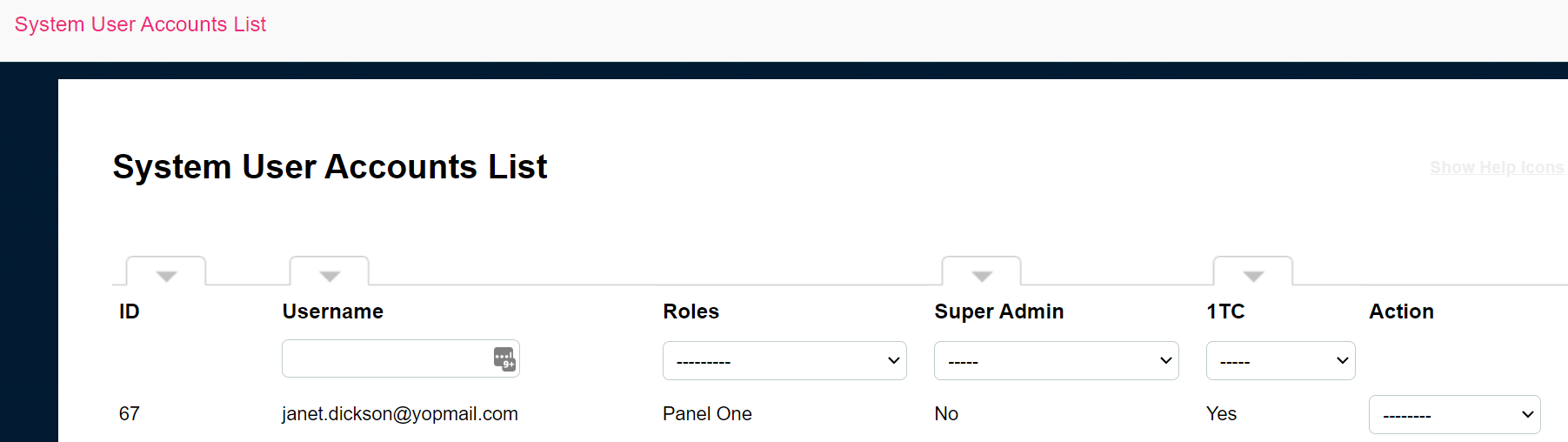
On the system user accounts list they will appear with a Yes against the 1TC filter.
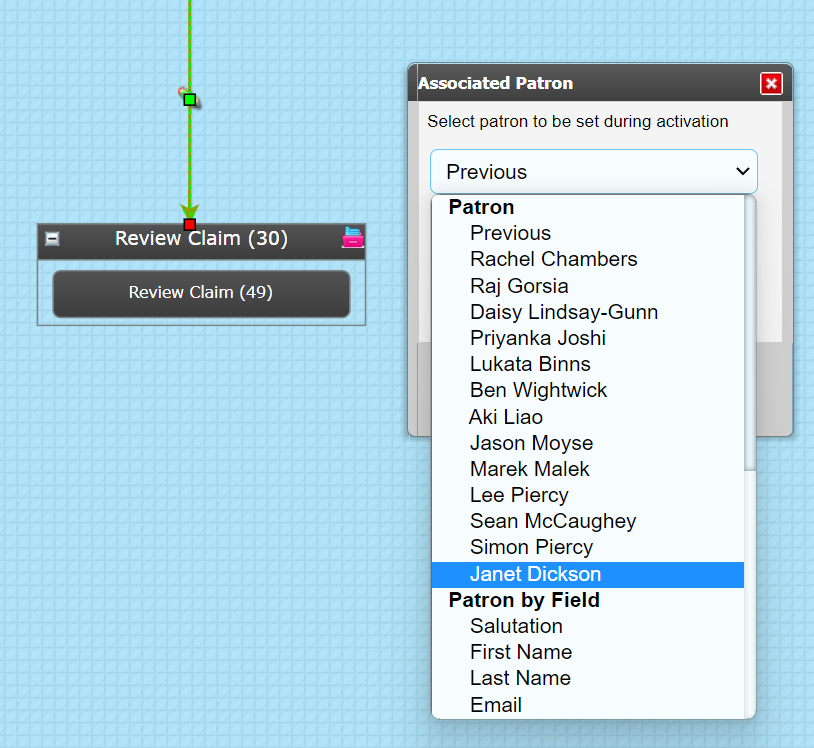
When assigning a criteria to this type of user, it is a good idea to make them an Associated Patron. This is done on the sequence trigger to the relevant criteria.
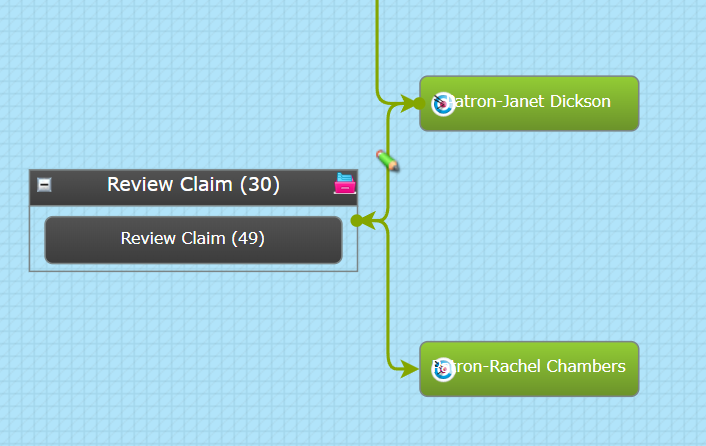
Alternatively, you could use a Set Target actor to make them the patron immediately before their criteria is assigned. Of course, if you do this you must remember to revert the patron following completion of their task. This method is not recommended for non-linear processes.
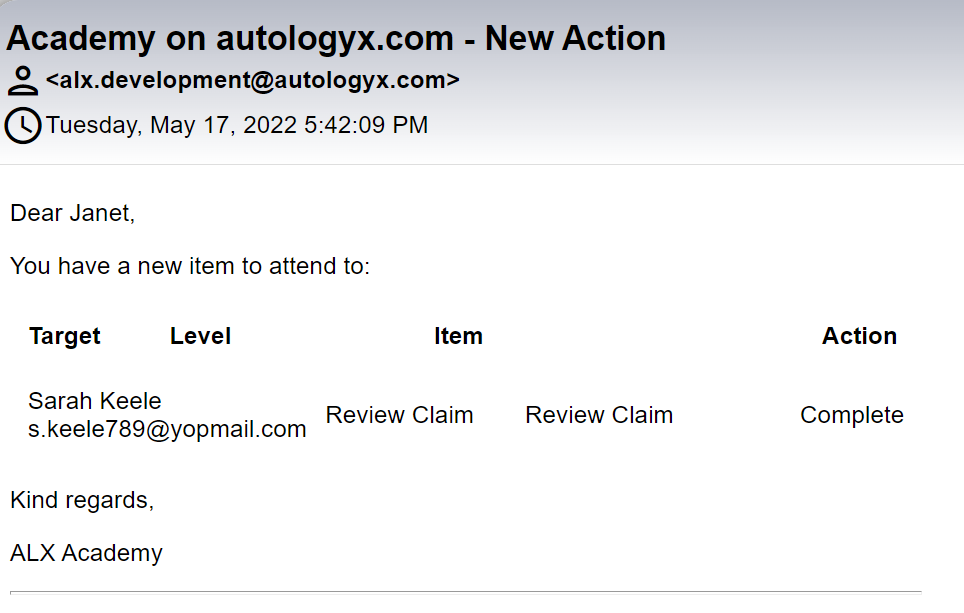
When the 1-time completion user is required to complete a criteria, they will receive an email with a link to the task, as shown below.
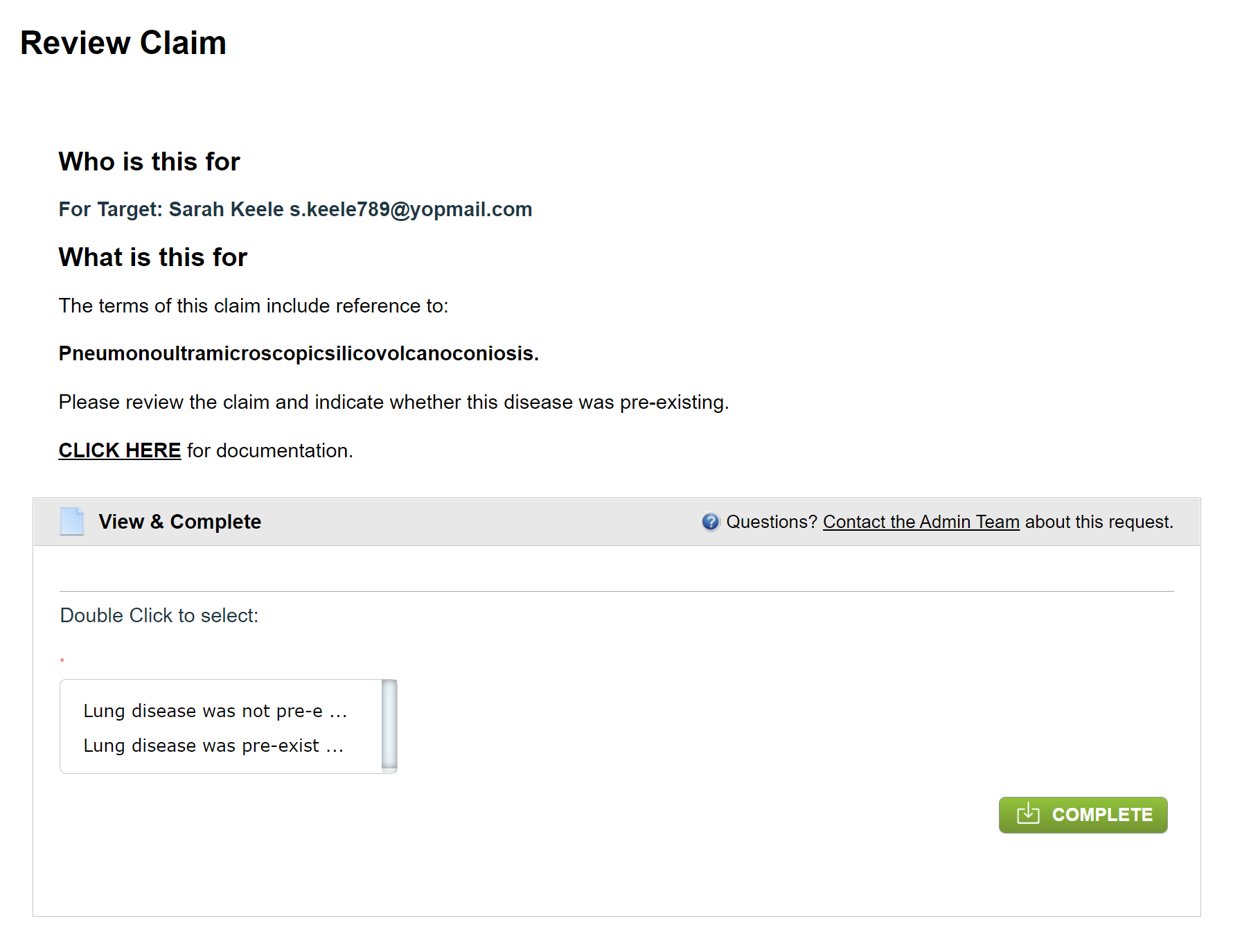
A response page will open when the "Complete" link is clicked.
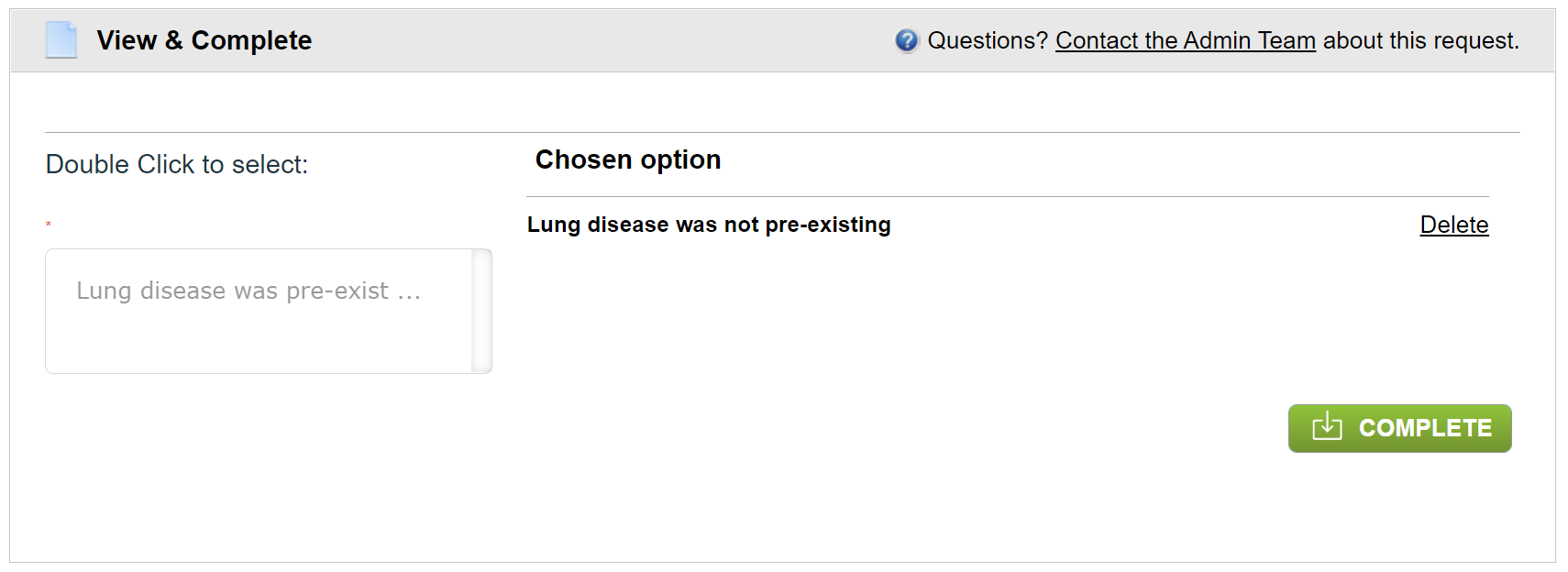
They complete the criteria using the green Complete button.
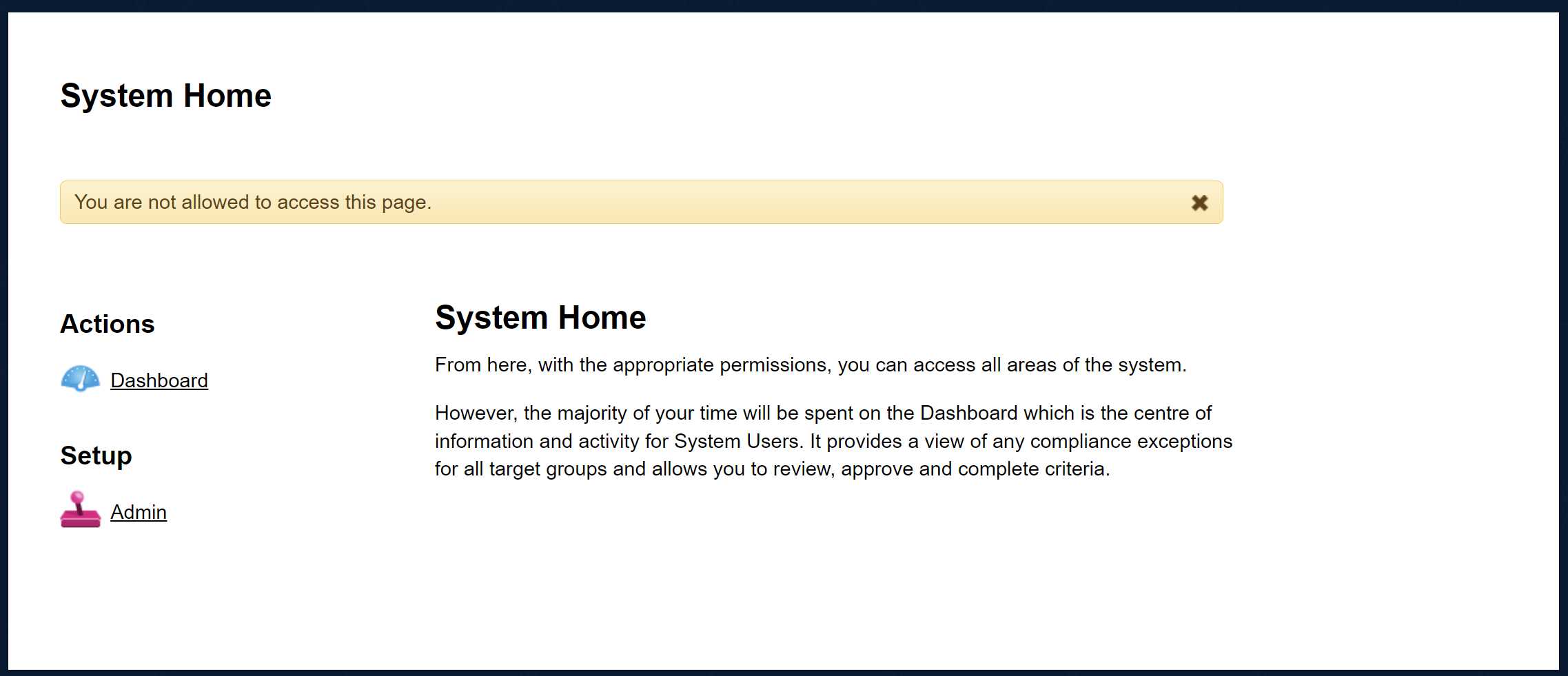
When the task is completed, the user is taken to the system home page. This has links to the Dashboard and to Admin.
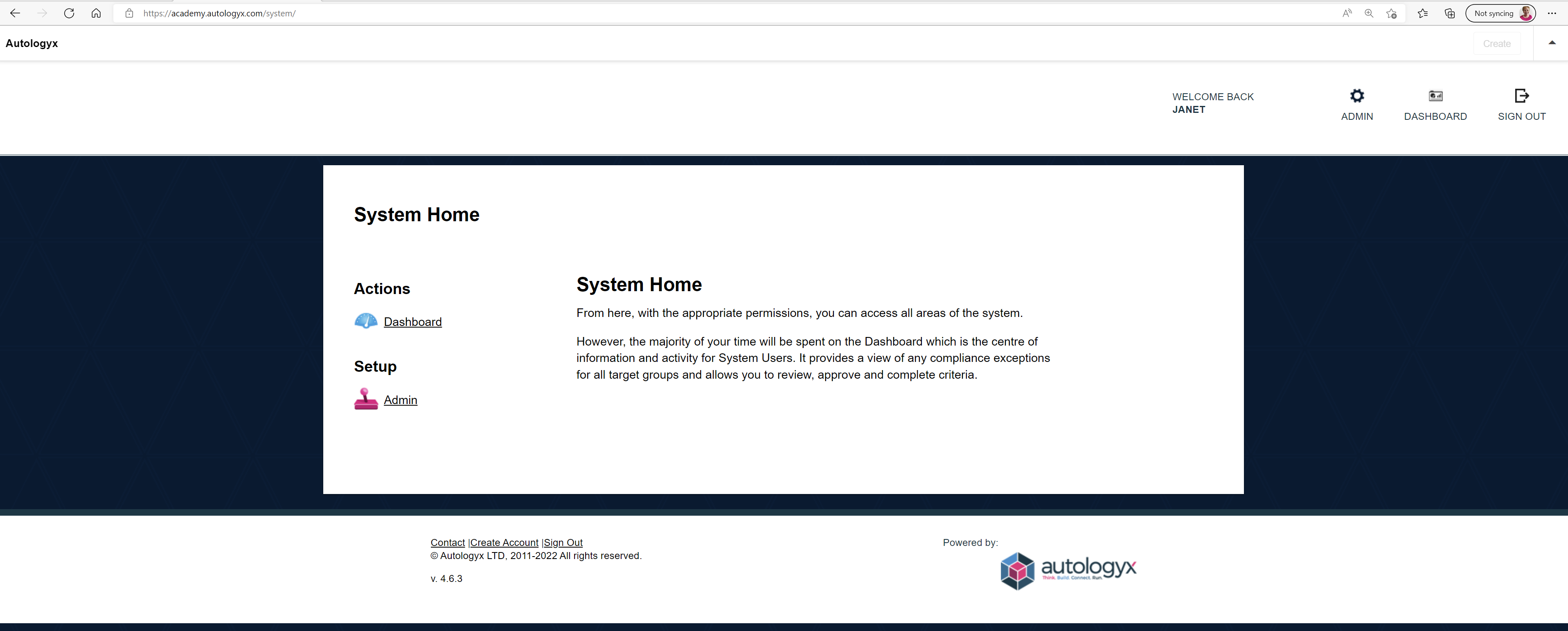
However, so long as you limited the role permissions, access will be denied if these links are clicked.
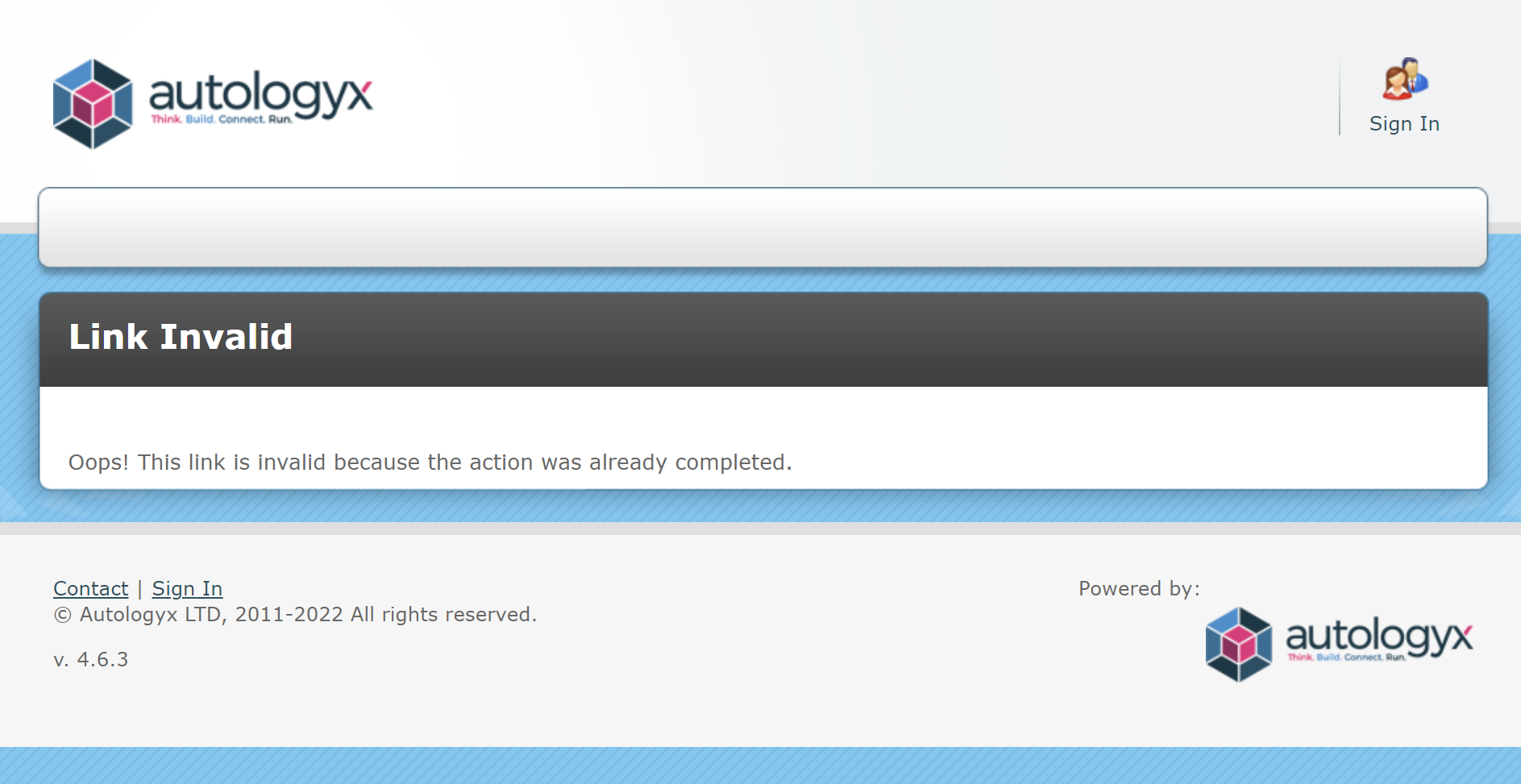
The link to the criteria in the new action email expires as soon as the criteria is completed. The below message is shown if it is clicked again.
Comments
0 comments
Please sign in to leave a comment.