
WHAT IS SET CRITERIA?
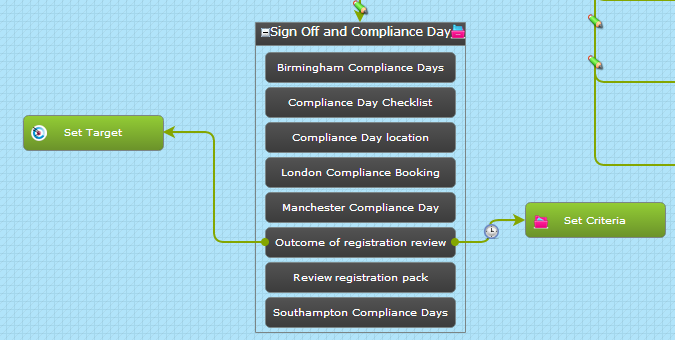
Set Criteria is an object within the sequencer which can be dragged onto the workspace and connected to the target group or to a level or criteria.
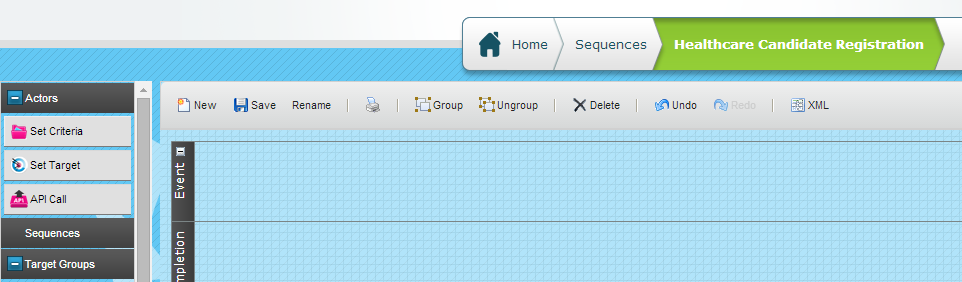
It is found in the "Actors" list on the left hand menu.
WHAT IS SET CRITERIA USED FOR?
Set Criteria allows you to set any criteria as:
- Valid
- Invalid
- Expired
- Unassigned
- Re-assigned
It also allows you to assign responsibility for that criteria:
- To a specific system user (patron) by selecting from the user list
- To a specific system user (patron) as determined from a field on the target record
- To reset an associate patron, removing current associate patron and set a new or previous one.
One Set Criteria object can be used for individual or multiple criteria.
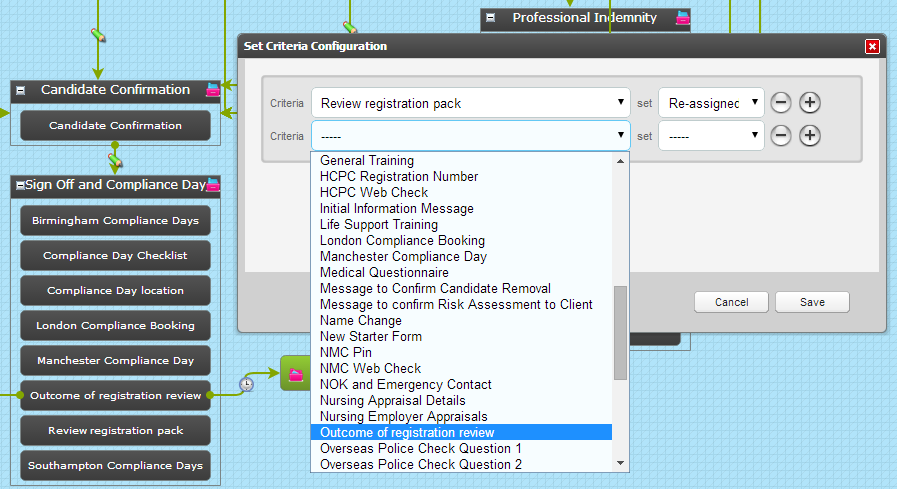
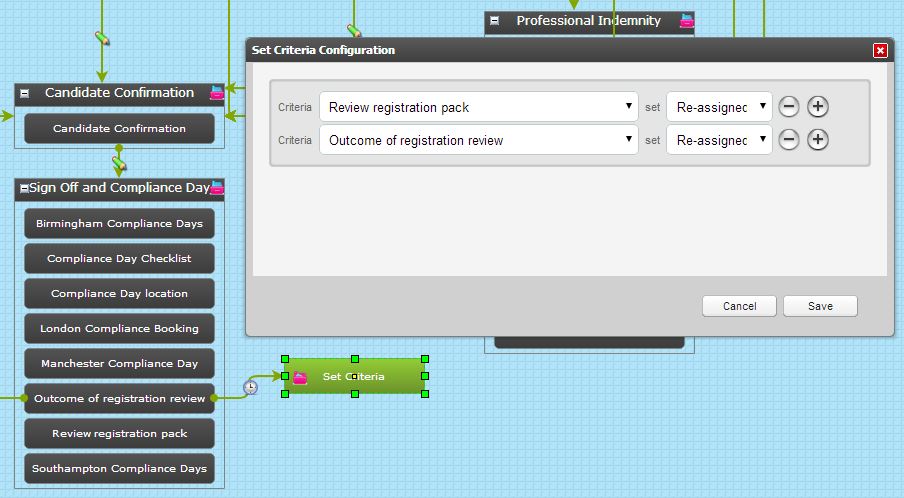
In the example above Set Criteria is being used to re-assign two criteria which have already been completed. However, you'll note the clock icon on the trigger to the Set Criteria object.
This indicates a delay in the Set Criteria being actioned.
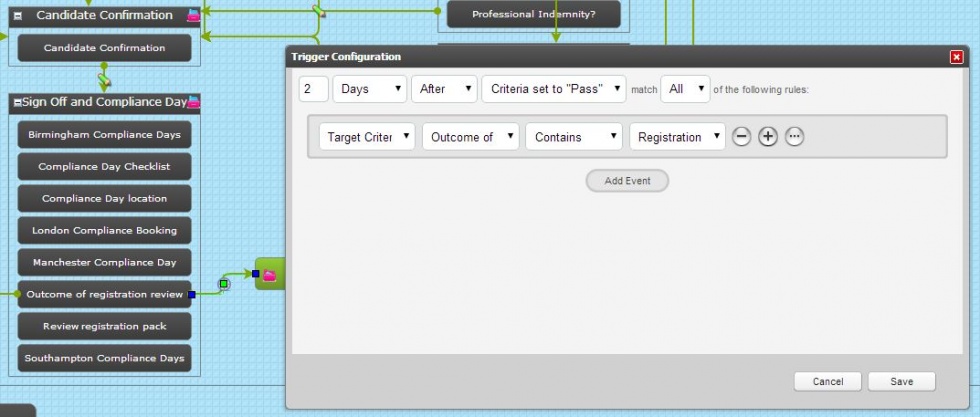
Two days after criteria "Outcome of registration review" has been completed AND the response to that criteria is "Registration incomplete" the Set Criteria is actioned and the two selected criteria are re-assigned.
Comments
0 comments
Please sign in to leave a comment.