
Download from the Store
Click on the Store icon.
Navigate to Date Range & Activity 2, click Buy
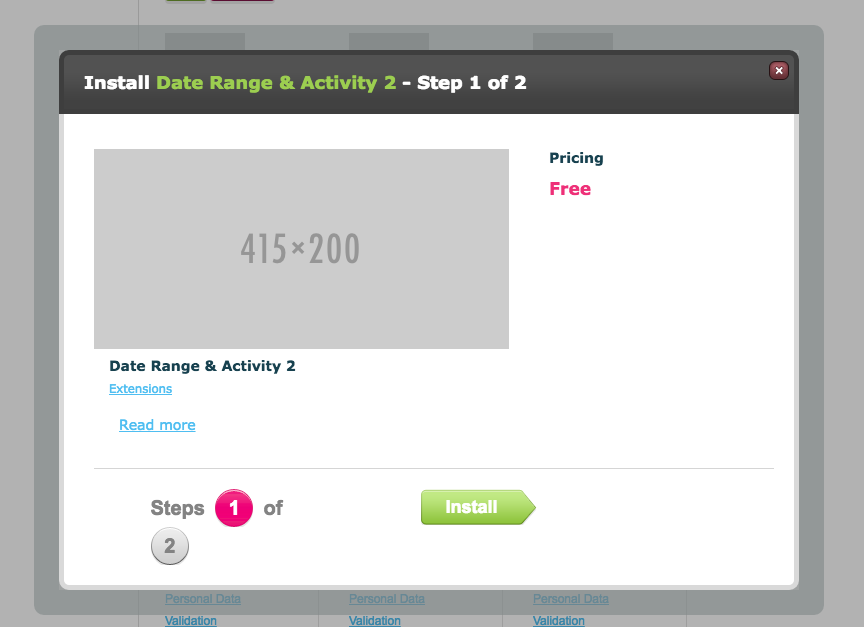
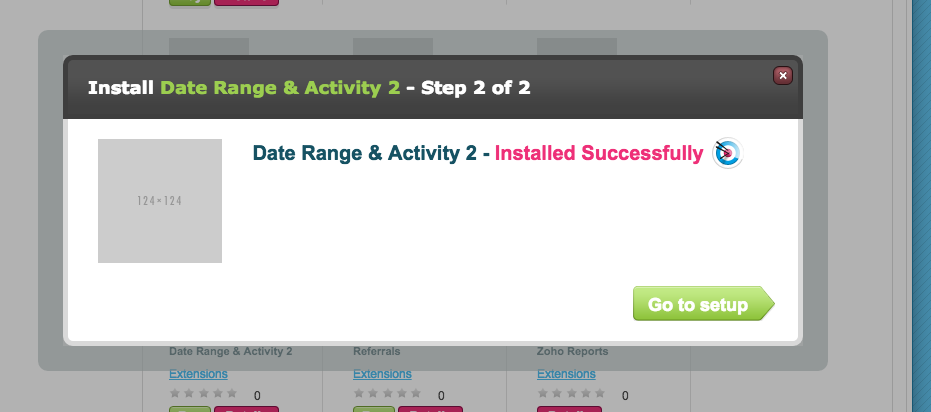
On the modal below, click Install
Configure DRAA2 in the Store
In the Store select DRAA2 > Setup
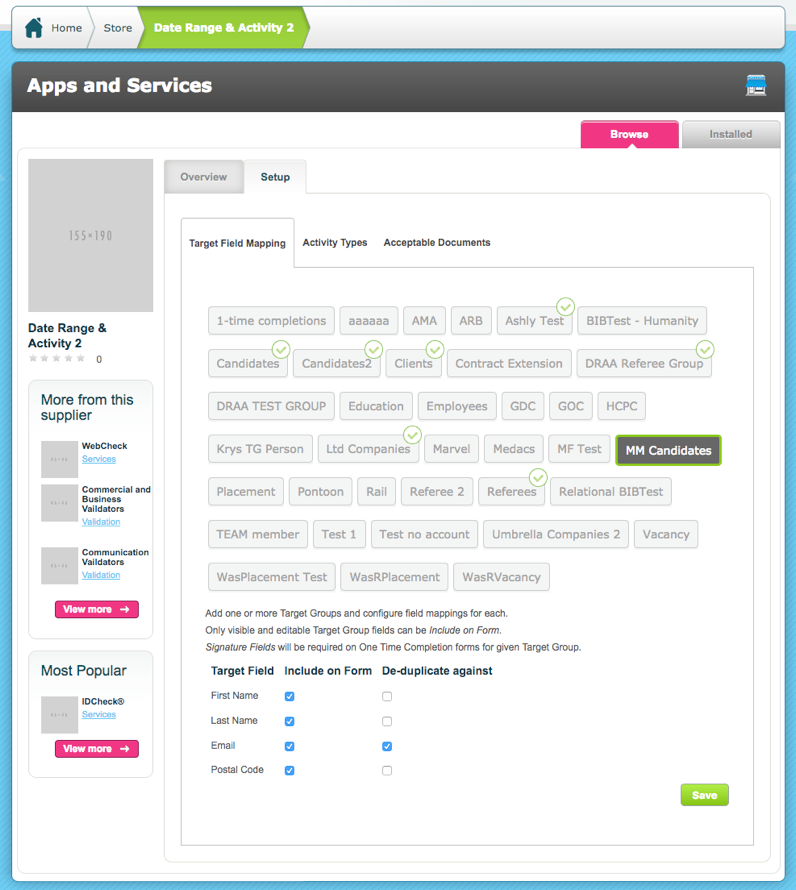
In the Target Field Mapping tab select the Target Groups that will use DRAA2 (drag and drop to reorganise).
Then choose from the available Target Fields that will be included on the form (fields are available if marked as Display and Edit in the Target Group). Select the field(s) to indicate how deduplication will be identified. Save
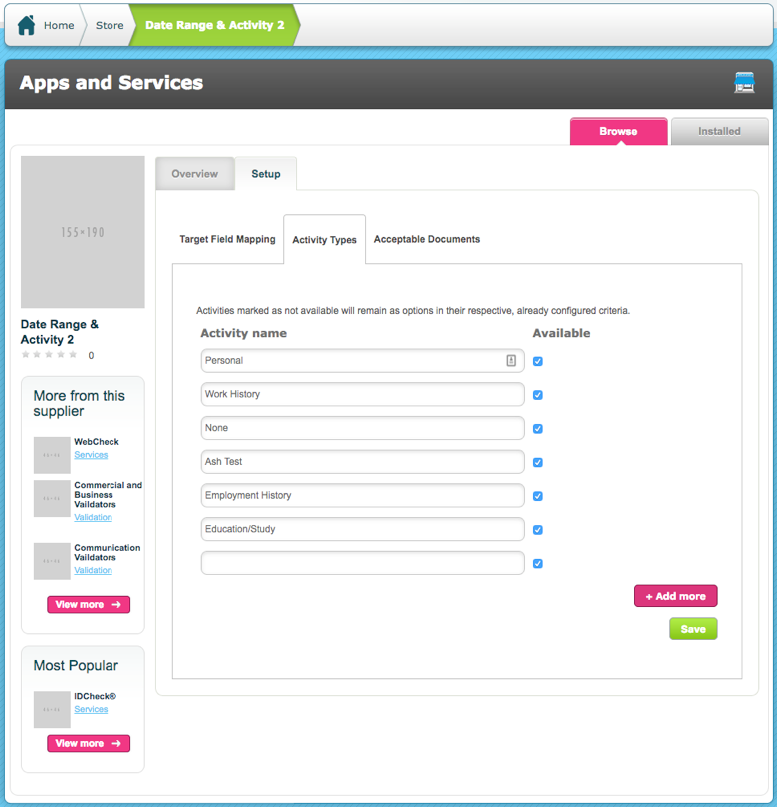
In the Activity Types tab select which types of Activities can be used in DRAA2. Additional activities can be added here using the empty text field. Check the toggle in the Available column to ensure the Activity is enabled for use. There will be no Activity types unless they are entered here. 4 default options are provided but can be overwritten. Click Save.
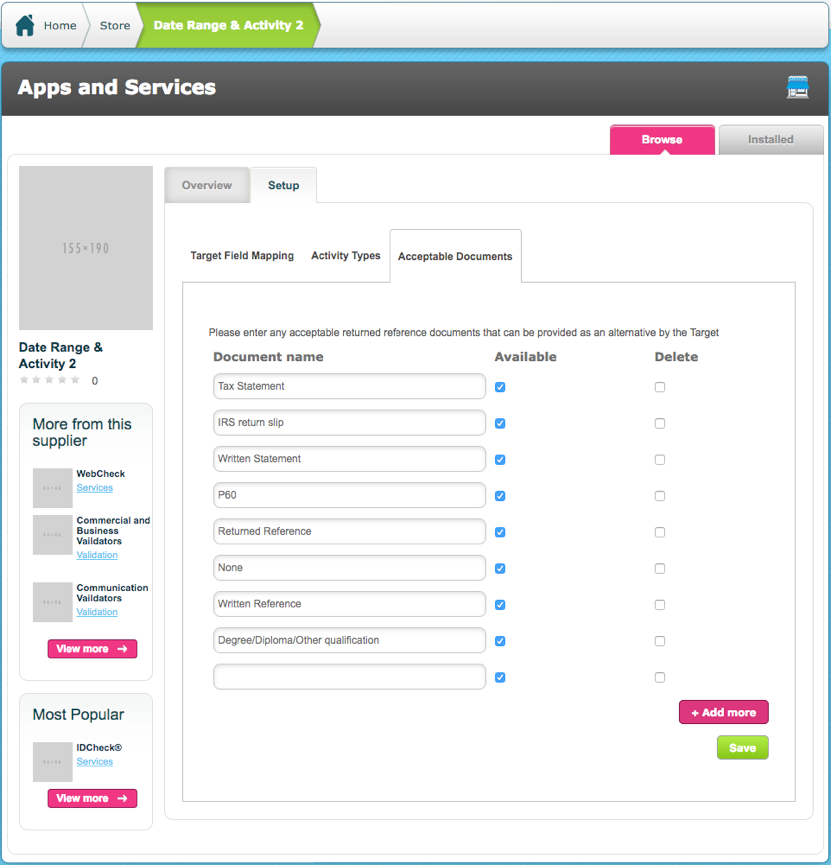
In the Acceptable Documents tab enter types of document that are considered an acceptable alternative to a reference can be defined.
If Available is unchecked then they will be removed from all existing Criteria. It will remain for any previously answered criteria, but will not appear for any new Criteria.
New Target Group:
Referees should be contained within their own target group.
It is recommended that the referee target group Authentication is set to Auto Generate 1-Time Completions User Accounts. This will avoid Account activation emails being sent to the referees and Referees having to login to complete any items.
Comments
0 comments
Please sign in to leave a comment.