
Referee
The referee will receive an email, the configuration of the Criteria Response will determine if they receive an online form URL (Online Form checkbox in Criteria Response Type configuration), an attached document (Document Templates) to complete or just an email to respond to.
In this example the Referee has been asked to complete an Online Form and has been provided with a URL. The content of the message is determined in the Message Template in the Criteria response configuration and is fully customisable.
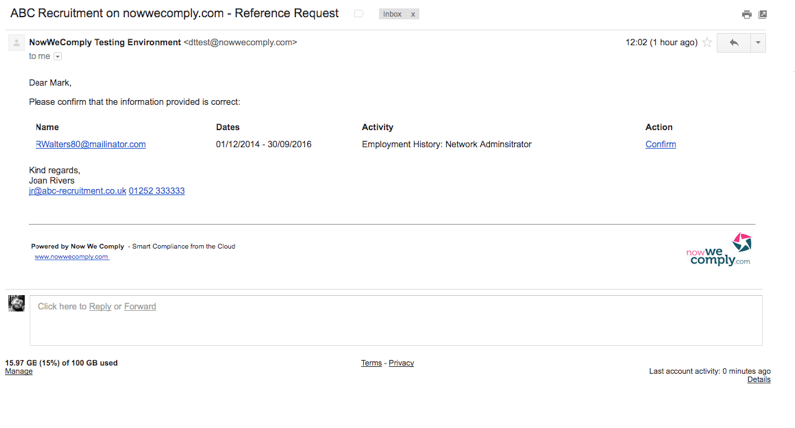
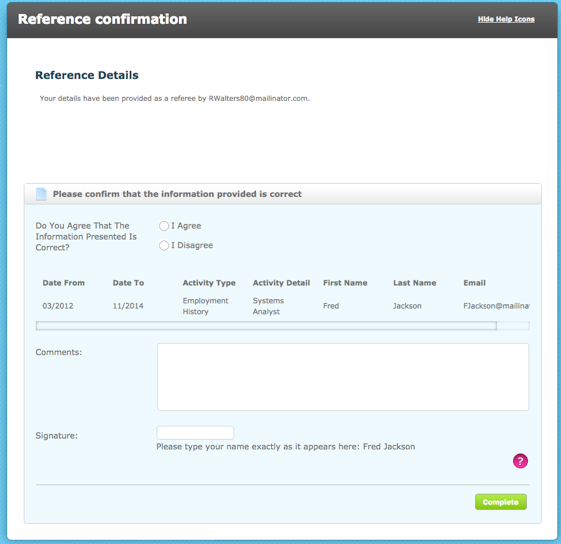
Clicking the Confirm link will open the online form, the Referees should have been setup as 1-time system users and will therefore not be required to setup a system account or login. Once completed, the referee will have no further access to this page or the autologyx system
The referee simply has to check the details, choose whether they agree or disagree and sign their name if applicable. Then click Complete
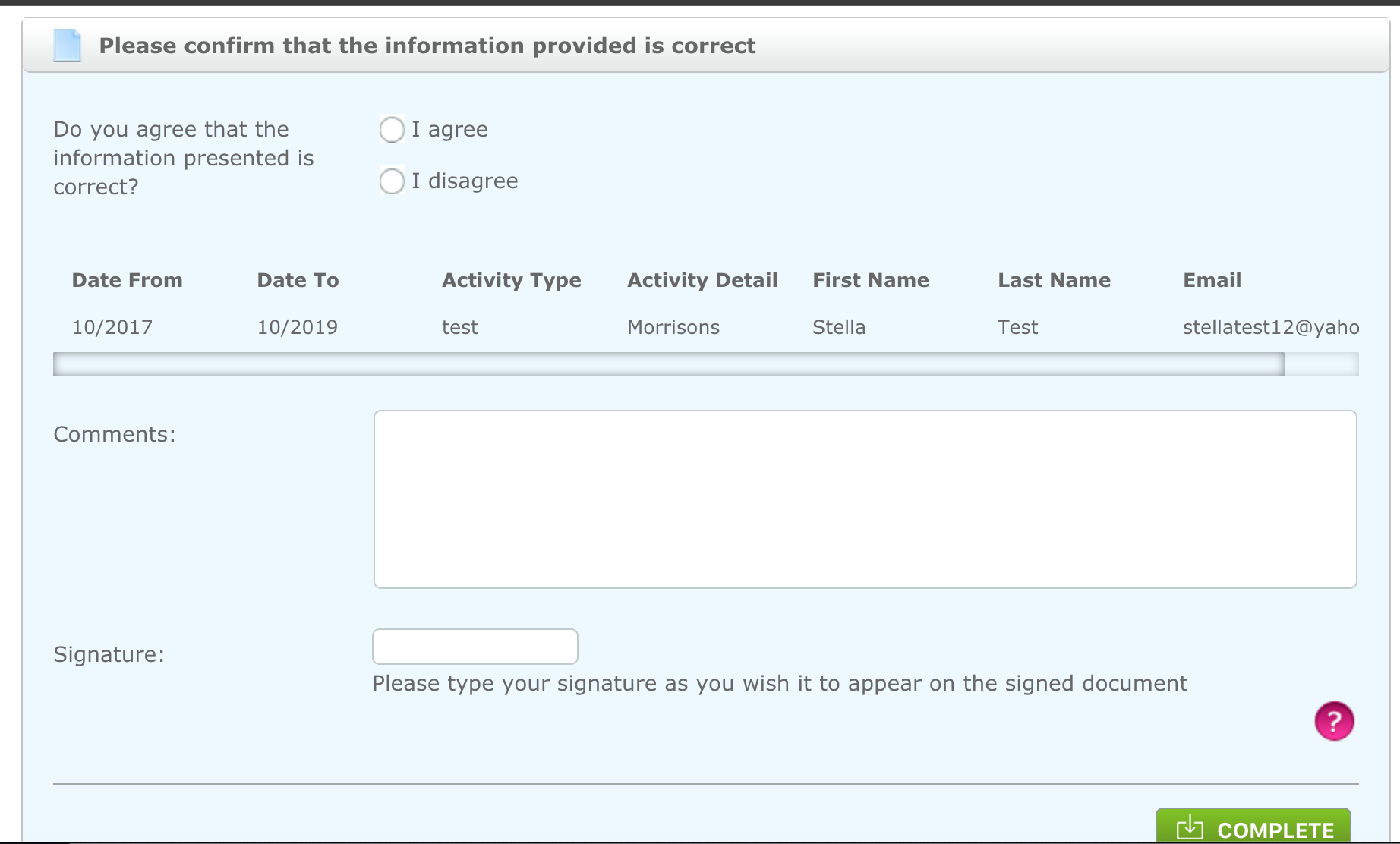
If the option 'Allowed own signature' is ticked within the criteria setup, the signature option will change to the below.
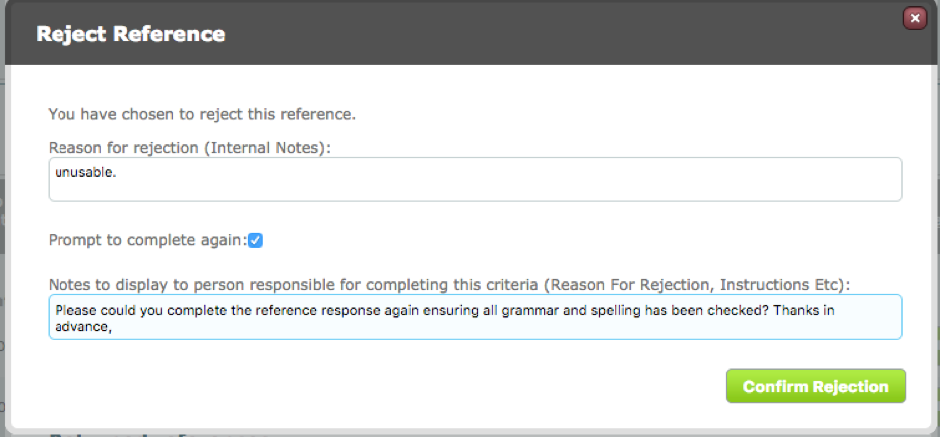
The system user could request the Referee to complete the reference again, in which case the Referee will receive another email with another link to an online form or alternative instructions to complete the reference, such as completing an attached form.
Comments
0 comments
Please sign in to leave a comment.